





What is RemoveAnything?
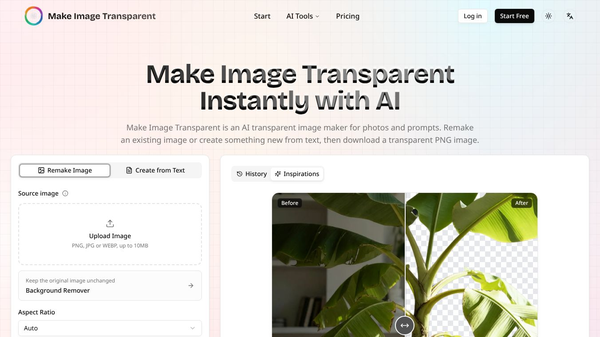
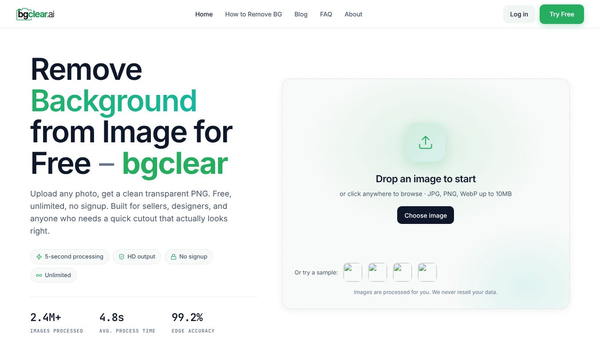
RemoveAnything is an online tool that uses artificial intelligence to take backgrounds off photos. It turns regular pictures into clean images with transparent backgrounds. This means the main subject, like a person or a product, stands out without any background behind it. The tool is designed to be fast and easy to use for anyone who needs to edit images quickly.
Benefits
The main advantage of RemoveAnything is its speed. It can process an image in about three seconds. This is much faster than trying to cut out a subject by hand in photo editing software. The AI is also very good at handling tricky details. It can separate fine hair and fuzzy edges from the background without making the image look fake. Users do not need to know how to use complex software to get good results. The tool accepts common file types like JPG, PNG, and WEBP. It also allows users to upload multiple files at once to save even more time.
Use Cases
This tool is helpful for many different types of work. E-commerce sellers can use it to put products on white backgrounds for their online stores. Photographers can remove distracting backgrounds from portraits to make the subject look more professional. Graphic designers can take logos or artwork and place them on different colored backgrounds for marketing materials. Social media managers can create custom graphics for posts by isolating images from the web. The tool even allows users to paste a link to an image, such as one from Instagram, and process it directly.
Pricing
RemoveAnything offers a free plan that does not require a credit card. New users get 50 free uses every day. This is enough for many small projects or testing the tool. For users who need more than the daily free limit, there are paid subscription options available. These plans offer higher usage limits and faster processing speeds for large batches of images.
Vibes
Users generally find the tool to be very reliable for standard photos. Reviews often praise the accuracy of the hair and edge detection. Many people appreciate the simple interface that requires no login or complicated steps. Some users note that the free daily limit is generous for casual use. However, the tool works best on clear photos. Images with heavy reflections or very blurry edges might need some extra work after the AI does its job.
Additional Information
The technology behind RemoveAnything relies on advanced AI matting. This means the system learns to recognize what a subject looks like and separates it from everything else. The company focuses on making image editing accessible to everyone, not just professional designers. By automating a task that used to take hours, the tool helps businesses and creators save time on their daily workflows.
This content is either user submitted or generated using AI technology (including, but not limited to, Google Gemini API, Llama, Grok, and Mistral), based on automated research and analysis of public data sources from search engines like DuckDuckGo, Google Search, and SearXNG, and directly from the tool's own website and with minimal to no human editing/review. THEJO AI is not affiliated with or endorsed by the AI tools or services mentioned. This is provided for informational and reference purposes only, is not an endorsement or official advice, and may contain inaccuracies or biases. Please verify details with original sources.


Comments
Please log in to post a comment.