AVE
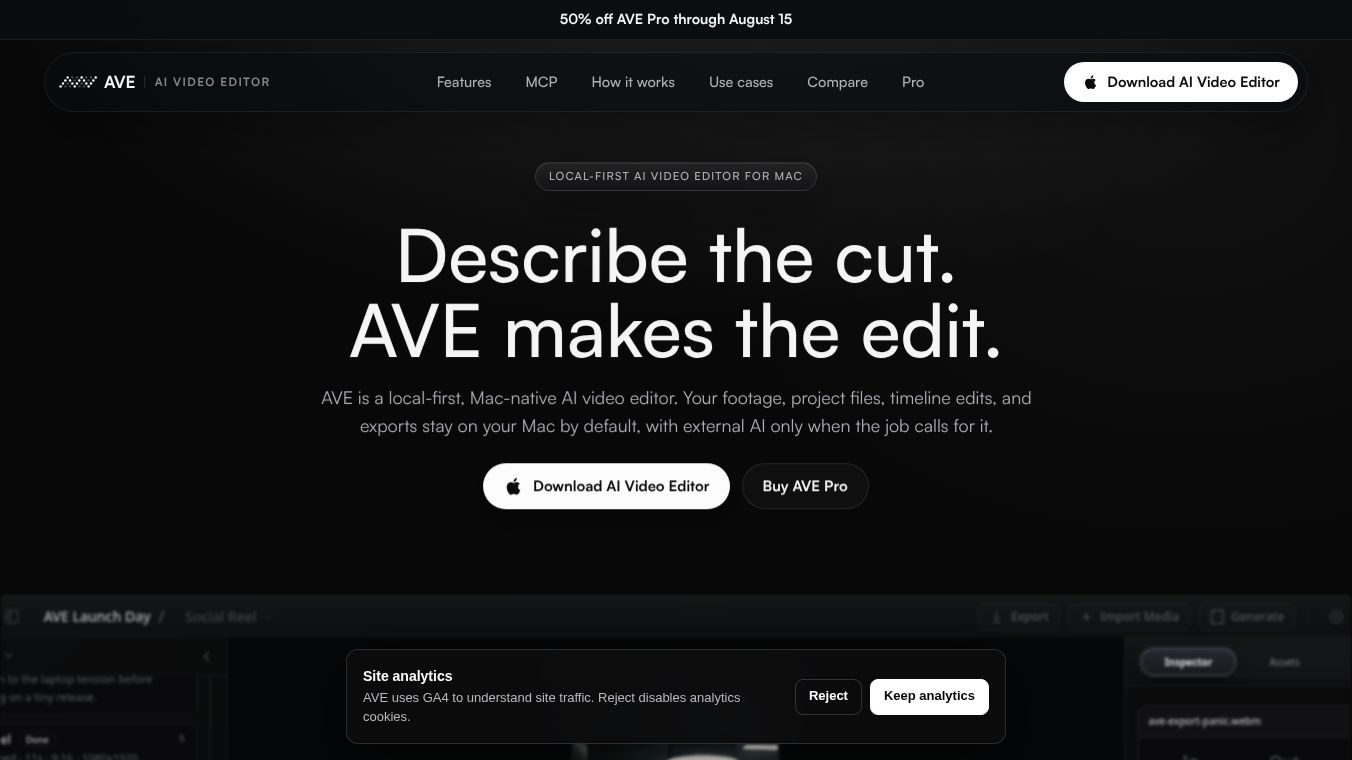





AVE: A Local-First AI Video Editor for Mac
Introduction
AVE is a new video editing application built specifically for Mac users. It introduces a unique approach called "local-first" artificial intelligence. This means the software processes video data directly on your computer instead of sending it to remote cloud servers. This design choice prioritizes data privacy and reduces the need for a constant internet connection.
Benefits
AVE offers several key advantages for video creators. First, it provides strong privacy protection because your footage and project files never leave your device. This is ideal for users who handle sensitive or confidential content. Second, the local-first architecture makes the tool independent of internet access. You can edit videos even when you are offline or in areas with poor connectivity. Third, the application runs natively on macOS, which ensures a smooth and integrated experience. By using your own computer's resources, AVE aims to speed up common editing tasks like rough cuts, effects, and color adjustments without the delays often found in cloud-based systems.
Use Cases
AVE is designed for a specific group of users. It is perfect for Mac-based creators and editors who want a native operating system experience. It is also a great choice for privacy-conscious individuals who do not want to upload their work to the cloud. Early adopters who are interested in testing new AI workflows for marketing clips or creative projects will find it useful. Professionals who need to work on large projects without relying on external servers can also benefit from its local processing capabilities.
Pricing
Pricing details for AVE are not available in the current information.
Vibes
Public reception and specific user reviews are not available in the current information.
Additional Information
AVE was launched on Product Hunt on July 24, 2026. The application is currently in the early market stage, and its success will depend on how well the on-device AI handles editing tasks compared to cloud-based tools. Observers are watching to see how the user interface performs for both new and expert users. There is also interest in how the software handles performance across different Mac hardware configurations and whether it can scale to meet the needs of advanced editing workflows.
This content is either user submitted or generated using AI technology (including, but not limited to, Google Gemini API, Llama, Grok, and Mistral), based on automated research and analysis of public data sources from search engines like DuckDuckGo, Google Search, and SearXNG, and directly from the tool's own website and with minimal to no human editing/review. THEJO AI is not affiliated with or endorsed by the AI tools or services mentioned. This is provided for informational and reference purposes only, is not an endorsement or official advice, and may contain inaccuracies or biases. Please verify details with original sources.


Comments
Please log in to post a comment.