NeatDisk
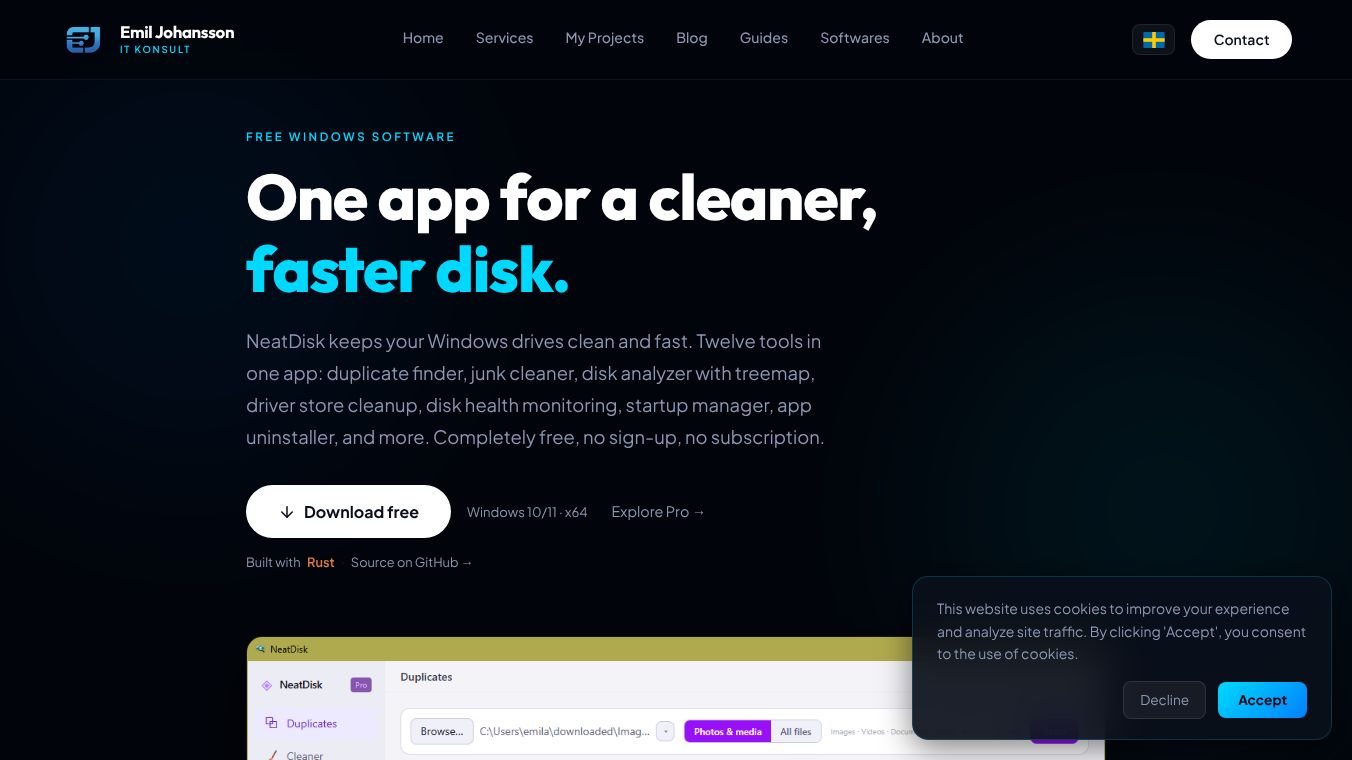





NeatDisk is a free computer program for Windows users who want to manage their disk space and keep their system running smoothly. Built with modern technology, it combines twelve different tools into one easy-to-use application. Unlike many other software programs, NeatDisk does not require users to create an account, pay a subscription fee, or give up their personal data. It runs quietly in the background without sending information to any servers.
Benefits
NeatDisk offers several powerful advantages for anyone managing their computer. First, it helps users find duplicate files that take up unnecessary space. The program scans your computer using multiple methods to identify exact copies of images, videos, and documents. It also includes a junk cleaner that removes temporary files, browser caches, and error reports with a single click. Users can visualize their storage usage through an interactive map that shows exactly where their data is stored. The tool can also detect large files in specific folders to help identify space-consuming items. Another major benefit is the driver store cleanup feature, which removes outdated driver packages that often waste gigabytes of space. The software also monitors drive health by reading technical data about temperatures and sector errors. Finally, it helps users manage startup programs and uninstall applications easily without needing special permissions.
Use Cases
This tool is perfect for Windows 10 or 11 users who feel their computer is running slow or have too much storage used. Home users can use it to clean up old photos and videos that are stored multiple times. Small business owners might use the duplicate finder to organize files on shared drives. Power users can utilize the weekly scheduler to run the cleanup process automatically every week without manual intervention. The driver store cleanup is especially useful for users who have upgraded their operating system and want to free up space. System administrators can use the restore point manager to remove old system backups that are taking up valuable disk space. The application works well on both x64 architecture systems and does not require administrator rights to run most features.
Pricing
NeatDisk is completely free to use. There is no cost to download or install the software. While there is a Pro version available, it only unlocks two extra features for users who need them. The basic free version includes all twelve core tools needed for general disk management and system health monitoring.
Vibes
There are no public reviews or testimonials available for NeatDisk at this time. The software is described as a comprehensive utility that consolidates many separate tools into one application. Users appreciate that it is built with Rust and Tauri, which suggests a focus on performance and security. The fact that it operates without telemetry or accounts makes it attractive to privacy-conscious users who want to avoid tracking software.
Additional Information
NeatDisk is developed by Emil Johansson and is available at his personal website. The software is built using Rust for the backend logic and Tauri for the user interface. It can be built locally on a developer machine using specific commands and prerequisites. The license is proprietary, meaning users cannot redistribute or modify the software without permission. The project is open to local development but the final product is distributed as a compiled executable file for Windows users.
This content is either user submitted or generated using AI technology (including, but not limited to, Google Gemini API, Llama, Grok, and Mistral), based on automated research and analysis of public data sources from search engines like DuckDuckGo, Google Search, and SearXNG, and directly from the tool's own website and with minimal to no human editing/review. THEJO AI is not affiliated with or endorsed by the AI tools or services mentioned. This is provided for informational and reference purposes only, is not an endorsement or official advice, and may contain inaccuracies or biases. Please verify details with original sources.



Comments
Please log in to post a comment.