UluP Desktop
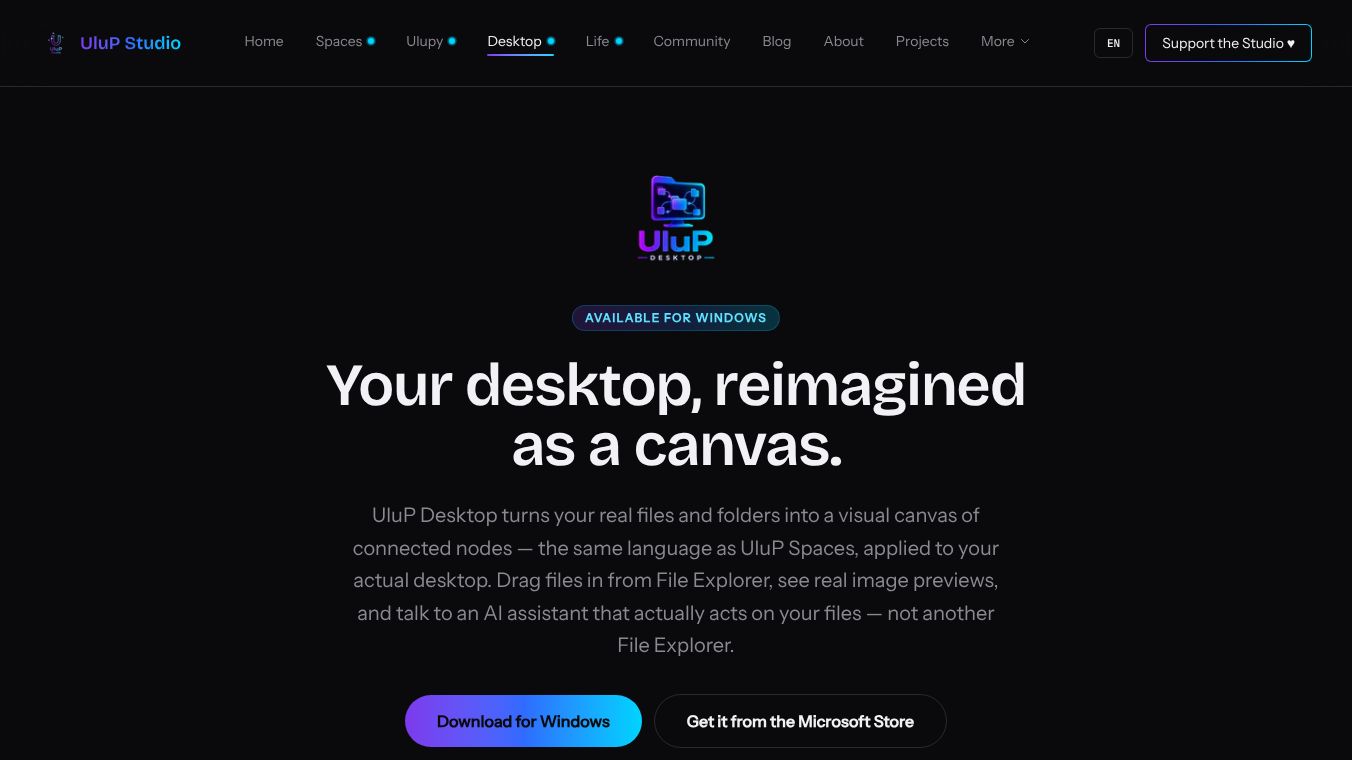





UluP Desktop: Reimagining Your Desktop as a Visual Canvas
UluP Desktop is a new application for Windows that changes how you see and use your computer files. Instead of the usual grid of icons, this tool turns your real files and folders into a visual map of connected points. It brings the same visual style found in UluP Spaces directly to your main desktop environment. This allows users to interact with their file system in a fresh and non-traditional way.
Benefits
The main advantage of UluP Desktop is how it makes file management more visual and flexible. Unlike standard file explorers that force you to follow a strict folder hierarchy, this app lets you see every file as a node on a canvas. Each node uses consistent colors and icons to show the type of content, such as images or documents. It also shows real previews of images and text snippets right inside the nodes so you do not have to open every file to check its contents.
Another key benefit is the ability to create connections between files that are not related by location. You can link a specific note to a project file even if they are stored in completely different folders on your hard drive. This breaks the limits of the traditional file system structure. The app also includes a local AI assistant that helps you manage files through conversation. This assistant can open, move, create, and connect files based on your commands. It is free for users who already have a Claude subscription and has no hidden costs.
Use Cases
UluP Desktop is designed for anyone who wants a more intuitive way to navigate their digital life on a Windows computer. It is useful for creative professionals who need to link related assets that are scattered across different drives. Writers and researchers can use it to connect notes to source documents regardless of where those files are saved. The visual canvas approach helps users spot relationships between files that they might miss in a standard folder view. It serves as a powerful alternative to the standard File Explorer for organizing and finding information quickly.
Pricing
The local AI assistant included in the app is free for users who have an existing Claude subscription. There are no hidden costs for this feature. Specific pricing for the desktop application itself is not detailed in the available information, but the core functionality is accessible through the app.
Vibes
The application has generated interest as a novel approach to file management. A launch trailer is available to show off the app's capabilities and its unique visual interface. Users who try the app may encounter a security warning from Windows upon first launch. This warning states "Unknown Publisher" because the application is not yet code-signed. Developers instruct users to click "Run anyway" to proceed with the installation. This is an expected step for early adopters of the software.
Additional Information
UluP Desktop is available exclusively for Windows computers. Users can download the app directly from the developer or obtain it from the Microsoft Store. Updates are delivered automatically once the app is installed. The application is currently in a phase where it is not yet fully code-signed, which is why the security warning appears during the initial setup process.
This content is either user submitted or generated using AI technology (including, but not limited to, Google Gemini API, Llama, Grok, and Mistral), based on automated research and analysis of public data sources from search engines like DuckDuckGo, Google Search, and SearXNG, and directly from the tool's own website and with minimal to no human editing/review. THEJO AI is not affiliated with or endorsed by the AI tools or services mentioned. This is provided for informational and reference purposes only, is not an endorsement or official advice, and may contain inaccuracies or biases. Please verify details with original sources.




 No Info


Comments
Please log in to post a comment.