Eikonia
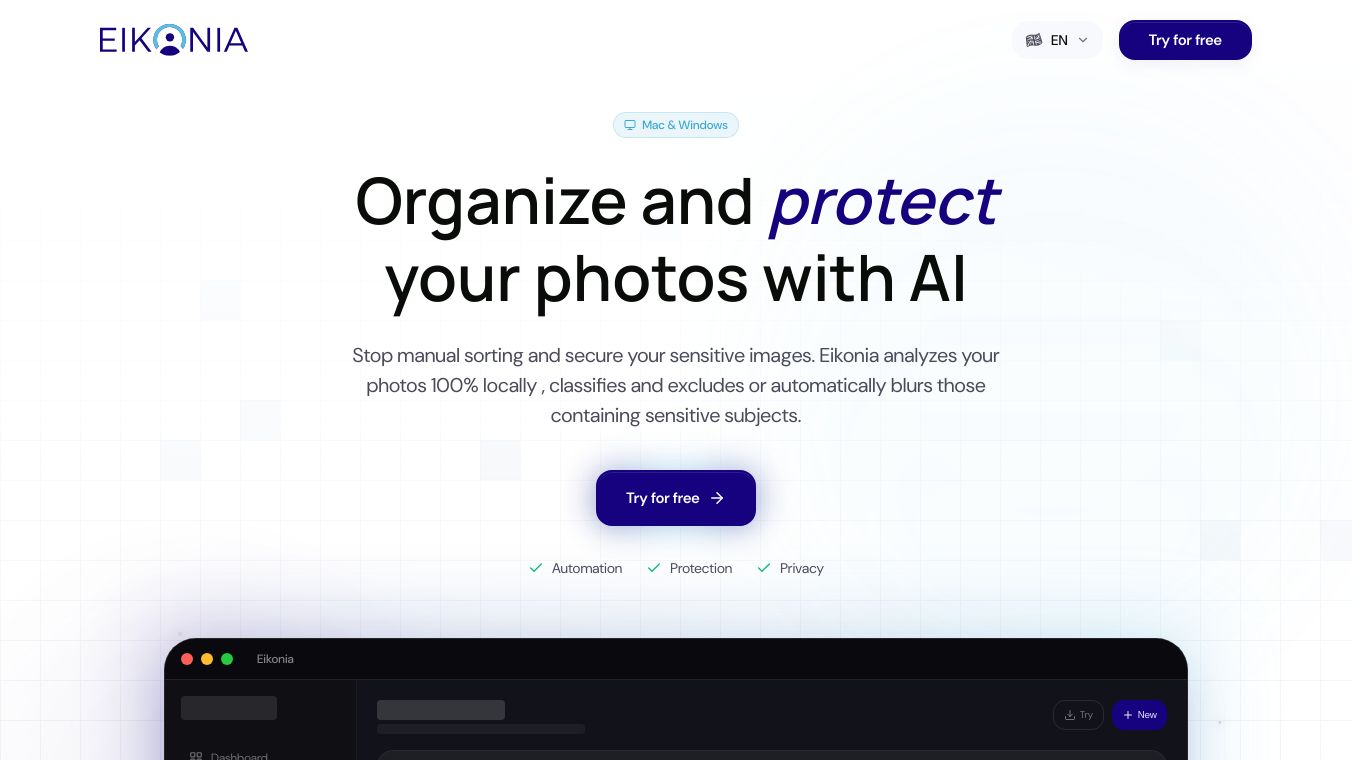





Eikonia is a software application for Mac and Windows computers that helps people organize and protect their photos using artificial intelligence. It makes the job of sorting through many pictures much faster and easier, especially when dealing with photos that might have sensitive content or people who haven't given permission to be in them. This is very useful for places like schools, daycares, sports teams, or clubs.
Benefits
Eikonia saves a lot of time by automatically sorting your photos. It uses smart technology to recognize faces and can identify specific people you mark as sensitive. This means you don't have to spend hours looking through pictures yourself. Because Eikonia works entirely on your computer, your photos and personal information stay private and secure. It also helps organizations meet data protection rules like GDPR.
Use Cases
This application is great for anyone who manages a lot of photos, especially those working with children or in community groups. For example, a school photographer could use Eikonia to quickly sort photos, ensuring that only images with consent are shared. It can automatically blur the faces of people marked as sensitive or remove photos containing them altogether. The software can be used on multiple computers with a single license, and it gets better at recognizing people the more you use it.
Pricing
Eikonia is currently in early access and offers special pricing for early users. Options for purchasing include a one-time payment for a lifetime license or a monthly subscription plan.
Vibes
Early access users are being offered preferential pricing, indicating a positive reception and an opportunity for customers to get the software at a reduced cost.
Additional Information
Eikonia is developed in Europe with a strong focus on data protection. It is compatible with macOS version 10.15 Catalina and newer, as well as Windows 10 and 11. The software allows for an unlimited number of people to be added for recognition, and the blurring feature is only applied when exporting photos, leaving your original pictures untouched. You can export the same photo multiple times with different settings if needed.
This content is either user submitted or generated using AI technology (including, but not limited to, Google Gemini API, Llama, Grok, and Mistral), based on automated research and analysis of public data sources from search engines like DuckDuckGo, Google Search, and SearXNG, and directly from the tool's own website and with minimal to no human editing/review. THEJO AI is not affiliated with or endorsed by the AI tools or services mentioned. This is provided for informational and reference purposes only, is not an endorsement or official advice, and may contain inaccuracies or biases. Please verify details with original sources.

 No Info



Comments
Please log in to post a comment.