Codux
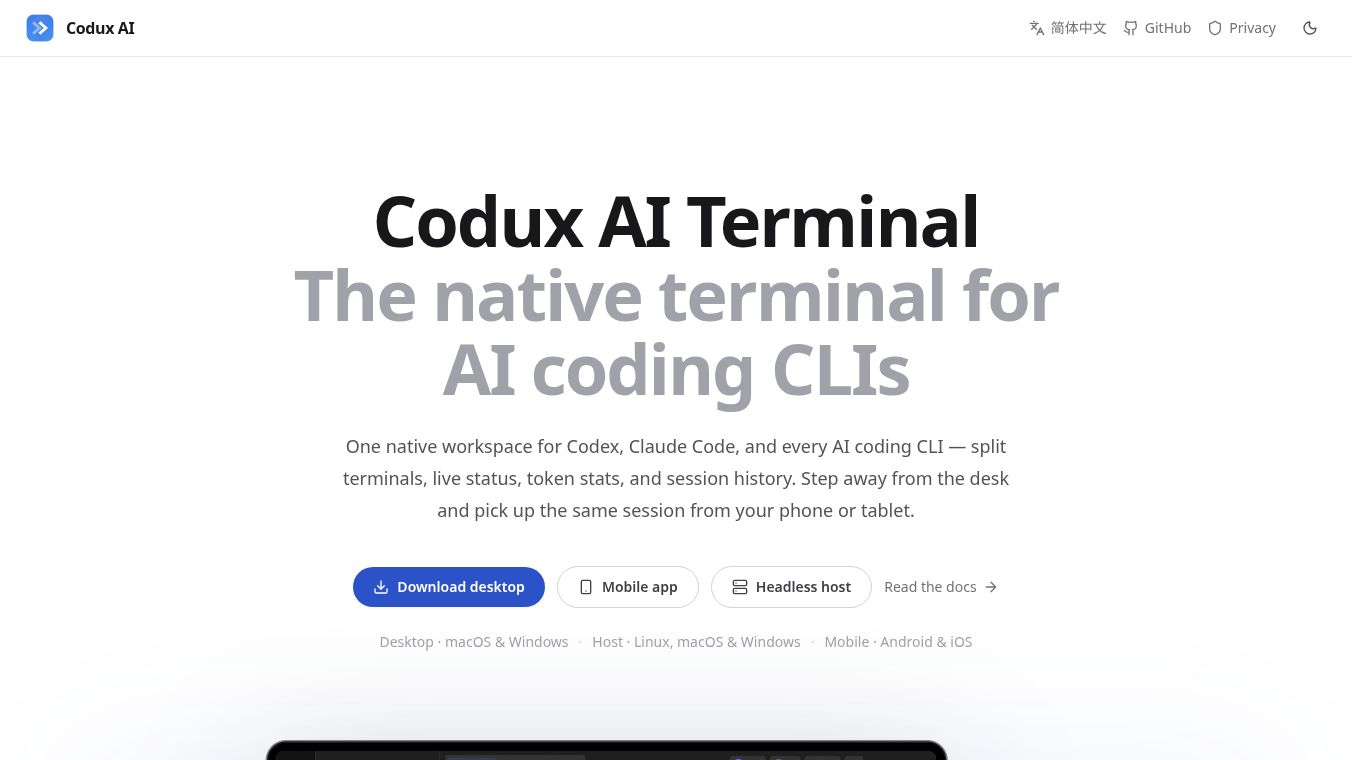





Codux AI Terminal: The Native Workspace for AI Coding CLIs
Overview
Codux is a native terminal workspace designed specifically for AI coding command-line interfaces. It serves as a unified environment for tools like Codex, Claude Code, and others. This tool offers features such as split terminals, live status tracking, token statistics, and session history. A key differentiator is its cross-device capability, allowing users to start a session on a desktop and seamlessly continue it on a phone or tablet.
Benefits
Codux provides deep integration with eight AI coding CLIs, going beyond simple command execution to offer native status tracking, session history, and memory injection for each. Its core features include a project-centric interface organized around tasks, with splits, tabs, files, and Git state saved per task and restored exactly. Users can stage, diff, branch, push, and pull directly within the workspace without leaving the terminal. The tool also offers live agent status tracking, allowing users to see agent states at a glance. Detailed usage tracking by tool, model, and project lets users jump back into specific contexts. Durable local memory stores user habits, project overviews, and notes locally in SQLite, ensuring this data is never committed to the repository. Built on the Rust and GPUI stack, Codux offers a fast and responsive experience similar to Zed.
Use Cases
Codux is ideal for developers who want a unified environment for multiple AI coding tools. It supports desktop use on macOS 14+ and Windows 11, headless hosting on Linux, macOS, and Windows for running heavy work, and mobile control on Android and iOS. Users can leave their desk and pick up the same session from a phone, tablet, or laptop using peer-to-peer connections via Iroh. The connection is end-to-end encrypted, and the relay never sees user data. The tool also allows previewing host-local web apps directly on mobile devices. It is suitable for anyone looking for a local-first approach where no code or AI conversations are uploaded by default.
Pricing
Pricing details are not available in the provided information.
Vibes
Reviews, testimonials, or public reception are not available in the provided information.
Additional Information
Codux is open source and local-first. It uses Iroh for peer-to-peer connections and prefers direct paths, only using a user-selected relay when necessary. The connection is end-to-end encrypted, and no SSH keys are exposed to the CLI. Nothing leaves the machine unless a CLI explicitly calls its own cloud service or the user pairs another device. The tool includes a command palette for accessing every command and action via keyboard, customizable themes, and the ability to drop screenshots directly into the AI session. A desktop pet that codes along and levels up is also available and can be turned off.
This content is either user submitted or generated using AI technology (including, but not limited to, Google Gemini API, Llama, Grok, and Mistral), based on automated research and analysis of public data sources from search engines like DuckDuckGo, Google Search, and SearXNG, and directly from the tool's own website and with minimal to no human editing/review. THEJO AI is not affiliated with or endorsed by the AI tools or services mentioned. This is provided for informational and reference purposes only, is not an endorsement or official advice, and may contain inaccuracies or biases. Please verify details with original sources.
Comments
Please log in to post a comment.