CmdKay
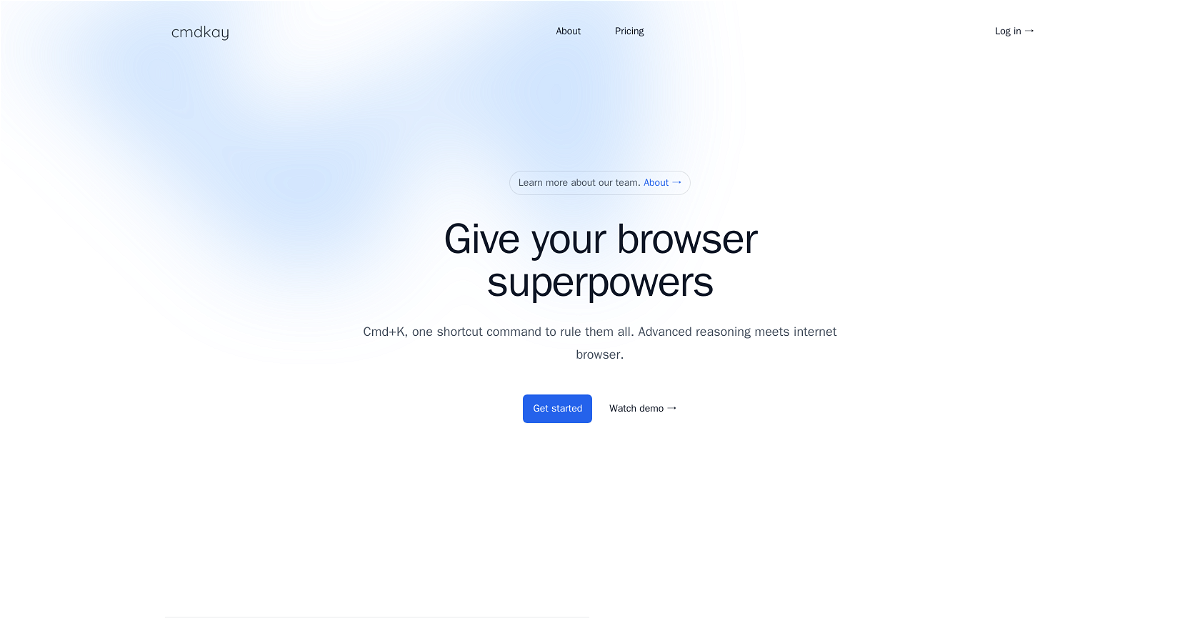





cmdkay is an AI-powered browser extension that brings the power of advanced reasoning and knowledge directly to your fingertips. Simply use the shortcut command Cmd+K to access and interact with the tool, effortlessly transforming your browsing experience.
Highlights
- Lightning-fast responses: Get answers to your questions in an instant, without waiting for lengthy searches.
- Powerful AI capabilities: Experience the magic of AI as it helps you understand and interact with information more deeply.
- Ubiquitous across the web: Use cmdkay on any website, across Chrome, Edge, and Firefox, for seamless browsing.
Key Features
- Ask questions about any webpage: Query the content of any website and receive immediate answers.
- Stream of thought queries: Type in natural language, without needing complete sentences. cmdkay understands context and the flow of your thoughts.
- Knowledge beyond the page: Go beyond the current webpage and access information and insights from the broader world, powered by cmdkay's AI.
This content is either user submitted or generated using AI technology (including, but not limited to, Google Gemini API, Llama, Grok, and Mistral), based on automated research and analysis of public data sources from search engines like DuckDuckGo, Google Search, and SearXNG, and directly from the tool's own website and with minimal to no human editing/review. THEJO AI is not affiliated with or endorsed by the AI tools or services mentioned. This is provided for informational and reference purposes only, is not an endorsement or official advice, and may contain inaccuracies or biases. Please verify details with original sources.


 No Info



Comments
Please log in to post a comment.