Claude Manager
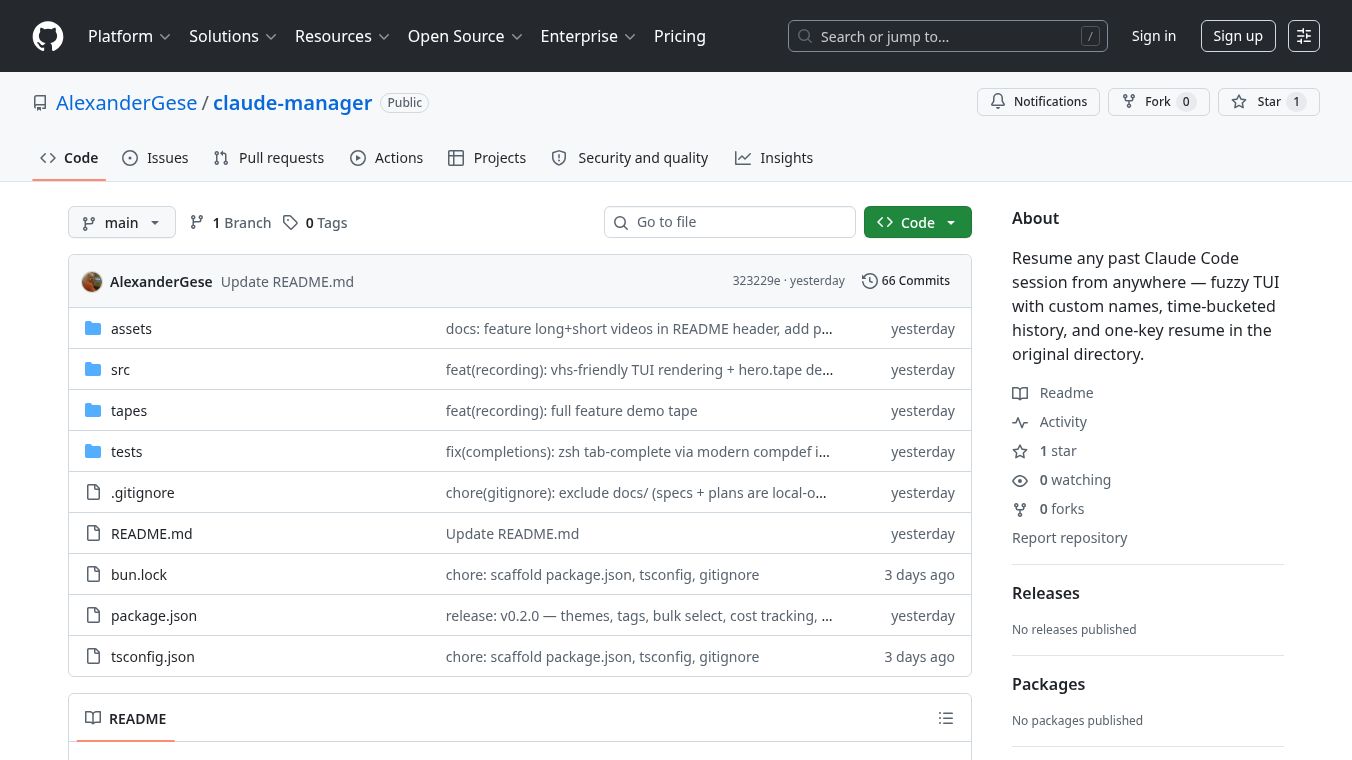





Claude Manager is a small software tool designed to help developers manage multiple sessions of Claude Code at the same time. It works inside a terminal window and acts like a dashboard to show the status of different AI coding sessions running in the background. This tool is built for people who use a terminal-based setup with tmux to work on several projects or features simultaneously without switching between different windows constantly.
Benefits
The main advantage of using Claude Manager is that it reduces mental stress for developers who juggle many AI coding tasks. Instead of constantly checking different panes to see which session is running or waiting for input, the tool provides a single clear view of all active sessions. It tells users exactly where each session is located, whether it is finished, or if it is paused and waiting for a specific action. This helps users make faster decisions about which task to approve or review next. The tool also allows users to quickly jump into a specific session or run simple commands without leaving the main dashboard view. By organizing the workflow, it makes the experience feel cleaner and less chaotic when working with multiple AI agents.
Use Cases
This tool is best used by software developers who rely heavily on the terminal for their daily work. It is particularly useful for people who use tmux to manage multiple terminal windows at once. Developers can use it when they need to run a new feature in one project, a code refactor in another, and an experiment in a separate workspace all at the same time. The tool helps when a Claude session gets stuck on a confirmation prompt and the user needs to know exactly what to type to continue. It is also helpful when a developer wants to quickly check the current state of their code using a tool like lazygit directly from the manager interface. The target audience includes power users who prefer command-line interfaces over graphical desktop applications.
Pricing
Pricing information is not available for this tool. It appears to be an open-source project hosted on GitHub.
Vibes
There are no public reviews or testimonials available for this tool. The article was written by the creator of the tool and describes the personal experience of building it to solve a specific problem in their own workflow. The tone suggests that the tool is practical and effective for those with a similar setup.
Additional Information
The tool was created by Alexander Gese and is available on GitHub under the name AlexanderGese/claude-manager. It was written specifically for Claude Code because the author found existing solutions insufficient for managing parallel workflows. The project focuses on maintaining a tool that fits a daily terminal workflow well rather than creating a broad abstraction that might be less useful in practice. The author invites feedback from other users who have similar setups to help improve the tool.
This content is either user submitted or generated using AI technology (including, but not limited to, Google Gemini API, Llama, Grok, and Mistral), based on automated research and analysis of public data sources from search engines like DuckDuckGo, Google Search, and SearXNG, and directly from the tool's own website and with minimal to no human editing/review. THEJO AI is not affiliated with or endorsed by the AI tools or services mentioned. This is provided for informational and reference purposes only, is not an endorsement or official advice, and may contain inaccuracies or biases. Please verify details with original sources.


Comments
Please log in to post a comment.