BentoTerm





Bento Term: A Unified Terminal for Parallel AI Agents
Research Context and Background
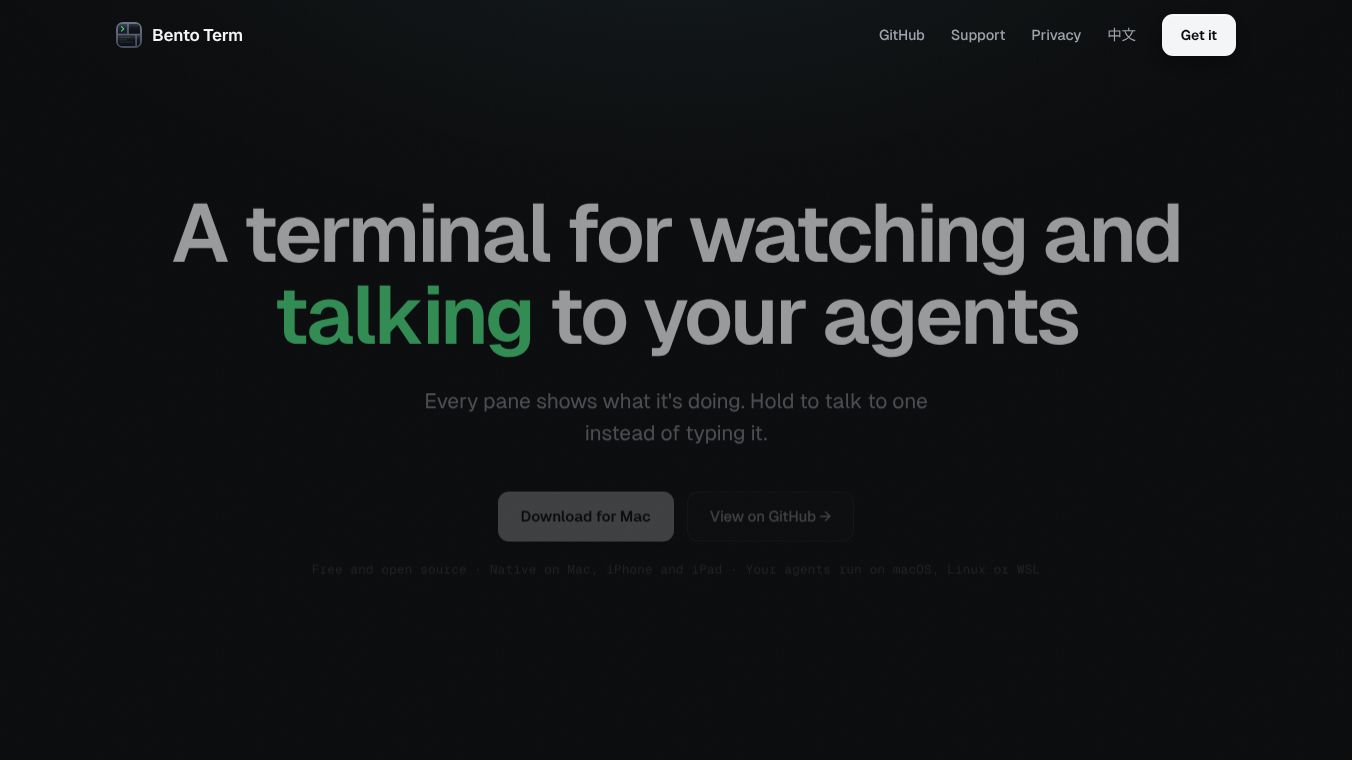
Bento Term is an open-source terminal application built with Swift for macOS, iPhone, and iPad. It is designed to help users manage multiple AI coding agents at the same time on a single screen. Unlike traditional terminals that require switching between different windows, Bento Term lets you see the status of all your active tasks in one place. It works by using a tool called tmux under the hood but makes it easy to use even if you are not familiar with it. The app is free to use, requires no account sign-up, and keeps all your data private on your local machine.
Benefits
Bento Term offers several key advantages for developers and automation users. First, it provides a "whole team, one screen" workflow. This means you can monitor several coding agents simultaneously without losing track of any of them. The app uses color-coding to show the state of each agent, such as whether it is working, waiting for input, or finished. This visual system helps users quickly understand what is happening across all their tasks.
Another major benefit is voice control. Users can speak commands instead of typing them, which can make input three times faster. The app uses advanced speech-to-text engines that can recognize technical terms and mixed languages accurately. Privacy is also a top priority. The app does not require an account, and terminal output never leaves your machine. It respects your existing tmux settings and works seamlessly with remote servers.
The app also includes powerful file management tools. You can browse directories, preview files with syntax highlighting, and access documents directly from your iPhone or iPad. This continuity ensures that your work is always available, even if you close the app or switch devices. Additionally, the app supports GPU acceleration for smooth performance and includes features like a command palette for quick access to all functions.
Use Cases
Bento Term is ideal for developers who run multiple AI agents for coding or automation tasks. For example, a developer might launch four different coding agents to work on separate parts of a project at the same time. They can watch the progress of each agent in real time and step in when one needs their input. The parallel mode allows all agents to be visible on the screen, while the focus mode lets a user concentrate on one task by moving others to a sidebar.
The app is also useful for remote work. Users can connect to Linux servers or Windows machines via SSH and manage their sessions from their Mac, iPhone, or iPad. This is helpful for teams that need to collaborate on the same terminal sessions or for individuals who want to access their work from anywhere. The mobile app allows users to attach to the same sessions as their desktop, ensuring they never lose their place in a long-running task.
File browsing and preview features make it easy to navigate complex project structures. Users can click on a file path in the terminal output to open it instantly with proper formatting. This is especially useful when working with large codebases or when reviewing logs and documentation. The app supports various AI agent presets, including tools like Claude Code and Gemini CLI, making it a versatile choice for modern development workflows.
Pricing
Bento Term is completely free to use. It is released under the Apache-2.0 open-source license, which means there are no subscription fees or hidden costs. Users can download the app from the Mac App Store or via Homebrew on macOS. There are no premium tiers or paid features, and the app does not require any account creation to access its full functionality.
Vibes
The community response to Bento Term has been very positive. Users appreciate its unique ability to handle multiple AI agents in a single interface. Many developers praise the voice input feature for speeding up their workflow and reducing typing fatigue. The app has gained attention for its strong focus on privacy, as it does not collect user data or require an account.
Reviewers highlight the seamless integration with existing tmux setups as a major plus. Users who were previously frustrated by the complexity of managing multiple terminal sessions find Bento Term much easier to use. The mobile continuity feature is also well-received, allowing users to switch between devices without interrupting their work. Overall, the app is seen as a powerful tool that simplifies complex terminal workflows while maintaining high performance and security.
Additional Information
Bento Term is built using the same GPU-accelerated rendering core as Ghostty, ensuring fast and smooth performance across all supported devices. The app supports ten preset AI agents out of the box and allows users to create custom profiles for any command or shell. It works on macOS 14 and later, specifically on Apple Silicon chips. For remote access, the target machine must have SSH and tmux installed.
The development team has focused on making the app lightweight and efficient. It does not install any software on remote servers and runs no background servers of its own. All processing happens locally on the user's device. The app also supports importing custom themes and fonts, giving users the flexibility to personalize their terminal experience. As of August 2026, the project remains actively maintained and open for community contributions.
This content is either user submitted or generated using AI technology (including, but not limited to, Google Gemini API, Llama, Grok, and Mistral), based on automated research and analysis of public data sources from search engines like DuckDuckGo, Google Search, and SearXNG, and directly from the tool's own website and with minimal to no human editing/review. THEJO AI is not affiliated with or endorsed by the AI tools or services mentioned. This is provided for informational and reference purposes only, is not an endorsement or official advice, and may contain inaccuracies or biases. Please verify details with original sources.



Comments
Please log in to post a comment.