Ask PDF
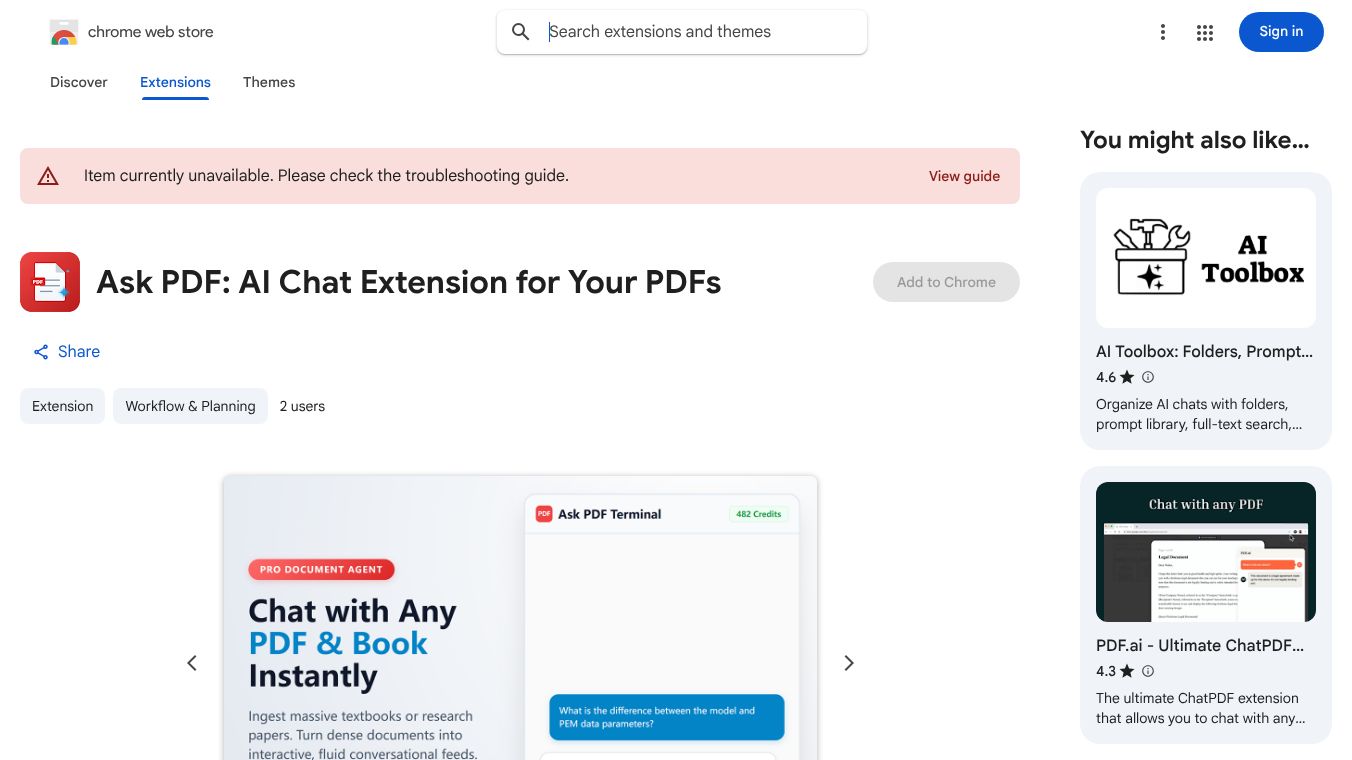





Ask PDF is a free browser extension designed to help users interact with PDF files using artificial intelligence. It turns any PDF document into a chat interface, allowing people to ask questions and get instant answers directly from the text. The tool works by analyzing the content of the document and providing summaries, translations, and specific information without the user needing to read every page. It is available for free on the Chrome Web Store and supports various file formats including PDF, Word, and PowerPoint.
The main benefit of Ask PDF is its ability to save time when dealing with long documents. Instead of searching through hundreds of pages, users can simply ask a question and receive a precise answer. It also offers translation features that let users read documents in their preferred language. The extension supports multiple languages and can handle large files up to 50 megabytes. Users can also upload files directly from their computer or cloud storage services like Google Drive and Dropbox. The interface is simple and works well on both desktop and mobile devices.
This tool is useful for students who need to understand complex textbooks or research papers quickly. Professionals can use it to extract key data from contracts or reports without reading the entire document. Teachers and educators can leverage it to create summaries of educational materials for their classes. Anyone who frequently deals with lengthy documents will find it helpful for tasks like summarizing articles, translating foreign language documents, or finding specific details in legal or technical files. It is particularly valuable for people who want to learn from documents in a more interactive way.
Ask PDF is completely free to use with no hidden costs or subscription fees. Users can access all features without paying anything. The extension supports multiple languages and works with files up to 50 megabytes in size. There are no limits on the number of documents a user can process. The tool is available for free on the Chrome Web Store and does not require any payment to install or use.
Users have praised Ask PDF for its ease of use and speed. Many reviewers note that it makes reading long documents much more enjoyable and efficient. Some users appreciate the ability to translate documents instantly while others like the chat-like interaction that feels natural. The extension has received positive feedback for its accuracy in answering questions and its clean interface. People who use it daily often mention how it has improved their productivity when working with documents. The community generally views it as a helpful tool for anyone who deals with PDFs regularly.
Ask PDF was created by a team focused on making artificial intelligence accessible to everyday users. The developers have built the tool to work seamlessly with popular cloud storage services. The extension has gained popularity since its launch due to its free access and powerful features. It represents a practical application of AI technology that helps people work smarter with their documents. The tool continues to be updated to improve its performance and support more languages.
This content is either user submitted or generated using AI technology (including, but not limited to, Google Gemini API, Llama, Grok, and Mistral), based on automated research and analysis of public data sources from search engines like DuckDuckGo, Google Search, and SearXNG, and directly from the tool's own website and with minimal to no human editing/review. THEJO AI is not affiliated with or endorsed by the AI tools or services mentioned. This is provided for informational and reference purposes only, is not an endorsement or official advice, and may contain inaccuracies or biases. Please verify details with original sources.




 No Info
Comments
Please log in to post a comment.