AI CHAT IMPORTER
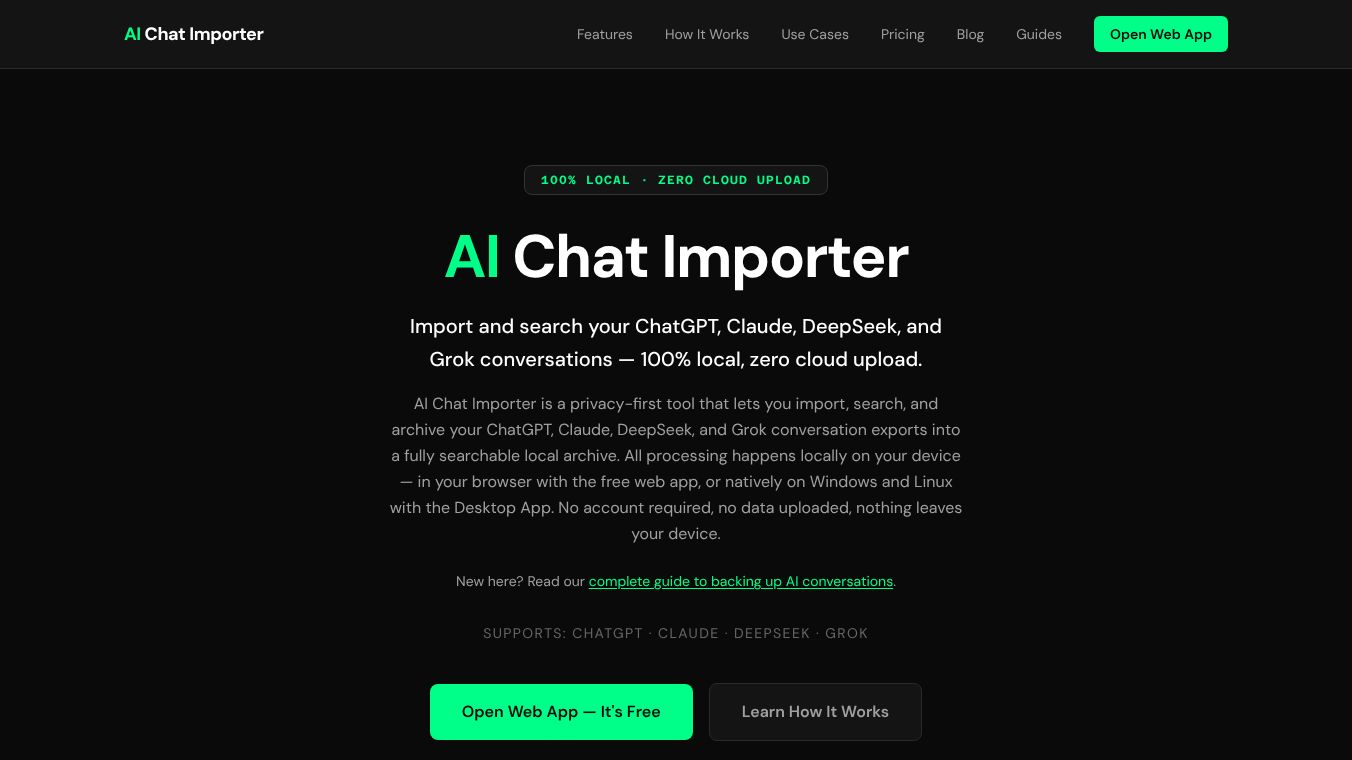





AI Chat Importer is a tool that helps you manage your conversations with AI chatbots. It lets you import, search, and save chat exports from popular AI services like ChatGPT, Claude, DeepSeek, and Grok. The most important thing about this tool is that it keeps your data private. All the work it does happens right on your own computer, so nothing is ever sent to the cloud. You can use a free version that works in your web browser or a special app for Windows and Linux computers. You don't even need to create an account.
Many people find that the built-in history features on AI platforms are not very good. They can be hard to search, and you might worry about your data being stored on someone else's servers. There's also a risk of losing your chats if your account has problems or if the platform changes its rules. AI Chat Importer gives you back control. You can bring in your exported chats, search through all your messages easily, sort them by date or by chat title, and keep them organized.
Because it's designed for privacy, none of your chat data ever leaves your device. The tool doesn't use tracking or store your information on any servers.
Benefits
AI Chat Importer offers several key advantages. It provides strong privacy by processing all data locally, meaning your conversations are never uploaded to the cloud. It allows for powerful searching across all your imported chats, helping you find specific information quickly. You can also organize your conversations by date or title, making it easier to manage large archives. The tool ensures you don't lose your data due to account issues or platform changes.
Use Cases
This tool is useful for anyone who chats with AI platforms and wants better control over their conversation history. It's ideal for researchers, writers, students, or anyone who wants to keep a private, searchable record of their AI interactions. You can use it to review past discussions, gather information from previous chats, or simply back up your important AI conversations.
Pricing
For users who need to manage very large archives, there is a Desktop App available for a one-time purchase of
- This version offers unlimited archive size, automatic sorting of conversations using local AI, a folder system for better organization, and advanced search options like highlighting keywords and filtering by platform or date.
Vibes
Users appreciate the privacy focus and the ability to search their chat history effectively. The option to use a free web app or a more feature-rich desktop app is also seen as a positive. People like that they can take ownership of their AI conversation data.
Additional Information
The Desktop App supports Windows and Linux, with plans for Mac compatibility. The tool is actively updated to ensure it works with the latest export formats from supported AI platforms. Users can verify the local processing by checking their browser's developer tools, which will show no external data transmission.
This content is either user submitted or generated using AI technology (including, but not limited to, Google Gemini API, Llama, Grok, and Mistral), based on automated research and analysis of public data sources from search engines like DuckDuckGo, Google Search, and SearXNG, and directly from the tool's own website and with minimal to no human editing/review. THEJO AI is not affiliated with or endorsed by the AI tools or services mentioned. This is provided for informational and reference purposes only, is not an endorsement or official advice, and may contain inaccuracies or biases. Please verify details with original sources.


Comments
Please log in to post a comment.