Agent Bulletproof Browser
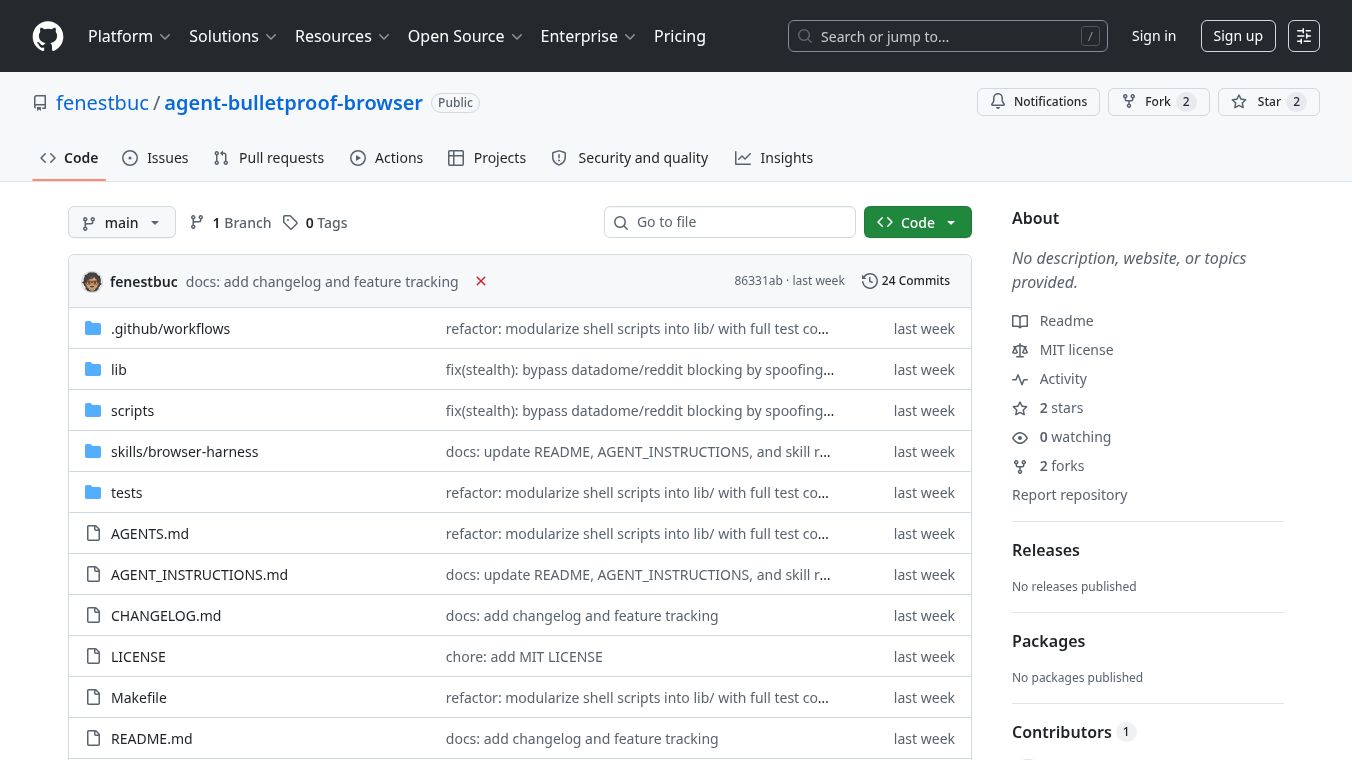





Agent Bulletproof Browser Automation
Agent Bulletproof Browser Automation is a specialized tool built for AI agents to control web browsers without crashing or getting blocked. It works on Linux and macOS computers. The main goal of this tool is to solve common problems that developers face when using AI to automate tasks online, such as browser crashes, memory leaks, and failures to bypass security walls like Cloudflare. It provides ready-to-use scripts and instructions to make browser automation stable, scalable, and hard to detect.
Benefits
The tool offers several key advantages for users who need reliable browser automation.
First, it works smoothly on both Linux and macOS systems. It uses special techniques to handle tasks safely even when multiple AI agents try to run at the same time. This prevents crashes that often happen when background jobs interfere with each other.
Second, it stops memory leaks and orphaned browser windows. On Linux, it uses a kernel-level feature to ensure processes end cleanly. On macOS, it watches the parent process and shuts down the browser if needed. This keeps the computer running efficiently.
Third, it helps AI agents hide their identity. The system uses modern headless mode and changes the browser name to match real users. This makes it harder for websites like X, LinkedIn, or Cloudflare to detect that a bot is visiting the site.
Fourth, it manages resources carefully. It disables features that cause crashes on large websites, stops background audio drivers from hanging, and clears out old data files automatically. This ensures the computer does not run out of space or memory.
Finally, it includes a guide for AI agents on how to interact with websites. The guide teaches the AI to use screenshots for clicking instead of guessing code, which is more reliable on complex websites.
Use Cases
This tool is designed for developers and teams who build AI agents to perform tasks on the web.
One common use case is logging into websites and then letting the AI work in the background. Users can log in visually first, then sync their login details so the AI can access the account without showing a face. This is useful for managing social media accounts or checking notifications automatically.
Another use case is downloading files. The tool allows AI agents to download files even when the browser is running in headless mode, which usually blocks such actions for security reasons. Files are saved in a safe, isolated folder.
Developers can also use this tool to run many tasks at once. Because it uses a queue system, multiple AI subagents can request browser actions without crashing the system. They simply wait in line for their turn.
The tool is also helpful for teams that need to track data across many websites. By disabling the browser cache, it prevents the computer from filling up with tracking data over time. This keeps the system fast and clean for long-term projects.
Pricing
No pricing information is available for this tool. It is currently hosted as an open-source project on GitHub, which typically means it is free to use for personal and commercial projects.
Vibes
There are no public reviews or testimonials available for this tool yet. As a new open-source project, it has not received widespread feedback from the community.
Additional Information
The project was built autonomously by Hermes for Kubar Labs. It is designed to work with AI agents like Hermes, OpenClaw, and Claude Code. The repository includes a file called SKILL.md that teaches AI agents how to use the browser effectively. Installation is simple and can be done automatically by an AI agent or manually by running a single script in the terminal. The tool connects directly to the browser using the Chrome DevTools Protocol, which allows for a highly optimized and persistent connection without wiping the browser profile constantly.
This content is either user submitted or generated using AI technology (including, but not limited to, Google Gemini API, Llama, Grok, and Mistral), based on automated research and analysis of public data sources from search engines like DuckDuckGo, Google Search, and SearXNG, and directly from the tool's own website and with minimal to no human editing/review. THEJO AI is not affiliated with or endorsed by the AI tools or services mentioned. This is provided for informational and reference purposes only, is not an endorsement or official advice, and may contain inaccuracies or biases. Please verify details with original sources.
Other Interesting AI Tools

Comments
Please log in to post a comment.