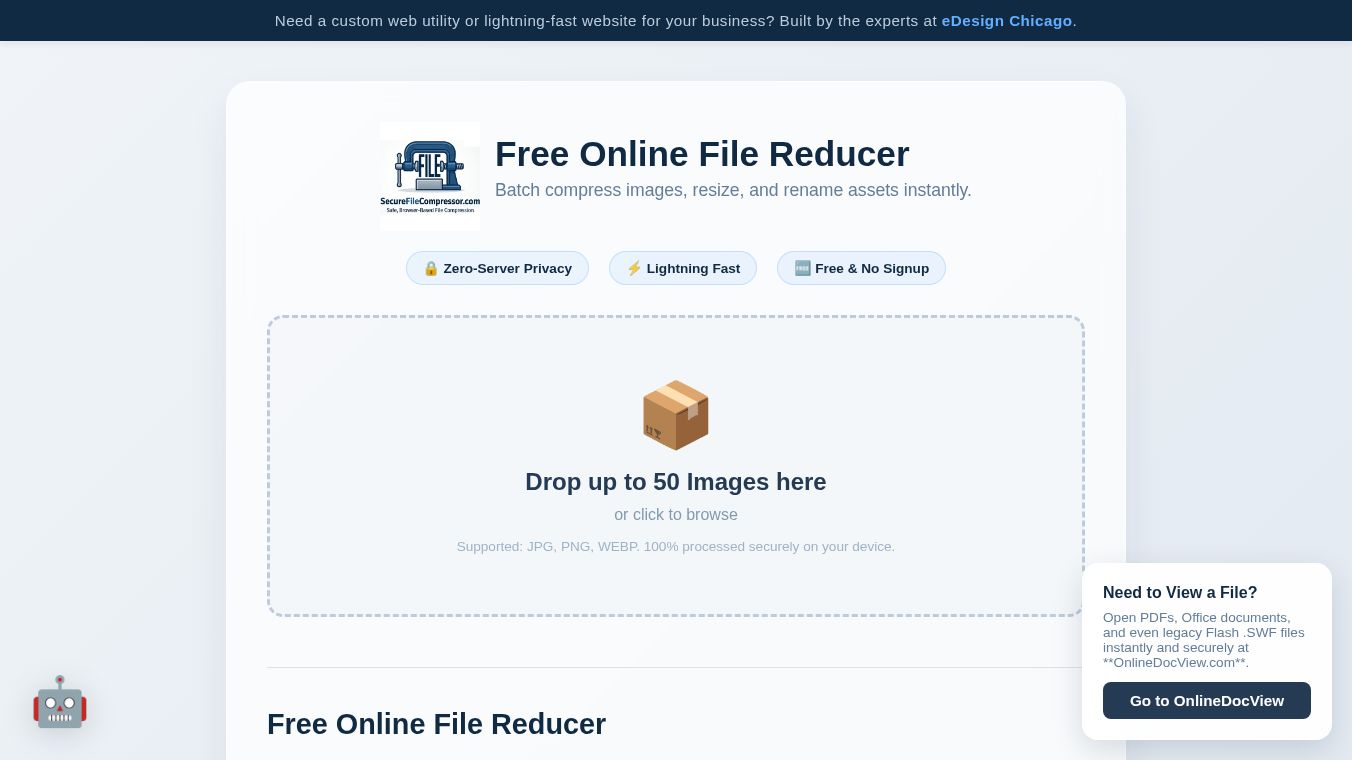





What is Zero
Zero is a free online tool designed to make images smaller, faster, and safer. It helps users compress, resize, and rename photos without needing to install any software. The tool is built on a unique Zero-Server architecture, which means all work happens directly on your computer instead of sending files to a remote cloud server. This design ensures that your photos never leave your device, providing complete privacy and security.
Benefits
The main advantage of Zero is its focus on privacy. Because it processes files locally in your web browser, there is no risk of your images being stored or shared by a third party. This eliminates digital trails and keeps your data safe.
Another major benefit is speed. Optimized images can load up to 90% faster on websites, which improves user experience and helps with search engine rankings. The tool also saves storage space by reducing file sizes by up to 90%. This frees up room on hard drives and cloud storage accounts.
Zero is also completely free to use. There are no hidden fees, no requirement to create an account, and no limits on how many batches of images you can process. Users can handle large files and massive batches as long as their computer has enough memory.
Use Cases
Zero is perfect for anyone who needs to prepare images for the web or email. Photographers can use it to compress high-resolution RAW exports for online galleries without losing visual quality. Web developers can optimize site images to ensure pages load quickly for visitors.
The tool supports common formats like JPG, JPEG, PNG, and WEBP. It can even convert older file types into the modern WEBP format for better performance. Users can adjust compression quality using a slider, set custom dimensions for resizing, and automatically add keywords to filenames for better SEO. Once the images are ready, they can be downloaded one by one or bundled into a single ZIP file.
Pricing
Zero is 100% free. There are no subscription plans, no paywalls, and no limits on the number of images you can process. You can use the tool as much as you need without signing up or entering any payment information.
Vibes
Users appreciate the tool for its simplicity and security. The local processing model gives people peace of mind knowing their private photos are safe. Many users find the ability to batch process up to 50 images at once to be a huge time saver. The interface is straightforward, allowing both technical experts and casual users to achieve professional results quickly.
Additional Information
Zero is part of the SecureFileCompressor suite of tools. The project relies on modern browser capabilities to run complex compression algorithms without a backend server. This approach sets it apart from many other online utilities that require file uploads. The tool is designed to work on any modern computer with a standard web browser and sufficient RAM.
This content is either user submitted or generated using AI technology (including, but not limited to, Google Gemini API, Llama, Grok, and Mistral), based on automated research and analysis of public data sources from search engines like DuckDuckGo, Google Search, and SearXNG, and directly from the tool's own website and with minimal to no human editing/review. THEJO AI is not affiliated with or endorsed by the AI tools or services mentioned. This is provided for informational and reference purposes only, is not an endorsement or official advice, and may contain inaccuracies or biases. Please verify details with original sources.



Comments
Please log in to post a comment.