ZenClip
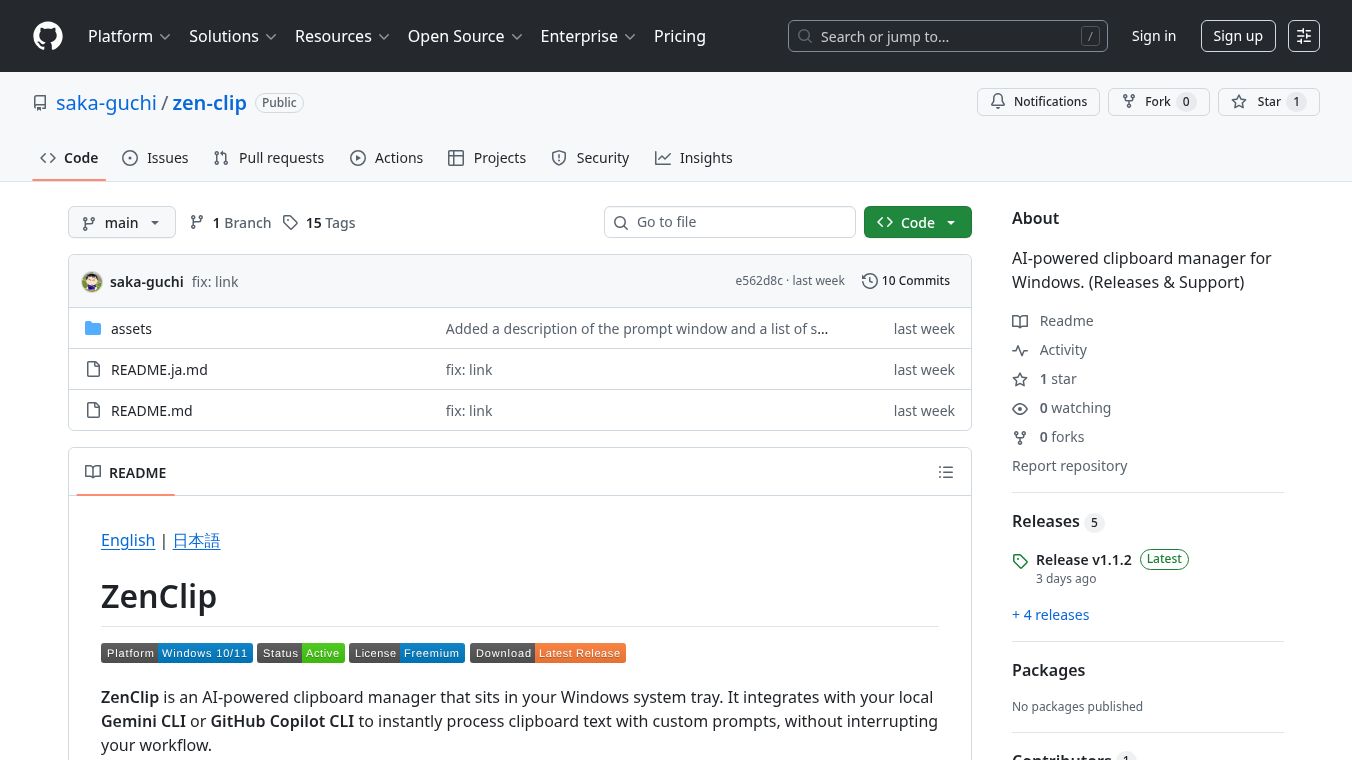





ZenClipis a smart tool for Windows that works quietly in your computer's system tray. It helps you use AI to quickly understand or change text you copy. ZenClip connects to AI tools like Gemini CLI or GitHub Copilot CLI that you might already have on your computer. When you copy something, you can use a keyboard shortcut, and ZenClip will send the text to the AI for processing without interrupting what you're doing.
Benefits
ZenClip makes working with text much faster. You can copy text and have AI process it instantly in the background. It also lets you create and save your own AI instructions, called prompts, so you can get specific results every time. The tool keeps a history of AI responses, so you can easily find and reuse them. It's designed to be simple to use, with clear icons showing its status and support for both English and Japanese languages.
Use Cases
This tool is useful for anyone who works with a lot of text and wants to speed up their tasks. For example, you can copy a piece of code and use a prompt to ask the AI to explain it. Or, you could copy a paragraph and ask the AI to summarize it. It's also helpful for translating text or rephrasing sentences. Because it runs in the background and uses keyboard shortcuts, it fits easily into your existing workflow whether you are a programmer, writer, or student.
Pricing
ZenClip offers a free version that lets you save up to 3 prompts and keeps a history of 20 AI responses. For more features, a Pro license is available for purchase. The Pro version allows unlimited saved prompts and history, and lets you choose specific AI models.
Vibes
Users can expect a smooth experience with ZenClip. The application is designed to be unobtrusive, showing its status through simple icons in the system tray. Notifications let you know when processing is done or if there's an error. The ability to customize prompts and the automatic saving of responses make it a handy tool for repetitive text processing tasks.
Additional Information
ZenClip is developed by Zen-Do Development and is protected by copyright. To use ZenClip, you need to have either the Gemini CLI or GitHub Copilot CLI installed and set up on your computer.
This content is either user submitted or generated using AI technology (including, but not limited to, Google Gemini API, Llama, Grok, and Mistral), based on automated research and analysis of public data sources from search engines like DuckDuckGo, Google Search, and SearXNG, and directly from the tool's own website and with minimal to no human editing/review. THEJO AI is not affiliated with or endorsed by the AI tools or services mentioned. This is provided for informational and reference purposes only, is not an endorsement or official advice, and may contain inaccuracies or biases. Please verify details with original sources.


 No Info

Comments
Please log in to post a comment.