WiFi Mouse
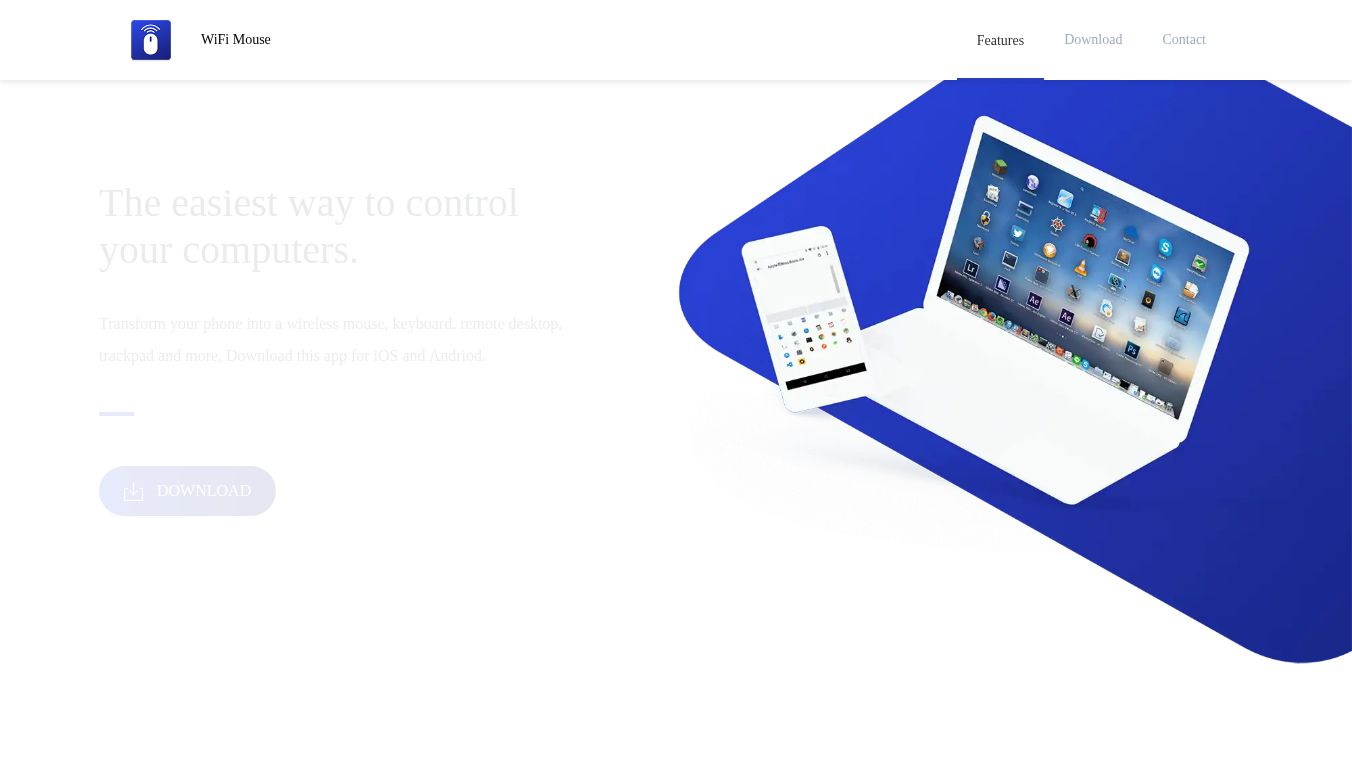





WiFi Mouse is an application that turns your smartphone into a handy remote control for your computer. It lets you use your phone as a wireless mouse, keyboard, and trackpad. You can also use it to access your computer from afar.
Benefits
This app makes controlling your computer much easier. You can move the cursor, click, and use touchpad gestures just like you would with a real mouse. It also has a full keyboard, so typing is simple. A smart clipboard lets you copy text on your phone and paste it directly onto your computer. It even has translation features and an AI Writing Assistant to help you with your words. You can log into your computer remotely and have complete control.
Use Cases
WiFi Mouse is great for controlling media players like VLC, Spotify, and YouTube. You can also use it for presentations and web browsing. If you like playing games on your PC, the game mode can turn your phone into a joystick. You can even turn off your computer remotely using the app.
Vibes
Users find WiFi Mouse to be a convenient tool for managing their computers wirelessly.
Additional Information
WiFi Mouse is developed by Necta LLC, based in Shenzhen, China. The Mouse Server software needed to use the app on your computer is free. It uses your device's WiFi and a small amount of cellular data when not actively in use, but you can turn this off in the settings.
This content is either user submitted or generated using AI technology (including, but not limited to, Google Gemini API, Llama, Grok, and Mistral), based on automated research and analysis of public data sources from search engines like DuckDuckGo, Google Search, and SearXNG, and directly from the tool's own website and with minimal to no human editing/review. THEJO AI is not affiliated with or endorsed by the AI tools or services mentioned. This is provided for informational and reference purposes only, is not an endorsement or official advice, and may contain inaccuracies or biases. Please verify details with original sources.

 No Info





Comments
Please log in to post a comment.