Whiplash — Agent Task Tracker
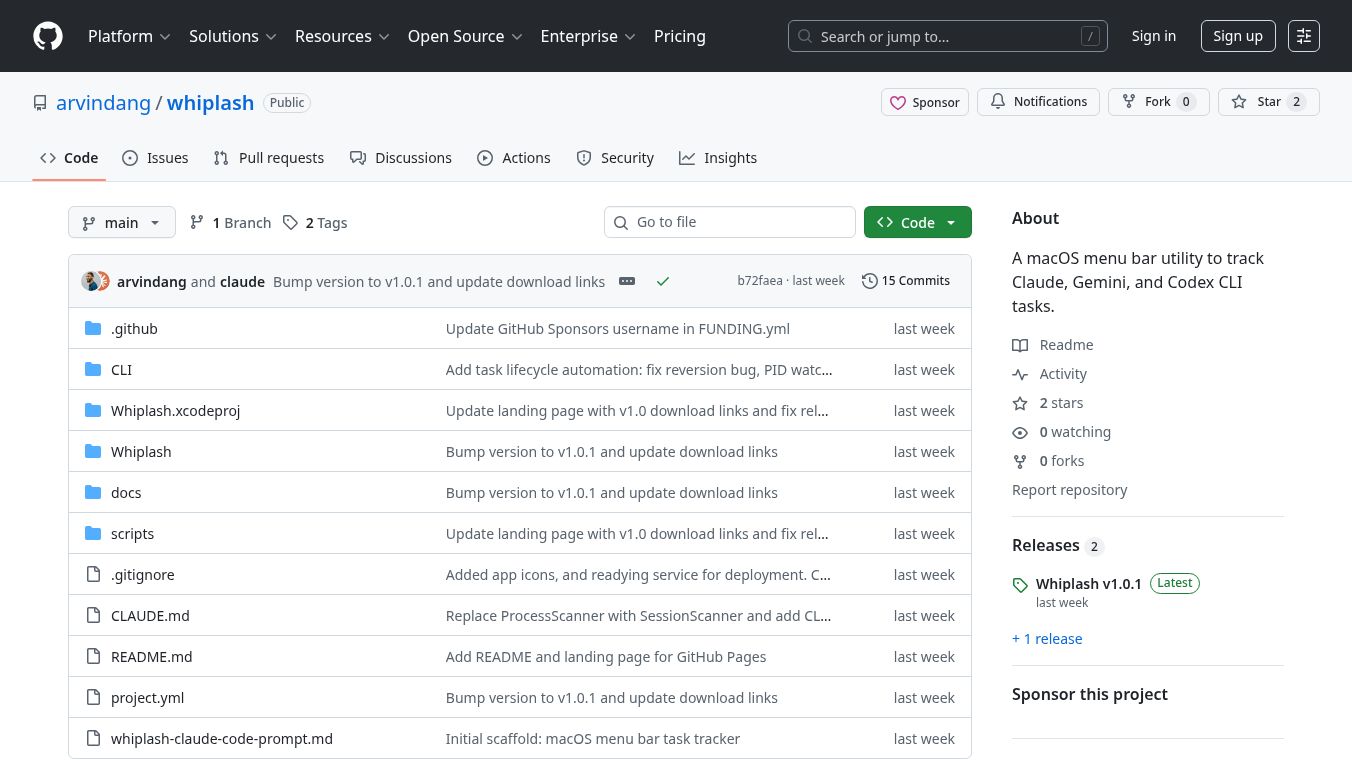





Whiplash is a tool for macOS that helps developers keep track of their work. It sits in the menu bar, which is the area at the top of your screen where icons for different apps appear. This makes it easy to see what you are working on without interrupting your workflow.
Benefits
Whiplash allows developers to track tasks even when they are working in different places at the same time. This includes using multiple terminal tabs or working with AI coding tools like Claude Code. It uses a quick keyboard shortcut to let you manage your tasks.
Use Cases
This tool is useful for developers who juggle many projects or tasks simultaneously. It is especially helpful for those who use command line interfaces extensively or rely on AI assistants for coding. By tracking tasks across these different environments, developers can stay organized and focused.
Vibes
No information available.
This content is either user submitted or generated using AI technology (including, but not limited to, Google Gemini API, Llama, Grok, and Mistral), based on automated research and analysis of public data sources from search engines like DuckDuckGo, Google Search, and SearXNG, and directly from the tool's own website and with minimal to no human editing/review. THEJO AI is not affiliated with or endorsed by the AI tools or services mentioned. This is provided for informational and reference purposes only, is not an endorsement or official advice, and may contain inaccuracies or biases. Please verify details with original sources.

Comments
Please log in to post a comment.