WebP to PNG Converter
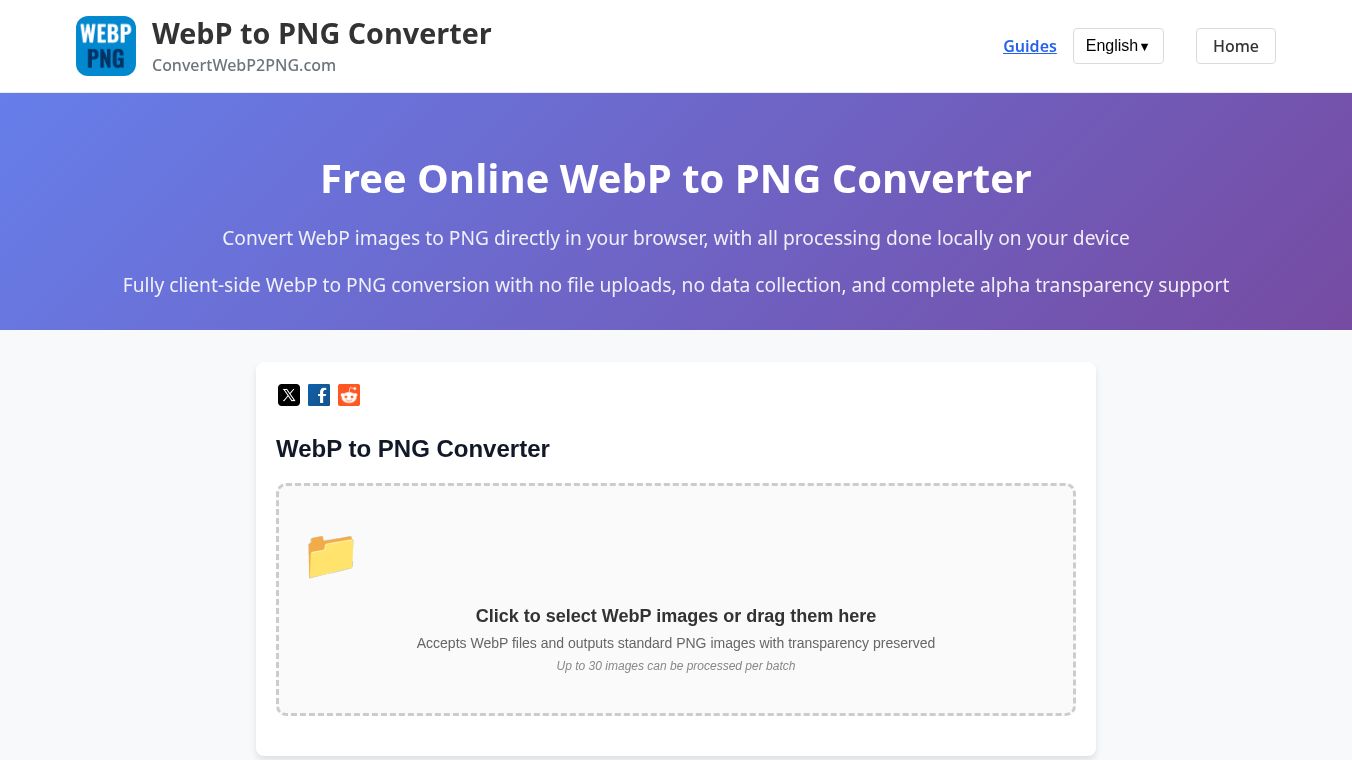





The WebP to PNG Converter is a free online tool designed to change image files from the WebP format to the PNG format. WebP is a modern image format used by many websites to save space, but it is not supported by all older software or devices. This tool allows users to easily convert their WebP images into PNG files without needing any special software installed on their computer or phone.
Benefits
This tool offers several key advantages for users. It works directly in the browser, which means there is no need to download any programs or install updates. The conversion process is fast and usually takes only a few seconds. Users can keep their original WebP files safe because the tool does not save them to the user's hard drive. It supports multiple images at once, making it efficient for people who have many files to convert. The output images are high quality and retain the original details of the source file.
Use Cases
This converter is useful for anyone who needs to share images with older systems or applications. Photographers often use WebP for web galleries but need PNG files for printing or using in legacy software. Bloggers and social media managers can convert images to ensure compatibility across different platforms. Students and teachers can use it to prepare image files for assignments that only accept PNG formats. It is also helpful for developers who need to test images in environments that do not support the newer WebP standard.
Pricing
The WebP to PNG Converter is completely free to use. There are no hidden fees, subscription costs, or payment methods required. Users can convert as many images as they need without any limits on the number of conversions per day.
Vibes
Users generally appreciate the simplicity and speed of this tool. Many find it helpful because it solves a common problem without requiring technical skills. The lack of registration or login requirements makes it very user-friendly. People often note that the images come out looking sharp and clear after conversion.
Additional Information
The tool is hosted on a website that focuses on online file conversion services. It relies on standard web technologies to process images in the cloud. There is no mention of specific funding sources or corporate partnerships in available public information. The service operates independently to provide a convenient solution for file format conversion.
This content is either user submitted or generated using AI technology (including, but not limited to, Google Gemini API, Llama, Grok, and Mistral), based on automated research and analysis of public data sources from search engines like DuckDuckGo, Google Search, and SearXNG, and directly from the tool's own website and with minimal to no human editing/review. THEJO AI is not affiliated with or endorsed by the AI tools or services mentioned. This is provided for informational and reference purposes only, is not an endorsement or official advice, and may contain inaccuracies or biases. Please verify details with original sources.

 No Info


Comments
Please log in to post a comment.