VoiceBean
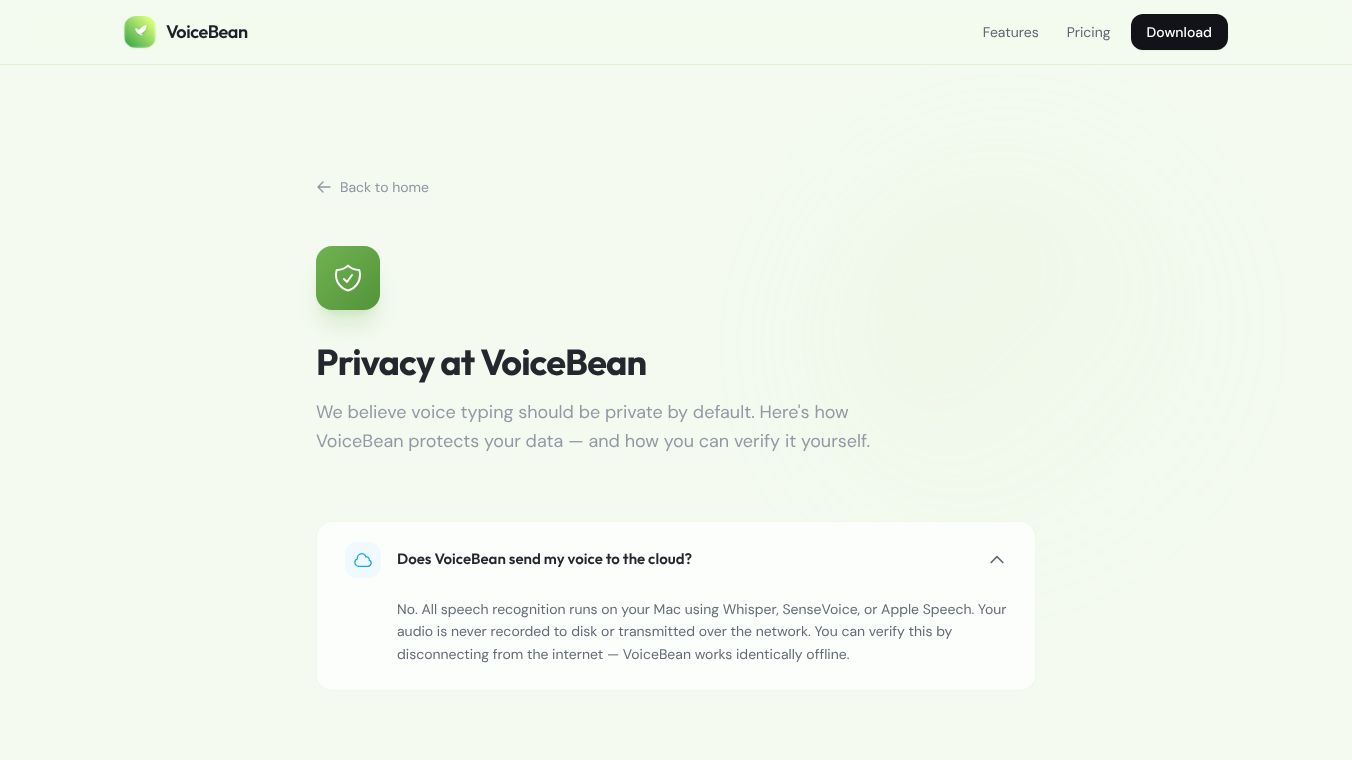





VoiceBean is a voice typing application designed for Mac computers. It uses artificial intelligence to turn your spoken words into text instantly. The main goal of this tool is to protect your privacy because it keeps all data on your device. You do not need to create an account or connect to the internet to use its basic features.
Benefits
VoiceBean offers several advantages over other typing tools. Unlike standard apps that show text as you speak, VoiceBean works quietly in the background. It listens to your voice and produces a complete, polished paragraph immediately. This lets you focus entirely on your thoughts without looking at the screen. The app uses powerful local AI models to fix spelling mistakes and punctuation errors automatically. It also understands different contexts, such as coding or writing emails, and adjusts its corrections accordingly. A major benefit is the total privacy. All audio is processed on your Mac, meaning no recordings are sent to the cloud. You can use the app even when you are offline.
Use Cases
This tool is perfect for anyone who types quickly using their voice. Writers, students, and professionals can use it to draft documents, emails, or notes without typing manually. It works well for people who want to switch between languages like English, Chinese, Japanese, and Korean. Developers might appreciate the ability to import custom models for specific tasks. The app supports global hotkeys, so you can start recording speech from anywhere on your computer. It is also useful for removing filler words like um or uh to make your writing cleaner.
Pricing (ONLY include if available)
VoiceBean has a flexible pricing plan that starts for free. The free version includes basic voice typing and Apple Speech recognition. Users can upgrade to a monthly plan for $5.90 or an annual plan for $29.90 to unlock more AI correction features and support for multiple devices. There is also a lifetime option available for $199 that gives permanent access to all features.
Vibes (ONLY include if available)
There are no specific reviews or testimonials available in the provided information about how users feel about VoiceBean.
Additional Information (ONLY include if available)
VoiceBean requires a Mac computer with Apple Silicon chips like M1, M2, M3, or M4. It needs macOS version 15.0 or later. The app itself is very small at 21.2 megabytes, but it downloads separate AI models when you first use them. The company uses end-to-end encryption for any data that is synced to iCloud, ensuring that your history remains private.
This content is either user submitted or generated using AI technology (including, but not limited to, Google Gemini API, Llama, Grok, and Mistral), based on automated research and analysis of public data sources from search engines like DuckDuckGo, Google Search, and SearXNG, and directly from the tool's own website and with minimal to no human editing/review. THEJO AI is not affiliated with or endorsed by the AI tools or services mentioned. This is provided for informational and reference purposes only, is not an endorsement or official advice, and may contain inaccuracies or biases. Please verify details with original sources.



Comments
Please log in to post a comment.