VideoBud





VideoBud: AI-Powered Video Creation for SaaS and Software Teams
Research context and background
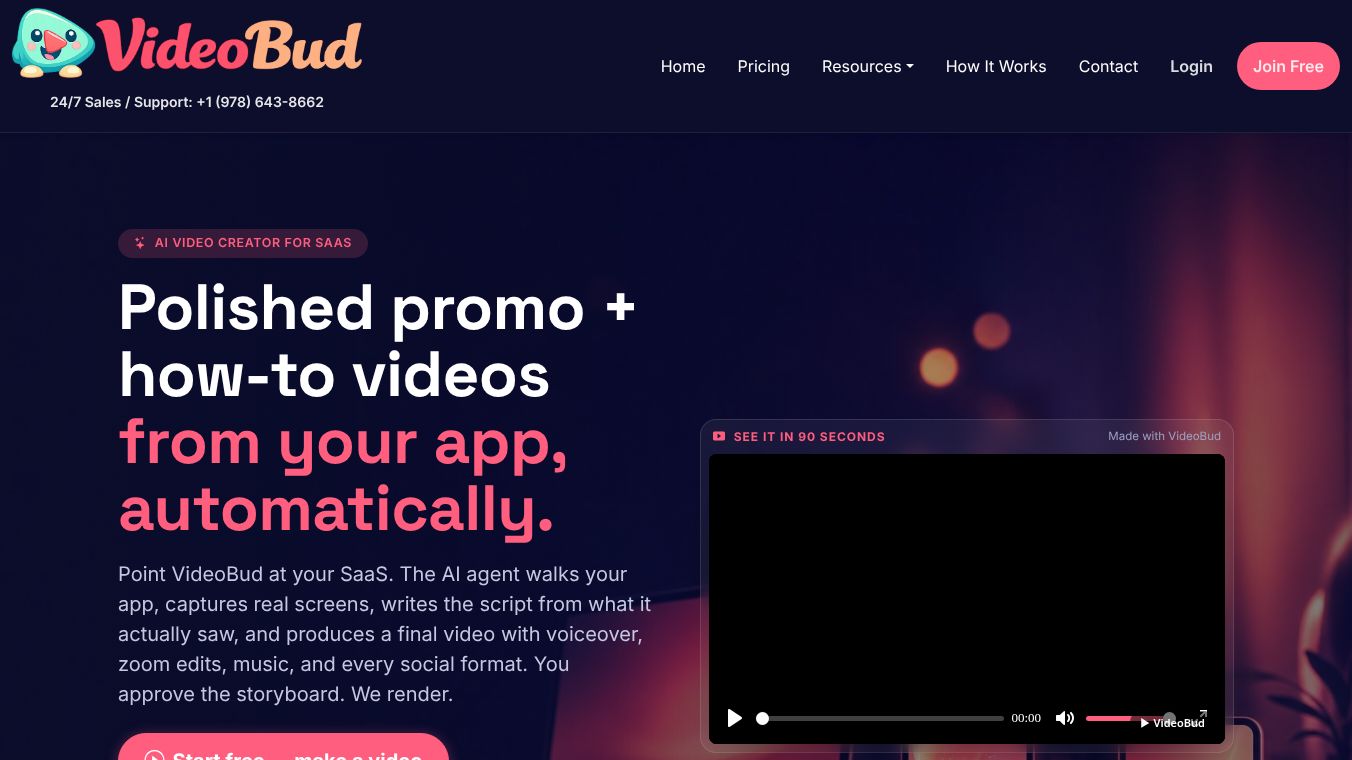
VideoBud is an AI video creator software built specifically for SaaS and software teams. Unlike generic tools that rely on stock footage or abstract animations, VideoBud focuses on capturing real product screens, workflows, and release notes to create grounded and useful videos. It automates the process of turning app flows into polished promo, tutorial, and onboarding videos. The platform allows users to paste their app URLs, select a video type, and write a brief. An AI agent then opens the app in a browser, follows the described click path, and captures screens and text. Users can review a scene-by-scene storyboard draft, edit lines if needed, and approve the final render. The output includes voiceover, zoom edits, music, captions, and brand slates.
Benefits
VideoBud offers several key advantages for software teams. It saves time by automating the heavy lifting of video creation while letting users maintain control over the narrative. The tool produces videos that feel authentic because they use actual SaaS screens and workflows that buyers and users recognize. This approach avoids the generic look of stock footage or avatar-based generators. Teams can create various video types quickly, including promo tours, step-by-step tutorials, onboarding guides, feature launches, troubleshooting clips, and changelog videos. The platform also handles technical details like sanitizing demo accounts to ensure no private data is shown. Users own the finished videos and can use them across marketing, onboarding, support, sales, and social channels.
Use Cases
VideoBud is designed for SaaS founders, product marketers, customer-success teams, support teams, and agencies. It is ideal for creating marketing page tours that highlight hero sections, key features, pricing, and social proof in 30, 60, or 90-second versions. Support teams can use it to generate how-to videos that replace stale documentation or create mini-videos from knowledge bases to address common issues. Customer-success teams can produce welcome videos for new signups that guide users through initial setup steps. Sales teams can create short clips to answer specific objections regarding security, pricing, or migration. The tool is also perfect for generating auto-generated release note videos for sprints that are ready for email or embedding on websites. Agencies can use it to produce repeatable software videos with practical edits instead of relying on custom brand campaigns or live production.
Pricing
VideoBud operates on a simple credit-based pricing model where one credit equals one minute of final rendered video. Storyboard previews are unlimited and free. The Free Plan costs $0 per month and includes 2 minutes of final rendered video per month with a watermark in 16:9 format. This is ideal for testing the tool. The Starter Plan costs $29 per month. The Pro Plan costs $79 per month. The Studio Plan costs $199 per month. All plans offer a 10% discount on the first charge. Users can use their finished videos in marketing, onboarding, support, sales, and social channels according to their plan.
Vibes
The platform is designed to be user-friendly and efficient. Users can start with the free tier to test the loop on their real product. The tool also offers a free planning tool or scorecard that asks about product stage, audience, app flow, and formats to recommend the best first video to create. This helps teams make informed decisions about their content strategy. The workflow is streamlined, allowing users to paste URLs, select a video type, and write a one-line brief to get started. The ability to edit storyboard lines before rendering gives users flexibility without needing advanced video editing skills.
Additional Information
VideoBud distinguishes itself from traditional screen recording by using AI capture and scripting to produce videos without manual recording. It differs from generic AI video generators by relying on actual SaaS screens and workflows rather than stock footage or avatars. It provides a narrated video suitable for landing pages, emails, and ads, which is different from interactive demo software that allows visitors to explore a sandbox. It offers a faster and repeatable solution compared to full-service video agencies that focus on custom brand campaigns or live production. The platform supports login-based product flows as long as a sanitized demo account is used to ensure no private customer data, internal metrics, or secrets are displayed.
This content is either user submitted or generated using AI technology (including, but not limited to, Google Gemini API, Llama, Grok, and Mistral), based on automated research and analysis of public data sources from search engines like DuckDuckGo, Google Search, and SearXNG, and directly from the tool's own website and with minimal to no human editing/review. THEJO AI is not affiliated with or endorsed by the AI tools or services mentioned. This is provided for informational and reference purposes only, is not an endorsement or official advice, and may contain inaccuracies or biases. Please verify details with original sources.


Comments
Please log in to post a comment.