Video Enhancer
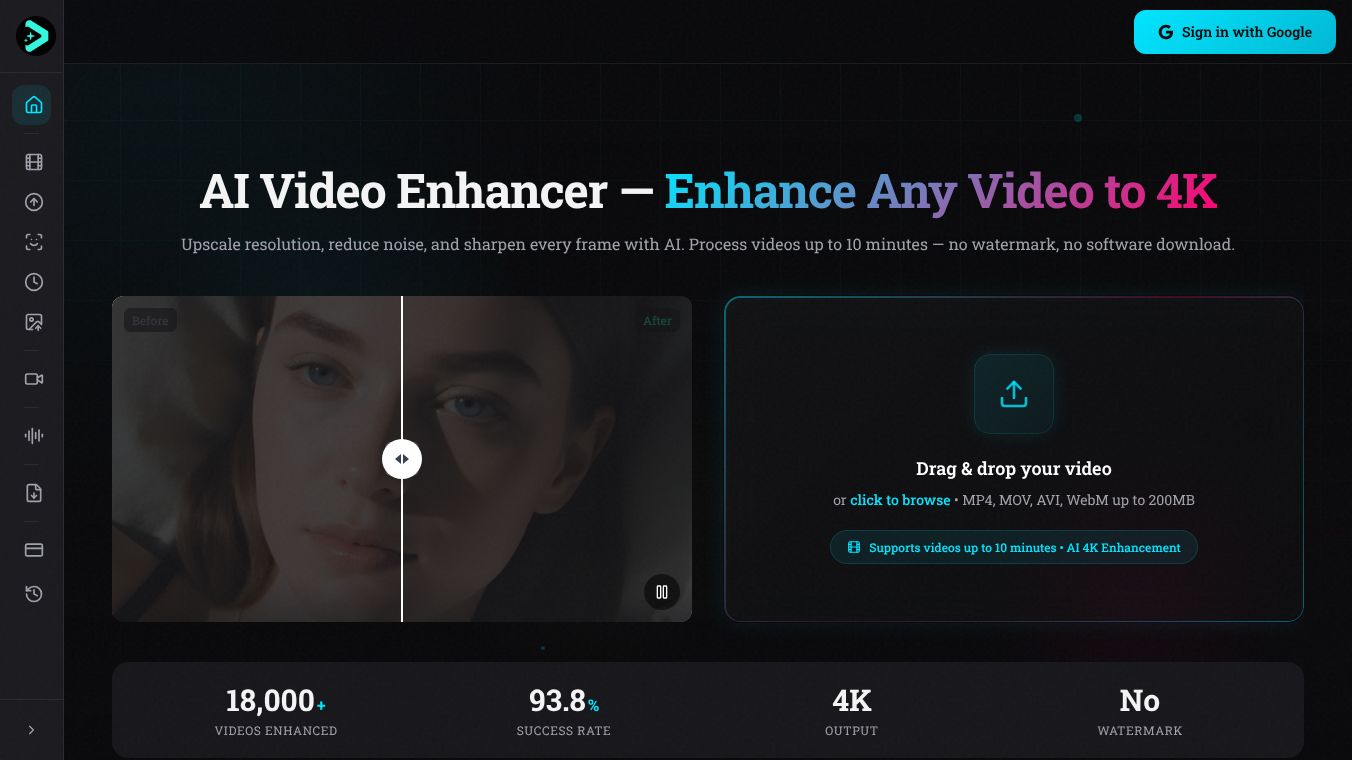





Video Enhancer is a web-based platform that uses artificial intelligence to improve the quality of videos and images. It allows users to enhance their media directly in their web browser without needing to download any software. This tool can make videos clearer, sharper, and higher resolution.
Benefits
Video Enhancer helps users upscale low-resolution videos to higher qualities like 1080p or even 4K. It can reduce unwanted noise and sharpen blurry frames, making old or poor-quality footage look much better. The platform also offers an AI tool to remove background noise from audio, ensuring clear speech. Additionally, it can reduce video file sizes significantly while keeping the quality high, making them easier to share. For images, there's a free tool that can upscale them to 4K resolution, unblur them, and restore old photos quickly.
Use Cases
This tool is useful for restoring old videos, such as those from VHS tapes, camcorders, or security cameras, making them viewable again. Content creators can use it to improve videos for social media platforms. Professionals in video production can use it to enhance footage. It can also be used to improve the quality of surveillance recordings. The AI Face Swap feature allows users to replace faces in videos, preserving expressions and lighting. The free image upscaler is great for improving photos for personal use or online sharing.
Pricing
Users get 30 free credits when they sign up, and no credit card is needed. More credits can be purchased for further use. The AI Image Upscaler is completely free to use without any limits.
Vibes
The service has a 93.8% success rate based on over 18,000 enhanced videos. Videos are processed securely and are watermark-free. Uploaded files are automatically deleted after 14 days.
Additional Information
Video Enhancer uses advanced AI algorithms like FlashVSR and SeedVSR for video upscaling. FlashVSR is good for restoring old and degraded videos, while SeedVSR is faster for short clips. The AI Face Swap feature can replace faces in videos while maintaining natural expressions. The platform processes videos using cloud GPUs. For videos longer than 10 minutes, the FlashVSR algorithm is used. For shorter clips, the SeedVSR model offers a quick, one-step 4K upscaling process.
This content is either user submitted or generated using AI technology (including, but not limited to, Google Gemini API, Llama, Grok, and Mistral), based on automated research and analysis of public data sources from search engines like DuckDuckGo, Google Search, and SearXNG, and directly from the tool's own website and with minimal to no human editing/review. THEJO AI is not affiliated with or endorsed by the AI tools or services mentioned. This is provided for informational and reference purposes only, is not an endorsement or official advice, and may contain inaccuracies or biases. Please verify details with original sources.

 No Info



Comments
Please log in to post a comment.