ViceVersa EML PST Switcher





Research context and background
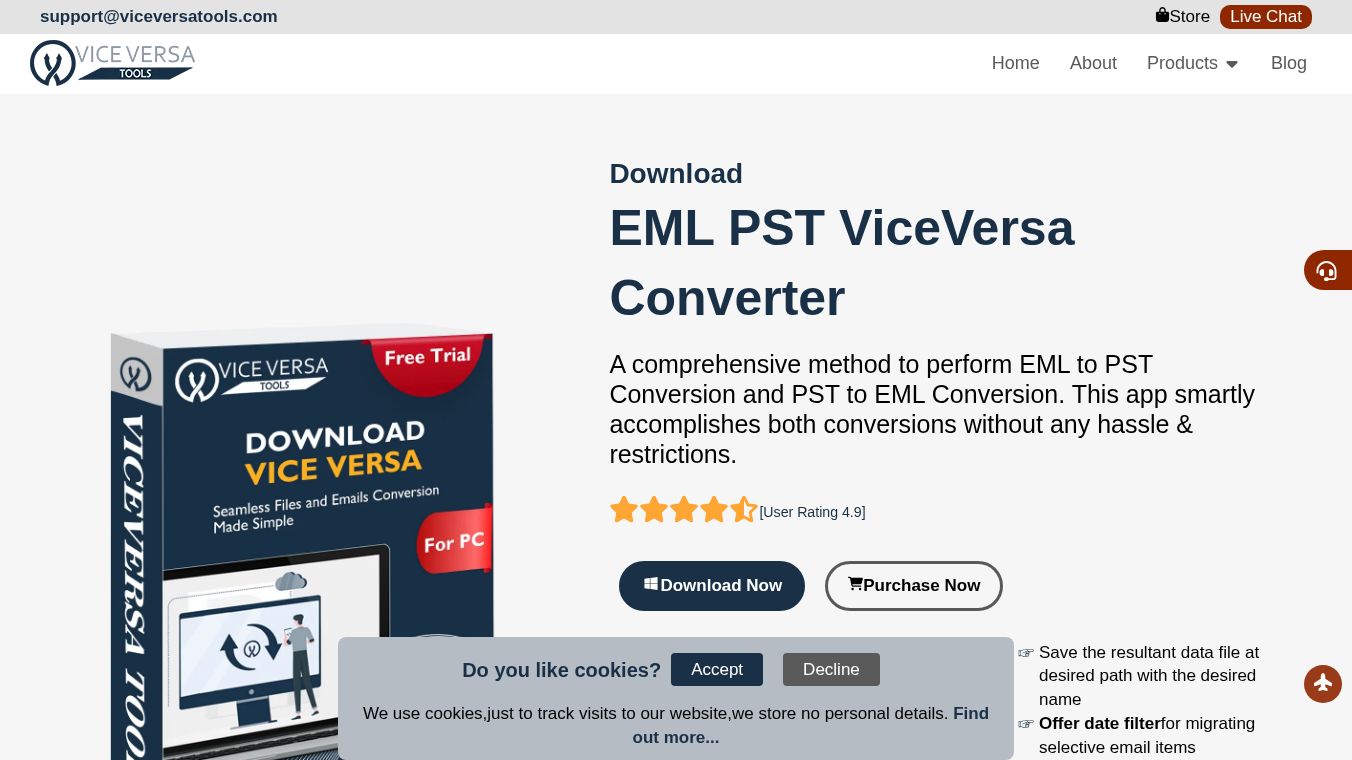
The EML to PST and PST to EML Converter by ViceVersa Tools is a specialized software solution designed to facilitate the seamless conversion between EML and PST file formats. This dual-functioning application allows users to convert single and multiple files in both directions without restrictions, ensuring that all email components, formatting, and attachments are preserved during the migration process.
Benefits
This tool offers several key advantages for users dealing with different email file types. First, it solves the problem of reading EML files in Microsoft Outlook, which does not natively support this format. The software instantly transforms EML files into PST files, making them compatible with all editions of MS Outlook. Conversely, it allows users to export emails from Outlook to EML files for use in other clients like Mozilla Thunderbird or Windows Live Mail. The application supports batch processing, meaning users can convert multiple files at once without damaging any data. It handles all types of PST files, including Active, Archived, Orphaned, ANSI, and Unicode formats, with no file size restrictions. The conversion process retains full formatting, email components, and attachments, ensuring the database structure remains accurate. Users can also use a date filter to export only emails within a specific time range and preview the data before finalizing the conversion. A major benefit is that exporting PST to EML does not require Microsoft Outlook to be installed or configured on the system. The interface is intuitive and works on various Windows versions from XP to Win 11.
Use Cases
This software is ideal for anyone needing to move email data between different platforms. For example, a user who receives emails in EML format from a colleague can convert them to PST to view them easily in Outlook. A business professional might need to send specific emails to a client who uses a different email client, so they can export their Outlook PST data to EML files. IT administrators can use the batch conversion feature to migrate large volumes of email data efficiently. The date filter feature is useful for archiving or retrieving only emails from a specific period, such as all correspondence from last quarter. The tool is suitable for personal users, small businesses, and large enterprises, as it supports different licensing options for home, corporate, and technician use. It is also helpful for users who need to switch between email clients without losing their attachment history or formatting.
Pricing
The software offers a free trial version for evaluation, but it has limitations compared to the full license. The demo version allows users to convert only 25 items per folder and does not support batch conversion, attachments, or the date filter option. To unlock unlimited conversions and all advanced features, users must purchase the full license version for $39. The licensing options include a Home License for personal or single-user usage, a Corporate License for large enterprises and educational institutions, and a Technician License for administrators who serve multiple clients.
Vibes
Users have praised the software for its dual functionality and accuracy. Harry L. Spivey noted that the program works perfectly in both directions, allowing him to export EML files to Outlook 2021 and PST emails to EML format smoothly. Brandon A. Ingrassia mentioned that he used the tool to convert files for a client request and was impressed by the quick conversion and 100% accuracy. He described it as a picture-perfect solution. Curt P. Hatton also confirmed that the app executed both tasks smoothly and expressed his happiness with the software after using it.
Additional Information
The software requires a Pentium class processor, a minimum of 512 MB RAM, and 100 MB of free hard disk space. It is compatible with Windows versions including Win 11, 10, 8.1, 8, 7, XP, Vista, and 2008/2012, supporting both 32-bit and 64-bit systems. The application supports MS Outlook versions from 2003 to 2021. Installation is straightforward, involving five simple steps: install and launch, add source files, preview and select the export option, set the output path, and click the convert button. The conversion process is secure and exact, ensuring no misplaced data items during the migration.
This content is either user submitted or generated using AI technology (including, but not limited to, Google Gemini API, Llama, Grok, and Mistral), based on automated research and analysis of public data sources from search engines like DuckDuckGo, Google Search, and SearXNG, and directly from the tool's own website and with minimal to no human editing/review. THEJO AI is not affiliated with or endorsed by the AI tools or services mentioned. This is provided for informational and reference purposes only, is not an endorsement or official advice, and may contain inaccuracies or biases. Please verify details with original sources.



Comments
Please log in to post a comment.