VibeAround
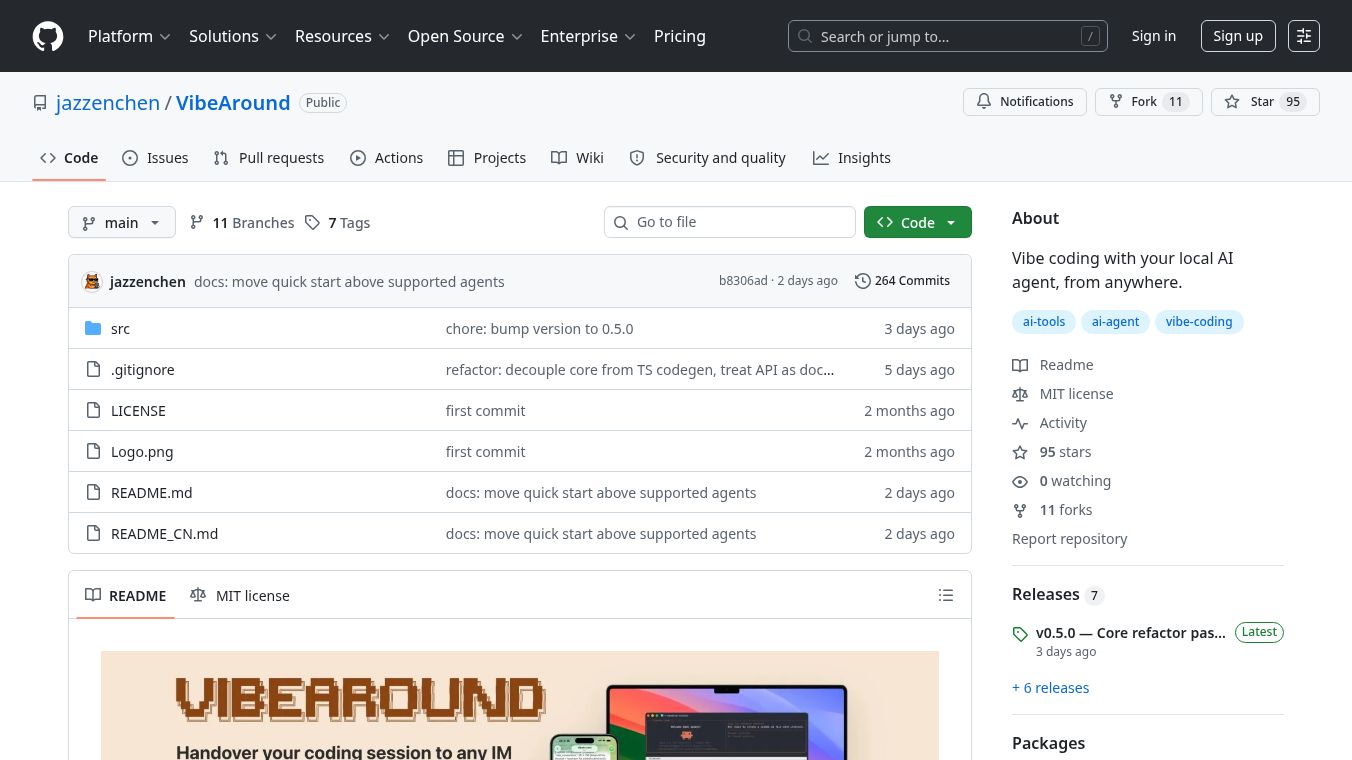





VibeAround: Vibe Coding with Your Local AI Agent from Anywhere
VibeAround is a lightweight desktop application that lets you talk to your local AI coding assistants from any device or location. Instead of being stuck at your computer, you can chat with your AI agent through popular messaging apps like Telegram, Slack, or Discord. You can also use a web-based terminal to run code commands. This tool helps developers work on projects while traveling, in a coffee shop, or on their phone.
Benefits
VibeAround offers several key advantages for developers who want to use local AI tools.
- Work from Anywhere: You can interact with your AI coding agent through instant messaging platforms like Telegram, Slack, Feishu, Discord, WeChat, DingTalk, WeCom, or QQ. This means you can get help from your AI agent even when you are not sitting at your main computer.
- Full Terminal Access: The app provides a web terminal that lets you run shell commands directly in your browser. On mobile devices, it includes an on-screen keyboard that supports special keys like ESC and Ctrl. When used with tmux, your coding sessions stay active even if you close the browser window.
- Seamless Switching: You can move a live coding session between your terminal and your messaging app using simple commands. The app keeps all your code and context safe during this transfer. You can also switch between different AI agents like Claude, Gemini, or Cursor without restarting the application.
- Easy Setup: A built-in setup wizard guides you through the installation process. It helps you install necessary tools, enter your account credentials, and choose a secure connection method. This reduces the need for complex manual configuration.
- Live Code Preview: You can share running servers or rendered web pages with others by generating short links. These links open on your phone or any other browser, allowing you to show your work instantly.
- Multi-Agent Support: The tool works with many popular local AI coding agents including Claude Code, Gemini CLI, Codex CLI, Cursor CLI, Kiro CLI, and Qwen Code. It allows you to run different agents on different messaging channels at the same time.
Use Cases
VibeAround is designed for developers who need flexibility and mobility in their coding workflow.
- Mobile Development: A developer can write code on their laptop and then continue working on their phone by sending messages to their AI agent through Telegram or Slack. They can run commands and view live previews of their code changes on the go.
- Remote Collaboration: Team members can chat with the same AI agent from different locations. One person might be in a meeting while another is coding at home. They can both interact with the agent through their preferred messaging app.
- Café or Co-Working Sessions: When working away from home, a developer can use the web terminal to access their local AI agent. The terminal works in any browser, making it easy to use in public spaces.
- Session Continuity: If a developer needs to switch devices or networks, they can use the handover feature to save their current session. They can then pick up the session on a new device without losing their progress or context.
- Multi-Tasking: Users can run multiple AI agents simultaneously on different platforms. For example, they might use Claude for code review in Discord and Codex for debugging in Slack.
Pricing
Pricing information is not available for VibeAround.
Vibes
Public reviews or testimonials are not available for VibeAround.
Additional Information
VibeAround is built using Tauri, a framework that combines web technologies with native desktop capabilities. The application runs on macOS, Linux, and Windows, though pre-built versions are currently only available for macOS. Users on other operating systems must build the software from source code.
The project is open source and hosted on GitHub. It uses a unified protocol to communicate with supported AI agents, which makes it easy to add new agents in the future. The app also includes built-in security features like token-gated URLs for sharing live previews. The developers plan to add more features such as a command-line launcher, support for additional messaging apps like WhatsApp and Microsoft Teams, and containerized agent environments for better security.
To get started, users need to have Rust, Node.js, and Bun installed on their system. The project requires specific versions of these tools to function correctly. On macOS, users may also need to install Xcode command line tools.
This content is either user submitted or generated using AI technology (including, but not limited to, Google Gemini API, Llama, Grok, and Mistral), based on automated research and analysis of public data sources from search engines like DuckDuckGo, Google Search, and SearXNG, and directly from the tool's own website and with minimal to no human editing/review. THEJO AI is not affiliated with or endorsed by the AI tools or services mentioned. This is provided for informational and reference purposes only, is not an endorsement or official advice, and may contain inaccuracies or biases. Please verify details with original sources.




Comments
Please log in to post a comment.