ux-skill





Design Intelligence: A Plugin for Claude Code Sessions
Research Context and Background
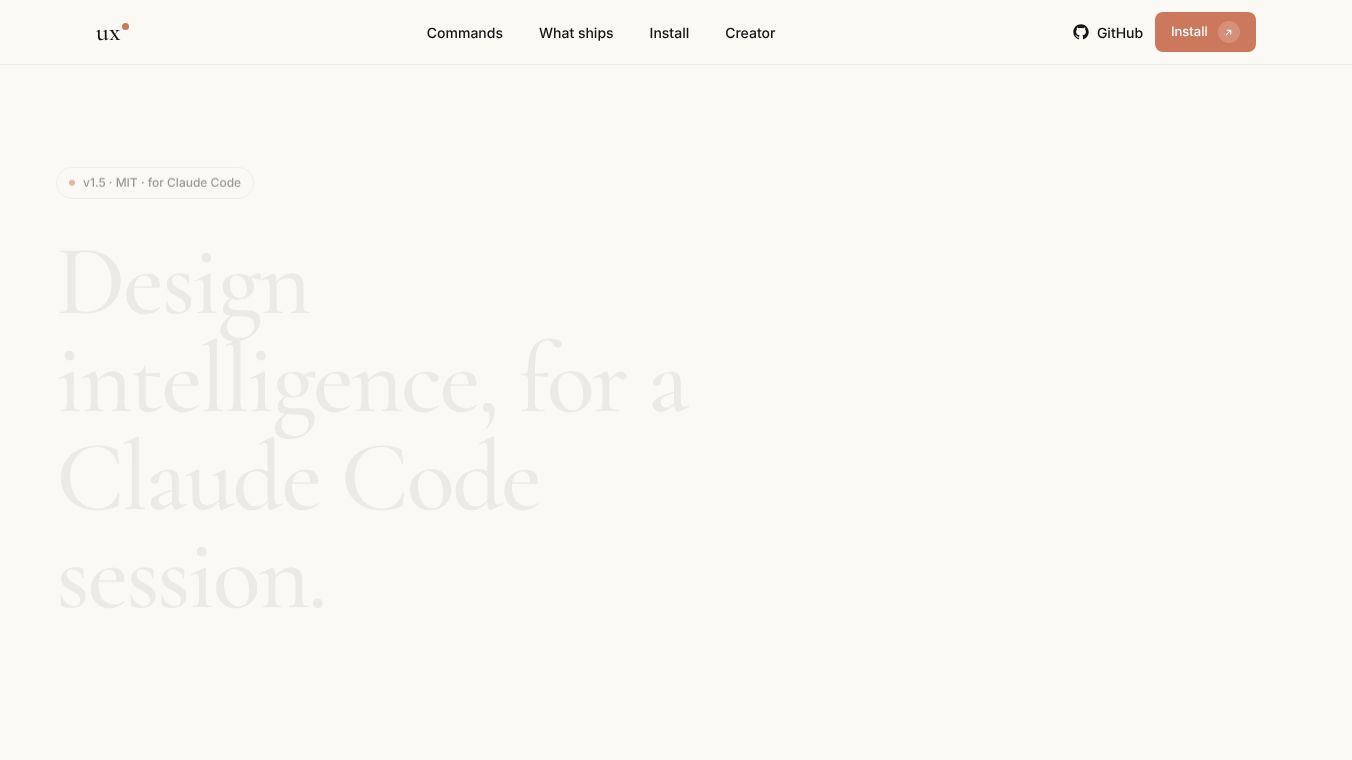
The article provided discusses a specific tool called Design Intelligence. It is described as a plugin that works inside Claude Code sessions. The creator of this tool, Laith Junaidy, spent five years developing it. The goal of the tool is to help users create better designs by using AI without making common mistakes. The article explains how the tool works and what problems it solves, but it does not contain information about pricing, customer reviews, funding details, or specific use cases beyond the general description of its functions. Because the article cuts off mid-sentence in the Audit section, some details are incomplete.
Benefits
This tool helps users avoid the typical bad patterns found in AI-generated work. Many AI tools create designs that look the same every time. This plugin blocks eight specific bad habits that AI often makes. These habits include using purple-to-blue gradients, creating three equal feature cards, or using generic words like "elevate" or "seamless." It also prevents the use of placeholder names like "John Doe" and round statistics like "99.99% uptime." The tool reads brand guidelines and audience context before producing any output. This ensures that the final design looks professionally crafted and fits the specific needs of the project. It is licensed under the MIT license, which means it is free to use for personal and commercial projects.
Use Cases
The primary use case for this tool is within the Claude Code environment. Users can type specific commands to get help with different parts of the design process. For example, a user can use the/ux-designcommand to start a new project or the/ux-briefcommand to define the goals of a design. Other commands like/ux-referenceshelp find visual examples, while/ux-voiceand/ux-brandensure the design matches the company identity. The tool is useful for anyone who uses AI to generate code or design assets but wants to maintain a high standard of quality. It acts as a safety net to ensure the output does not look like it came from a generic AI generator.
Pricing
The article does not mention any specific pricing details. It only states that the tool is MIT-licensed, which typically indicates it is free to use.
Vibes
The article does not include any customer reviews, testimonials, or public reception data. It only describes the tool from the perspective of its creator.
Additional Information
The tool was created by Laith Junaidy and encapsulates five years of design taste. It is available as a plugin for Claude Code sessions. The tool includes 18 slash commands, 5 sub-agents, and over 35 reference files. It is designed to be a single tool that handles the entire design brief process from start to finish. The article notes that the tool checks for taste and blocks common AI fingerprints, but it does not list specific partnerships or funding sources.
This content is either user submitted or generated using AI technology (including, but not limited to, Google Gemini API, Llama, Grok, and Mistral), based on automated research and analysis of public data sources from search engines like DuckDuckGo, Google Search, and SearXNG, and directly from the tool's own website and with minimal to no human editing/review. THEJO AI is not affiliated with or endorsed by the AI tools or services mentioned. This is provided for informational and reference purposes only, is not an endorsement or official advice, and may contain inaccuracies or biases. Please verify details with original sources.
Comments
Please log in to post a comment.