Unroll
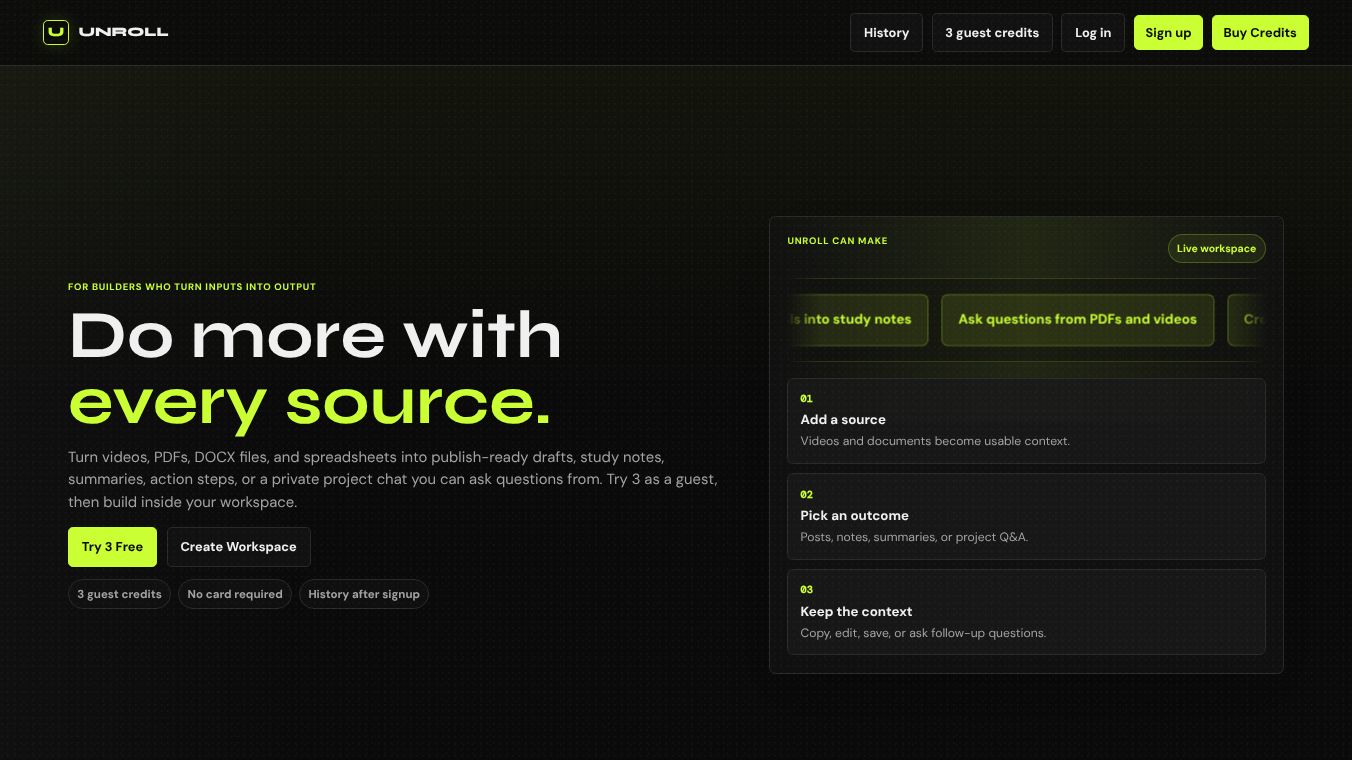





Unroll is a free tool designed to help people manage the noise in their email inboxes. It works by scanning your email account and letting you choose which newsletters to keep and which ones to hide. Instead of deleting emails, Unroll moves unwanted messages to a separate folder so they do not clutter your main view. This service is popular because it offers a simple way to organize daily emails without needing to unsubscribe from every single sender manually.
Benefits
Unroll provides several advantages for users who want a cleaner digital life. The main benefit is the ability to see all your subscriptions in one place. You can easily swipe or click to decide if you want to keep a newsletter or move it away. The tool also offers a Rollup feature that combines your chosen emails into a single daily digest. This means you only have to check one email instead of dozens. Because the service is free, it removes the financial barrier to organizing your inbox. It also helps reduce the visual stress of an overflowing mailbox by hiding promotional content that you do not need.
Use Cases
Unroll is best used by anyone who receives too many marketing emails and newsletters. It is particularly useful for people who want to consolidate their reading into one specific time of day. You can use the app on both mobile phones and desktop computers to manage your subscriptions. It works well for individuals who prefer a simple interface over complex settings. If you are tired of scrolling through spam or ads, Unroll helps you filter those out immediately. It is also a good option for people who want to try inbox management without paying a monthly fee.
Pricing
Unroll is completely free to use. There are no subscription fees or hidden costs for the basic features. The service relies on a different model to stay running, which involves analyzing user data for market research purposes. While the tool itself costs nothing, users should be aware that their email content is used for this research activity.
Vibes
Users generally appreciate the simplicity of Unroll. Many people find the one-click unsubscribe process very convenient. The free price point is a major plus for those on a budget. However, some users express concern about privacy because the service shares data with third parties. Reviews often highlight the difference between Unroll and paid alternatives like Clean Email. While Unroll is effective for basic filtering, some users feel it lacks the advanced control options found in other tools. Overall, the reception is mixed, with praise for ease of use and criticism regarding data privacy.
Additional Information
Unroll is owned by NielsenIQ, a company known for market research. This ownership explains the business model where user data is analyzed for research purposes. The service requires specific security steps when setting up, such as enabling two-step verification and creating an app-specific password for Gmail users. Unlike some competitors, Unroll does not allow users to pause subscriptions temporarily. It also does not remove you from mailing lists at the source, meaning new emails will return if you stop using the tool. The service has been around for many years and remains a common recommendation for basic inbox organization.
This content is either user submitted or generated using AI technology (including, but not limited to, Google Gemini API, Llama, Grok, and Mistral), based on automated research and analysis of public data sources from search engines like DuckDuckGo, Google Search, and SearXNG, and directly from the tool's own website and with minimal to no human editing/review. THEJO AI is not affiliated with or endorsed by the AI tools or services mentioned. This is provided for informational and reference purposes only, is not an endorsement or official advice, and may contain inaccuracies or biases. Please verify details with original sources.

Comments
Please log in to post a comment.