trnscrb
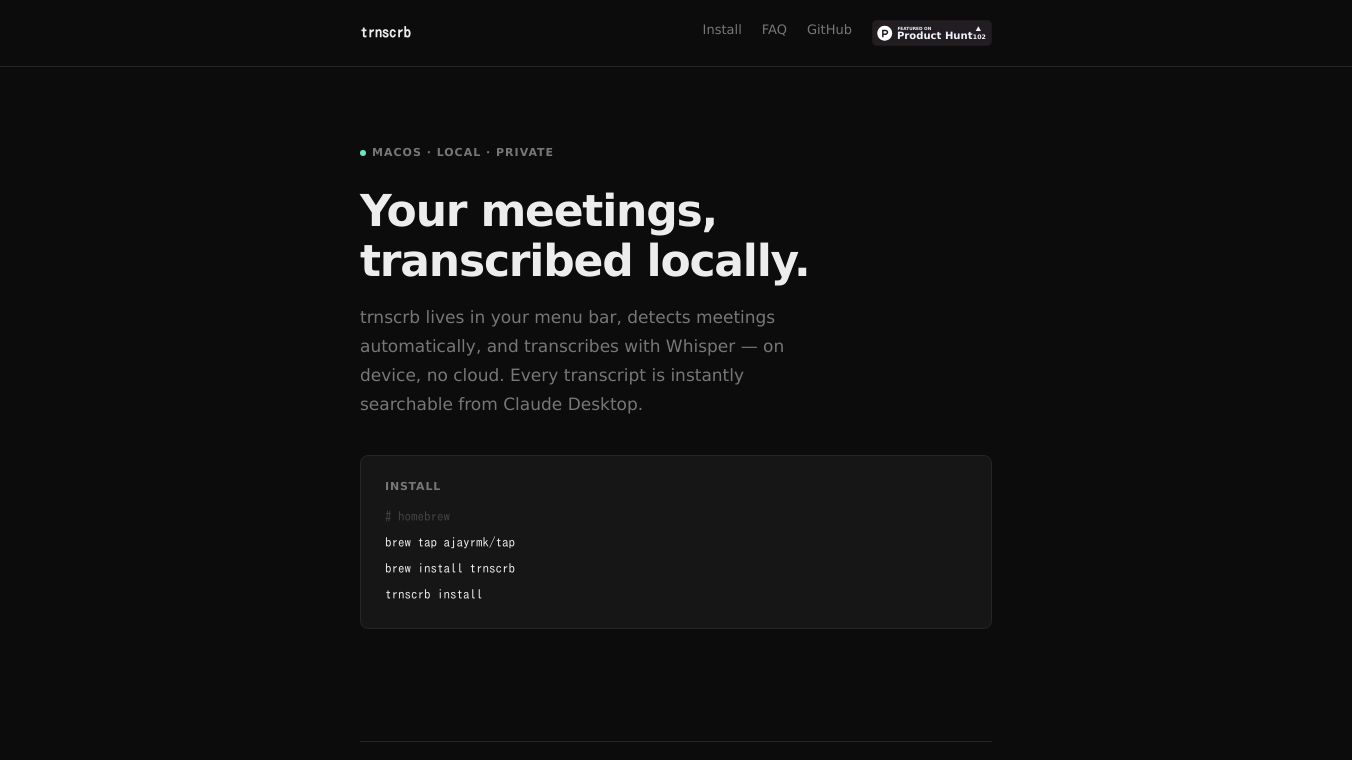





trnscrb is a desktop application designed to automatically record and transcribe your meetings. It works directly on your computer, meaning it doesn't need an internet connection to do its main job. This is possible because it uses the Whisper model and runs locally on Apple Silicon Macs, making the transcription process fast and private.
Benefits
trnscrb offers several advantages for anyone who attends frequent meetings. Because it records and transcribes locally, your audio data stays on your machine, enhancing privacy. It automatically detects when a meeting starts, so you don't have to remember to hit record. The transcription is done quickly thanks to Apple Silicon's acceleration. Plus, all your transcripts are saved as simple text files, making them easy to find and manage.
Use Cases
This tool is ideal for professionals who use popular meeting platforms like Google Meet, Zoom, Slack, Microsoft Teams, or FaceTime. It's useful for anyone who needs to keep track of meeting discussions, action items, or key decisions. After transcription, you can use Claude Desktop to search through your meeting notes using natural language. For example, you could ask, "What were the action items from this morning's standup?" or get a summary of past discussions like, "What has Sara mentioned across all my recent meetings?" It can also help by automatically starting recordings when you join a call.
Vibes
Users appreciate that trnscrb handles recording and transcription offline, ensuring data privacy. The automatic detection of meetings and integration with tools like Claude Desktop for searching and summarizing transcripts are highlighted as significant benefits. The ability to store transcripts as plain text files also provides users with direct ownership of their data.
Additional Information
trnscrb can be installed using Homebrew or Python's pip or uv. The installation process sets up necessary components like the BlackHole virtual audio driver for capturing system audio, the Whisper model, and configurations for Claude Desktop. While transcription and recording are offline, using thetrnscrb enrichcommand to summarize or add action items requires an internet connection to access the Claude API. The application works on Intel Macs but is recommended for Apple Silicon for faster performance. Speaker labels require a HuggingFace account, but transcription functions without one.
This content is either user submitted or generated using AI technology (including, but not limited to, Google Gemini API, Llama, Grok, and Mistral), based on automated research and analysis of public data sources from search engines like DuckDuckGo, Google Search, and SearXNG, and directly from the tool's own website and with minimal to no human editing/review. THEJO AI is not affiliated with or endorsed by the AI tools or services mentioned. This is provided for informational and reference purposes only, is not an endorsement or official advice, and may contain inaccuracies or biases. Please verify details with original sources.


 No Info


Comments
Please log in to post a comment.