Transkribeer
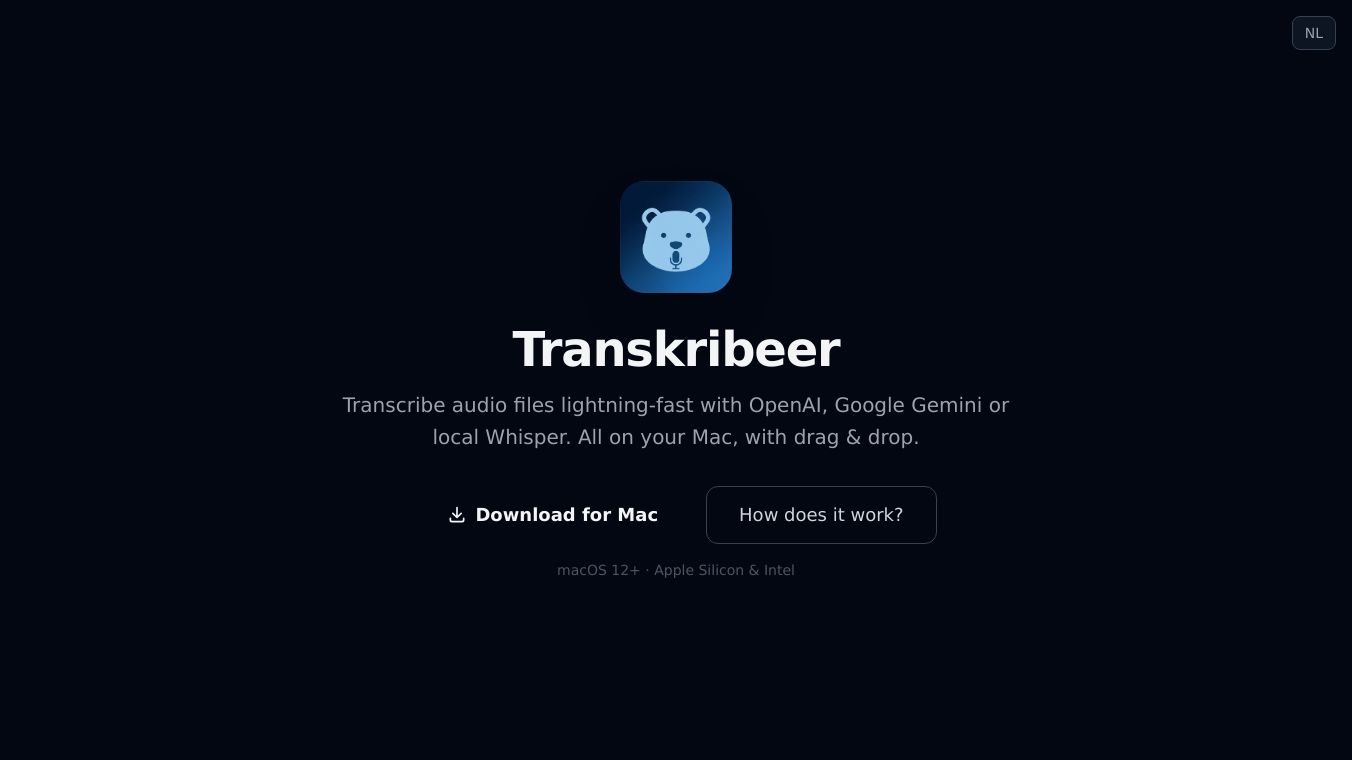





Transkribeer is a computer program for macOS that quickly turns audio files into text. It gives you options for how to do this, letting you pick between powerful AI services like OpenAI and Google Gemini, or a local model called mlx-whisper. You can even use all of them at the same time to see which one gives you the best results.
Benefits
Transkribeer makes it easy to get text from your audio. It supports many common audio file types like mp3, m4a, wav, ogg, and flac. You can add many files at once, and the app will handle them one after another. If you have a very long recording, Transkribeer will break it into smaller pieces to transcribe and then put it all back together without any limits on how long your audio can be. The whole process is simple: you just need to set up your account keys for the AI services, drag your audio files into the app, choose your preferred transcription method, and start. The text is automatically saved as a .txt file right next to your audio file, and you can easily copy it or find it in your files.
Use Cases
This tool is great for anyone who needs to convert spoken words into written text. This includes students who need to transcribe lectures, journalists recording interviews, researchers documenting findings, or anyone creating content from audio. Because it supports multiple AI models and local processing, it offers flexibility for different needs and privacy preferences.
Pricing
Transkribeer is free to use. However, if you choose to use the OpenAI or Google Gemini services, you will need your own API keys for those services, which may have associated costs depending on your usage. The local Whisper mode is completely free.
Vibes
Users appreciate the flexibility of choosing between different transcription models and the ability to compare them side by side. The automatic handling of long files and the simple drag-and-drop interface are also highlighted as major conveniences.
Additional Information
Transkribeer works on macOS 12 and newer versions, and it runs on both Apple Silicon and Intel chips. It automatically downloads necessary tools like FFmpeg when you first use it, so there's no complicated setup. If you see a security warning when you first open it, you can bypass it by right-clicking the app, selecting "Open," and then confirming again.
This content is either user submitted or generated using AI technology (including, but not limited to, Google Gemini API, Llama, Grok, and Mistral), based on automated research and analysis of public data sources from search engines like DuckDuckGo, Google Search, and SearXNG, and directly from the tool's own website and with minimal to no human editing/review. THEJO AI is not affiliated with or endorsed by the AI tools or services mentioned. This is provided for informational and reference purposes only, is not an endorsement or official advice, and may contain inaccuracies or biases. Please verify details with original sources.



 No Info

Comments
Please log in to post a comment.