TradePilot
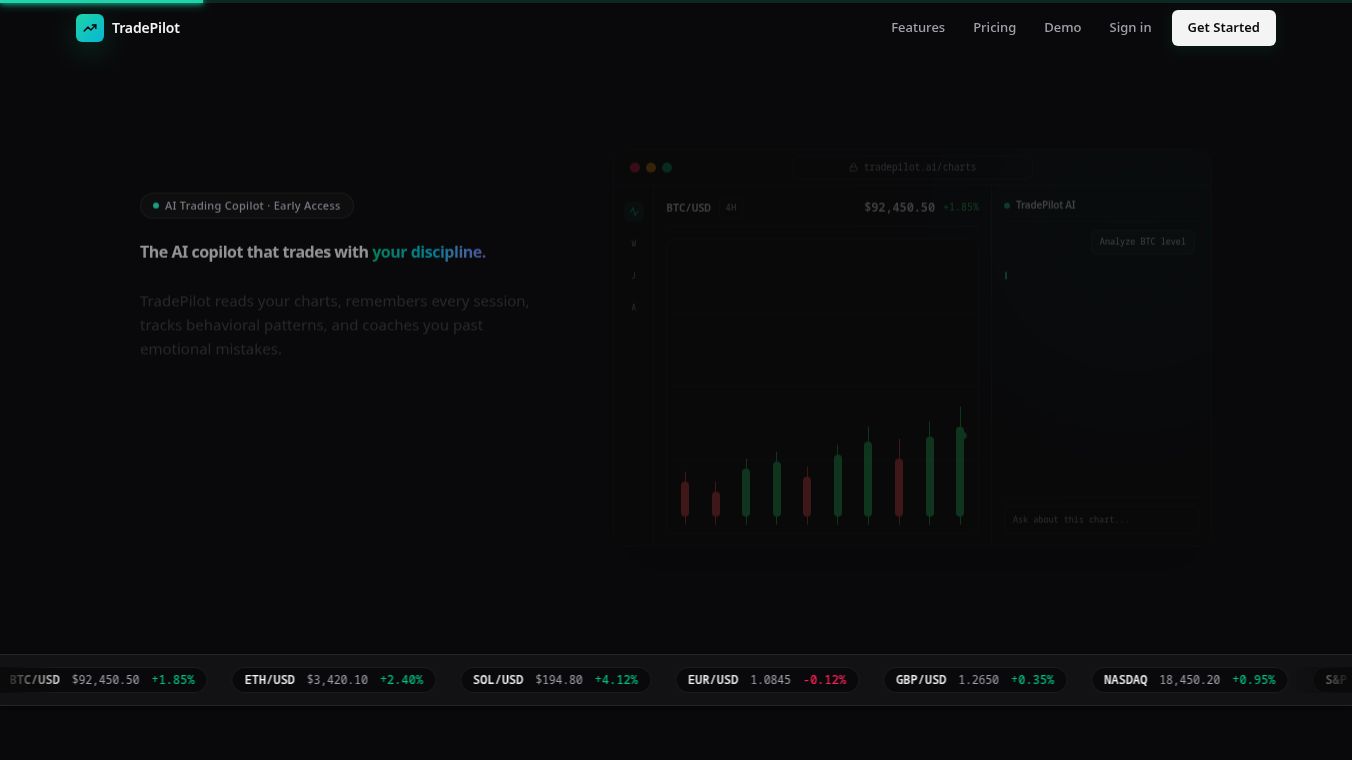





TradePilot: A Focused Workflow for Speed and Clarity
TradePilot is a specialized tool designed to streamline the trading workflow by focusing on speed, clarity, and actionable insights. It eliminates clutter and noise, offering a dedicated environment to capture, analyze, and act on market data efficiently. The tool works as a side panel on TradingView, allowing traders to keep their main chart workspace clean while they gather and process information.
Benefits
TradePilot offers several key advantages for traders who need quick and reliable data. The most significant benefit is its ability to provide instant AI-driven analysis. When a trader captures chart data, the tool immediately returns a complete trade setup. This output includes the anticipated market direction, a confidence level for the signal, and specific price levels for entry, stop-loss, and profit targets. The tool also provides a written breakdown of the setup, which helps traders make faster decisions without getting lost in complex charts.
Another major advantage is the multi-timeframe capture feature. Traders can drag-select specific regions on charts across different timeframes, such as one-minute, five-minute, fifteen-minute, and thirty-minute intervals. Each captured image is automatically labeled so the AI understands the context of each timeframe. This ensures that the analysis considers the broader market picture alongside immediate price movements. The unobtrusive side panel design keeps the main chart view clean, preventing distractions during critical trading moments.
Use Cases
TradePilot is primarily used by traders who focus on the Nasdaq 100 and S&P 500 E-mini futures markets. It is ideal for those who need to quickly assess market conditions before opening a position. The workflow is simple and fits well into a busy trading routine. A trader can switch between timeframes on TradingView, drag over the chart regions they wish to analyze, and save screenshots. They then click the analyze button to get a full trade plan in seconds.
This tool is particularly useful during market opens or when a trader needs to verify a setup quickly. It helps traders move from simply looking at charts to having a clear, actionable plan. By providing structured insights, it reduces the time spent guessing and allows traders to focus on execution. The ability to handle multiple timeframes in one go makes it a powerful resource for day traders who monitor several time horizons simultaneously.
Pricing
TradePilot offers a single, straightforward pricing model with no tiers or hidden upsells. The cost is $20 per month. This subscription includes 200 AI analyses per month. Users can cancel their subscription at any time without penalty. The service supports the NQ and ES symbols, which are the most popular futures contracts for active traders.
Vibes
Traders using TradePilot on NQ and ES have reported high satisfaction with the tool. Common themes in user feedback include efficiency, confidence, and value. Users appreciate the quick setup time, often completing installation and first use within minutes. Many report feeling more prepared for market opens and having a clear plan before trading. Despite the monthly cost, users frequently describe it as a worthwhile investment that enhances their trading performance and reduces guesswork. The tool is seen as a practical utility that brings clarity to a chaotic market environment.
Additional Information
TradePilot is available as a Chrome Web Store extension. To use the service, traders must install the extension, create an account, and subscribe to the monthly plan. The tool integrates seamlessly with the TradingView platform, which is a popular charting service used by millions of traders worldwide. This integration allows the tool to function directly within the familiar interface that many traders already use daily.
This content is either user submitted or generated using AI technology (including, but not limited to, Google Gemini API, Llama, Grok, and Mistral), based on automated research and analysis of public data sources from search engines like DuckDuckGo, Google Search, and SearXNG, and directly from the tool's own website and with minimal to no human editing/review. THEJO AI is not affiliated with or endorsed by the AI tools or services mentioned. This is provided for informational and reference purposes only, is not an endorsement or official advice, and may contain inaccuracies or biases. Please verify details with original sources.




Comments
Please log in to post a comment.