TraceBack(溯·源)
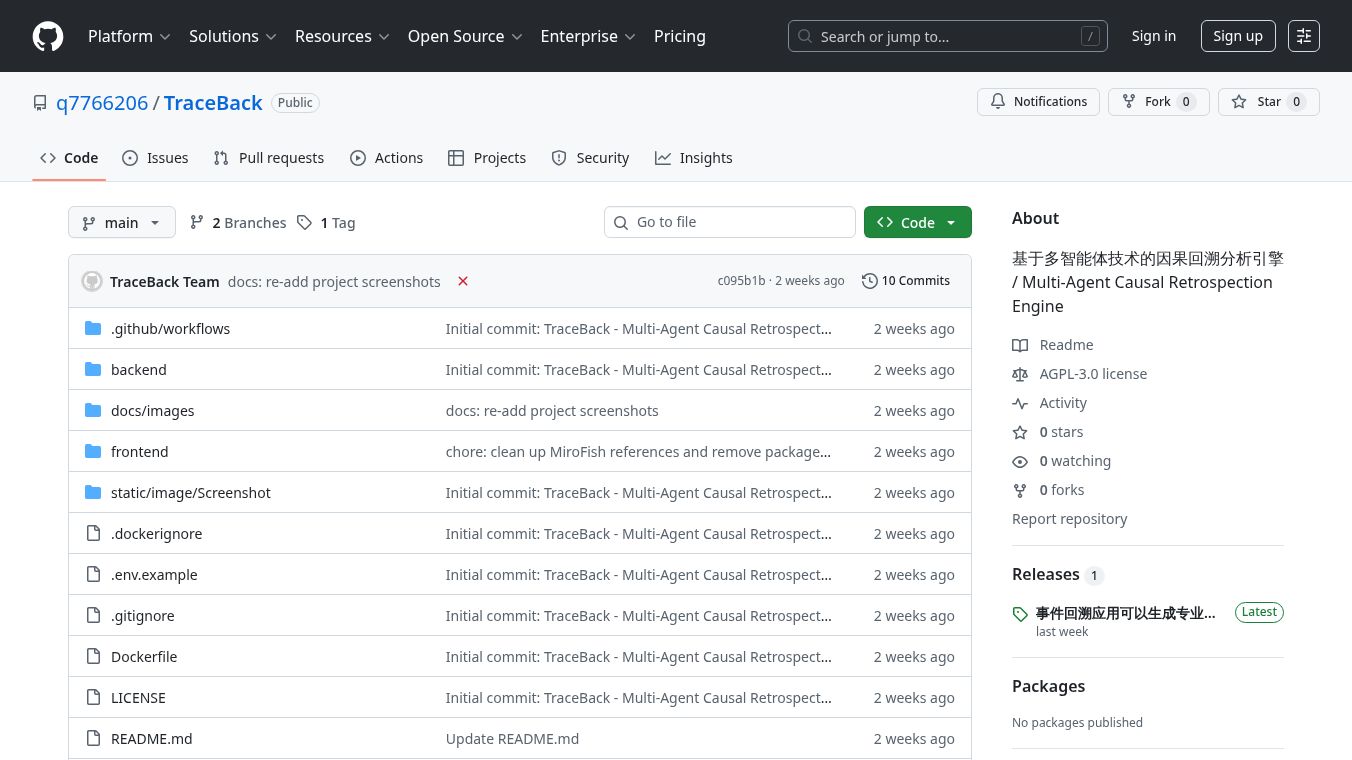





TraceBack is a sophisticated system designed to analyze events and problems by looking back at what happened. It uses a team of seven specialized artificial intelligence agents to gather information, put events in order, figure out what caused the problem, check the facts, and explain why certain conclusions were reached. The final result is a detailed report that shows the chain of evidence and how sure the system is about its findings.
Benefits
TraceBack helps users understand the root causes of events by automatically building a network that shows how different factors are connected. It clearly separates direct causes, indirect causes, and the very first causes of an issue. The system also has a strong way of checking evidence. A special agent acts like a devil's advocate, trying to find flaws or counter-arguments to ensure the evidence is solid. Every conclusion can be traced back to the original information, with a clear way to see how certain the facts are. All findings come with a confidence score, so users know how sure the system is.
Use Cases
This tool can be used for many purposes. It can help reconstruct timelines of events, analyze complex situations to find out what led to a specific outcome, and verify information by tracing it back to its source. It's useful for anyone who needs to understand the 'why' behind an event, from investigating incidents to reviewing project failures or successes.
Vibes
TraceBack is built using modern technologies. The backend is developed with Python, Flask, and OpenAI's tools, while the frontend uses Vue 3 and Vite. It relies on Zep Cloud for its knowledge graph capabilities, with a free tier available. The system supports various AI models for reasoning and search, offering flexibility in how it's configured.
Additional Information
To get started with TraceBack, users need Node.js and Python installed. The setup involves configuring environment variables for API keys, installing dependencies for both the frontend and backend, and then running the services. Once set up, the frontend can be accessed at http://localhost:3000 and the backend API at http://localhost:5001.
This content is either user submitted or generated using AI technology (including, but not limited to, Google Gemini API, Llama, Grok, and Mistral), based on automated research and analysis of public data sources from search engines like DuckDuckGo, Google Search, and SearXNG, and directly from the tool's own website and with minimal to no human editing/review. THEJO AI is not affiliated with or endorsed by the AI tools or services mentioned. This is provided for informational and reference purposes only, is not an endorsement or official advice, and may contain inaccuracies or biases. Please verify details with original sources.


Comments
Please log in to post a comment.