toktrack
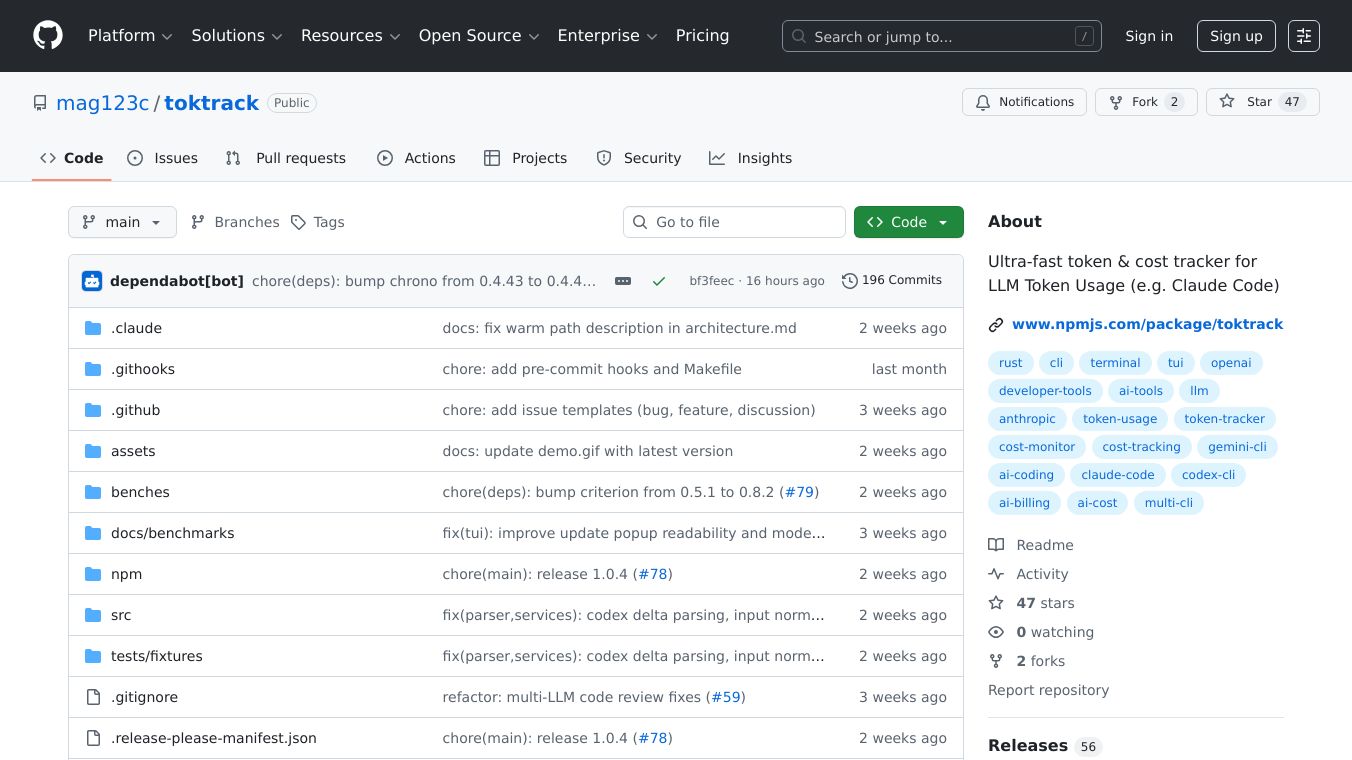





Toktrack is a very fast tool that helps you keep track of how many tokens you use and how much it costs when you work with different AI coding tools. It works with popular command-line interfaces (CLIs) like Claude Code, Codex CLI, Gemini CLI, and OpenCode. Toktrack is built using Rust, which makes it incredibly speedy, processing data at about 3 gigabytes per second.
Benefits
Toktrack solves common problems with other tools. Many existing tools are slow, taking a long time to show you your usage. Some tools also delete your session data after a short period, meaning you lose your history of token use and costs. Toktrack is up to 1000 times faster than other tools, with cached queries taking only about 0.04 seconds. It also saves your daily cost summaries permanently, so you don't lose your usage history even if the AI tool deletes its own files. Plus, it gives you one place to see your usage across all the different AI tools you use, so you don't have to check each one separately.
Use Cases
Toktrack is useful for anyone who uses AI coding tools through their command line. Developers can use it to monitor their token consumption and costs for projects. It's especially helpful for those working with multiple AI coding CLIs, as it provides a unified view of their usage. The tool can be used to track daily, weekly, or monthly token usage and costs. Its ability to preserve data makes it valuable for keeping long-term records of AI usage.
Vibes
Toktrack is praised for its speed and its ability to prevent data loss. Users appreciate that it offers a unified dashboard for tracking usage across different AI coding tools. The persistent caching of data is seen as a major advantage for maintaining historical records.
Additional Information
Toktrack is built with Rust and uses advanced technologies like simd-json and rayon for fast parallel processing. It offers a text-based user interface (TUI) with different tabs for an overview, stats, and models, as well as command-line options for scripting. The project is open source, licensed under the MIT license, and welcomes contributions. Installation is straightforward usingnpx, from source withcargo install, or by downloading pre-built binaries for various operating systems.
This content is either user submitted or generated using AI technology (including, but not limited to, Google Gemini API, Llama, Grok, and Mistral), based on automated research and analysis of public data sources from search engines like DuckDuckGo, Google Search, and SearXNG, and directly from the tool's own website and with minimal to no human editing/review. THEJO AI is not affiliated with or endorsed by the AI tools or services mentioned. This is provided for informational and reference purposes only, is not an endorsement or official advice, and may contain inaccuracies or biases. Please verify details with original sources.

Comments
Please log in to post a comment.