Token-Share
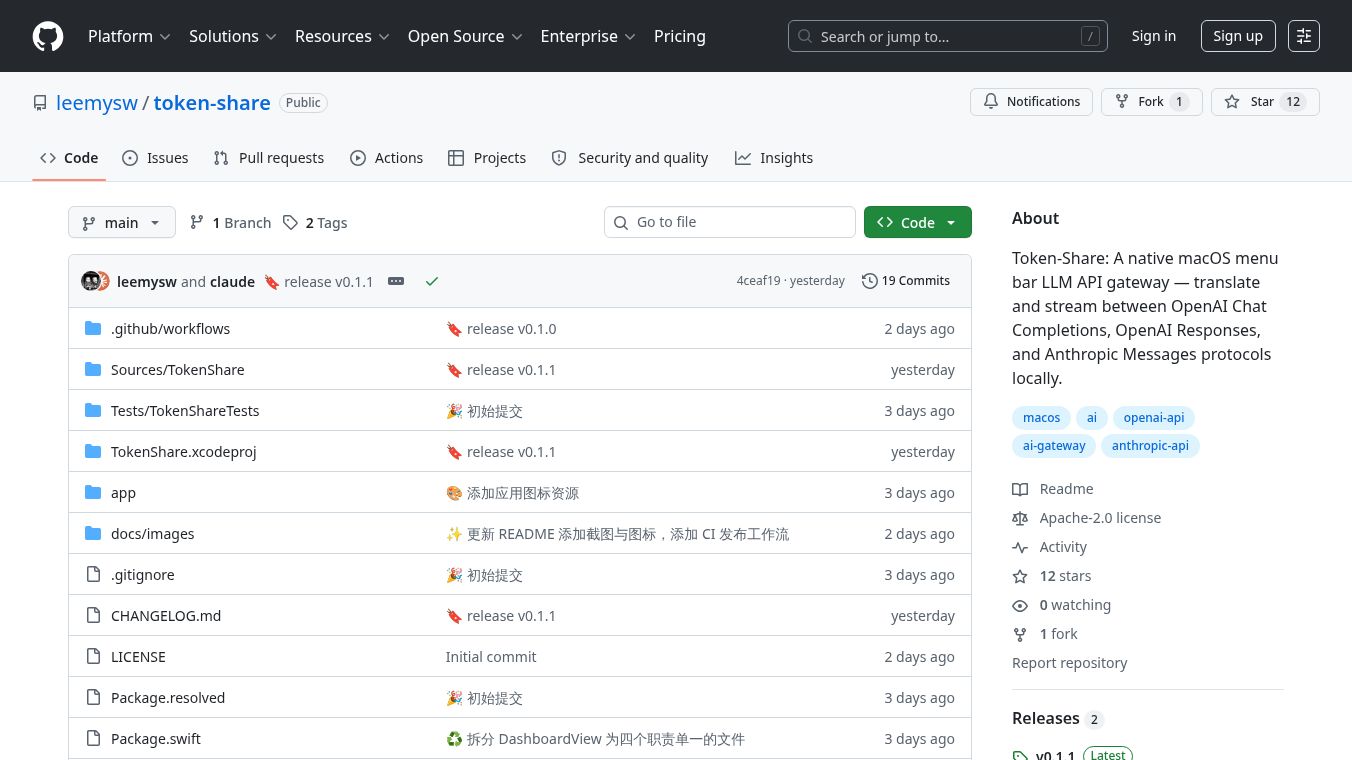





Token Share is a program for Mac computers that works from the menu bar at the top of the screen. It helps different AI language models talk to each other. Think of it like a translator and messenger for AI systems like OpenAI and Anthropic. It lets them share information in real time, even if they speak slightly different AI languages.
Benefits
Token Share makes it easy for various AI models to communicate. It can translate messages between OpenAI's Chat Completions and Messages protocols and Anthropic's Messages protocol. It also supports streaming, meaning you can get updates from the AI as it's generating them, not just when it's finished. This includes getting text updates, understanding when the AI needs to use a tool, and even stopping the AI mid-process if needed. You can set up many different AI providers and switch between them easily. The application also automatically updates the list of available AI models. Best of all, everything runs on your own computer, so your data is not sent to any remote servers and there is no need to register.
Use Cases
This application is useful for developers and users who work with multiple AI language models. It can be used to build applications that leverage the strengths of different AI providers. For example, you could have one AI model handle creative writing while another handles data analysis, and Token Share could help them work together seamlessly. It's also great for testing different AI models or for creating custom AI workflows that require real-time interaction and translation between services.
Pricing
Information about pricing is not available in the provided text.
Vibes
Information about public reception or reviews is not available in the provided text.
Additional Information
Token Share is licensed under the MIT license. To use it, you need macOS 14 or later, Xcode 16 or later, and Swift 6 or later. You can build it yourself from the GitHub repository or download a package. If you encounter system warnings, you can resolve them using a terminal command. Once running, it listens onlocalhost:9091and offers several endpoints for interacting with AI models and checking the system's status.
This content is either user submitted or generated using AI technology (including, but not limited to, Google Gemini API, Llama, Grok, and Mistral), based on automated research and analysis of public data sources from search engines like DuckDuckGo, Google Search, and SearXNG, and directly from the tool's own website and with minimal to no human editing/review. THEJO AI is not affiliated with or endorsed by the AI tools or services mentioned. This is provided for informational and reference purposes only, is not an endorsement or official advice, and may contain inaccuracies or biases. Please verify details with original sources.

Comments
Please log in to post a comment.