TeachQuill
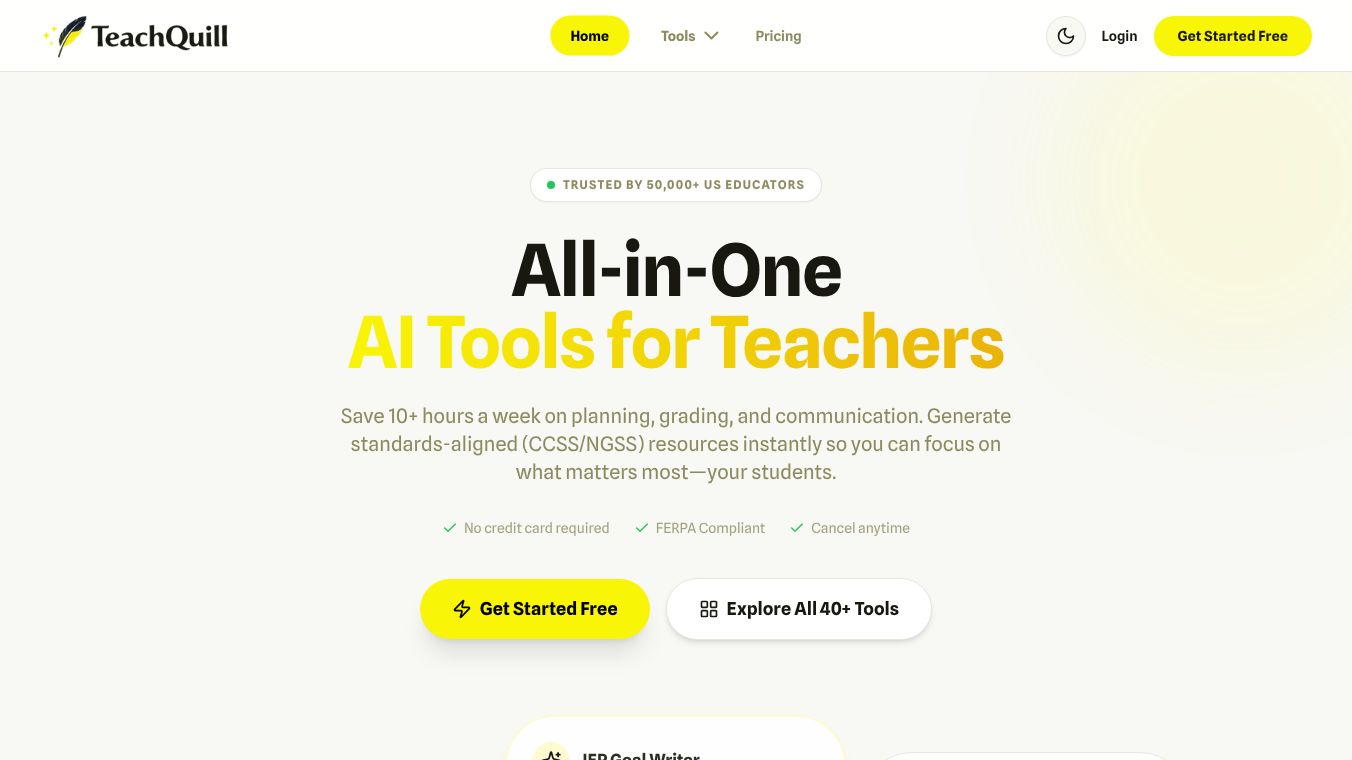





TeachQuill is an AI tool made for teachers. It helps educators save time by automating tasks like planning lessons, grading papers, and sending communications. Many teachers in the U.S. already use TeachQuill, finding it helps them save over 10 hours each week.
Benefits
TeachQuill can create teaching materials that match educational standards, such as the Common Core State Standards and Next Generation Science Standards. It offers more than 40 different AI tools to help with various teaching needs. These tools can help teachers plan their lessons from daily activities to yearly schedules. They can also quickly create things like worksheets, presentations, and images. Teachers can get new ideas for class activities and discussions. The tool helps create quizzes, rubrics, and exit tickets to check what students have learned. It also provides special tools for students with different learning needs, helping to write goals and change content to be easier to read. For administrative tasks, TeachQuill can help write professional emails, report cards, and plans for substitute teachers.
Use Cases
TeachQuill is useful for all kinds of educators. General education teachers in elementary, middle, and high school can use it to create engaging lessons and activities that meet state standards. Special education teachers can use it to reduce paperwork by getting help with Individualized Education Program (IEP) goals and making content easier for students to understand. School leaders can use TeachQuill to help their staff with things like teacher observations, writing professional emails to parents, and creating school newsletters.
Pricing
TeachQuill has a free plan that includes basic tools and a limited number of daily credits. The Pro plan costs $15 per month when billed yearly. It offers more credits, access to all tools, faster generation, and the ability to save and edit past work. There are also custom plans for schools and districts that include features like an admin dashboard and dedicated support.
Vibes
Teachers who use TeachQuill have given it a high rating of 4.9 out of 5 stars. They often say it saves them a lot of time on lesson planning and is very helpful for science standards and special education tasks. Teachers like the quiz generator for being fast and accurate, and the parent email tool for making communication professional.
Additional Information
TeachQuill is designed with privacy in mind and follows rules like FERPA and COPPA. It does not need student personal information and uses strong security measures. Teachers can log in easily using their Google or Microsoft accounts. All the content created with TeachQuill can be edited, and teachers can save their work to Google Drive, download it as a PDF, or share it with others.
This content is either user submitted or generated using AI technology (including, but not limited to, Google Gemini API, Llama, Grok, and Mistral), based on automated research and analysis of public data sources from search engines like DuckDuckGo, Google Search, and SearXNG, and directly from the tool's own website and with minimal to no human editing/review. THEJO AI is not affiliated with or endorsed by the AI tools or services mentioned. This is provided for informational and reference purposes only, is not an endorsement or official advice, and may contain inaccuracies or biases. Please verify details with original sources.

 No Info
Comments
Please log in to post a comment.