Talon
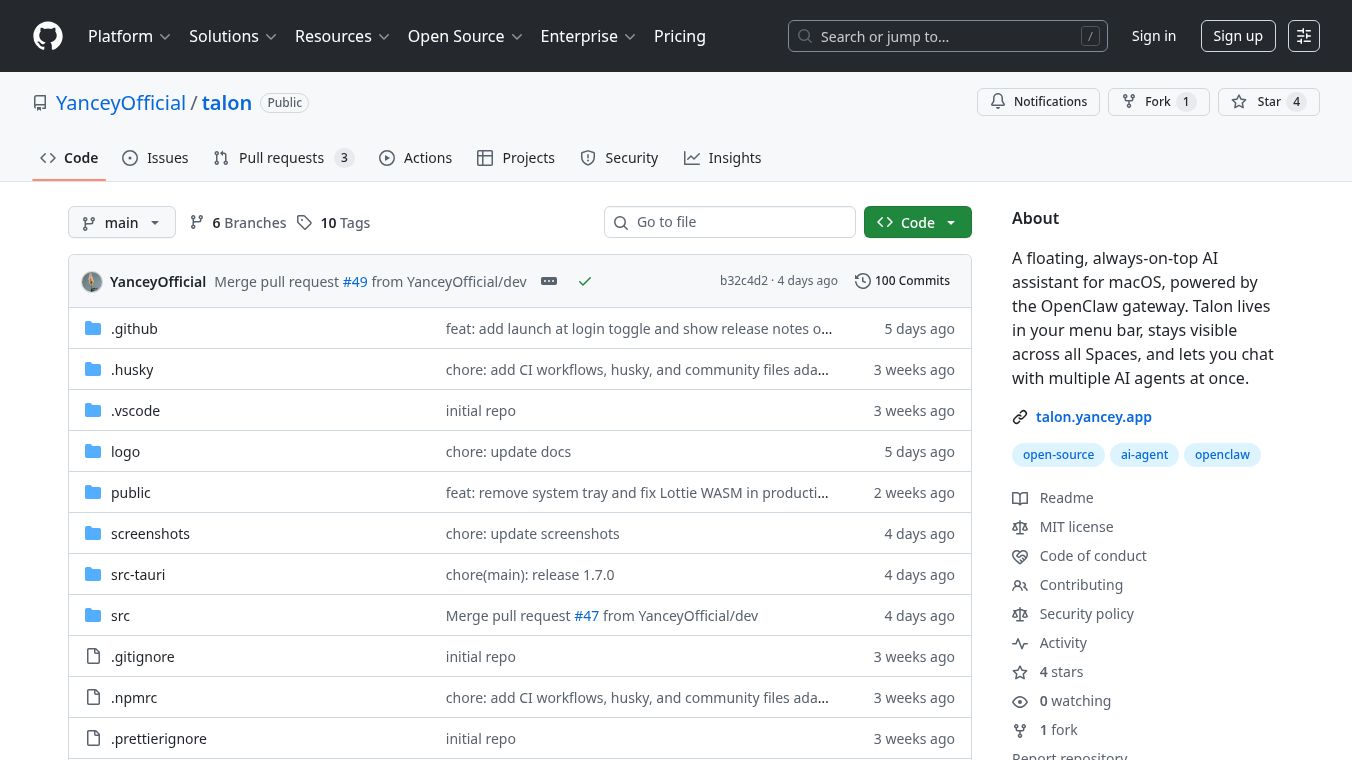





Talon is a desktop application for macOS that acts as an AI assistant. It stays visible on your screen, always on top of other windows, and is easily accessible from your menu bar. Talon allows you to talk to several AI agents at the same time.
Benefits
Talon offers a unique floating window that stays visible across all your virtual desktops, ensuring you never lose track of your AI conversations. It features an animated avatar that shows its status, whether it's idle, thinking, speaking, or encountering an error. The chat window can be expanded to show full conversation history, supporting formatted text, math equations, and code snippets. You can manage multiple AI agent sessions, like one for researching stocks and another for monitoring emails, and Talon can automatically switch to the most recently active session. It also sends desktop notifications when a background session has a new message. You can see every action the AI takes and its results directly in the chat. Talon is designed with privacy in mind, storing all your data locally and requiring you to set up your own AI gateway.
Use Cases
Talon is useful for anyone who wants to multitask with AI agents. You can set up different agents for specific tasks, such as gathering information, writing content, or managing communications. Because it stays on top of other windows, you can easily interact with your AI assistants while working on other applications without interruption. The ability to manage multiple sessions means you can have different AI conversations running simultaneously for various projects or needs.
Pricing
Pricing information for Talon is not available in the provided article.
Vibes
Information about public reception, reviews, or testimonials for Talon is not available in the provided article.
Additional Information
Talon functions as a frontend for the OpenClaw AI gateway. OpenClaw needs to be running either on your local machine or a remote server that Talon can access. The OpenClaw gateway can be installed using a provided script. Talon itself can be downloaded as a.dmgfile or built from source code if you have a Rust toolchain and Node.js installed. If macOS flags Talon as damaged upon opening, you can resolve this by running a command in the Terminal to remove its quarantine attribute or by allowing it through System Settings. To set up Talon, you need to enter the Gateway URL and a Gateway Token in Talon's settings and then approve the device on the OpenClaw machine. The application is built using React, TypeScript, Vite, and Tauri, with styling from Tailwind CSS and shadcn/ui. It uses an AI backend powered by OpenClaw and handles authentication with Ed25519 keypairs. Data is stored locally using@tauri-apps/plugin-store.
This content is either user submitted or generated using AI technology (including, but not limited to, Google Gemini API, Llama, Grok, and Mistral), based on automated research and analysis of public data sources from search engines like DuckDuckGo, Google Search, and SearXNG, and directly from the tool's own website and with minimal to no human editing/review. THEJO AI is not affiliated with or endorsed by the AI tools or services mentioned. This is provided for informational and reference purposes only, is not an endorsement or official advice, and may contain inaccuracies or biases. Please verify details with original sources.

Comments
Please log in to post a comment.