TabKan
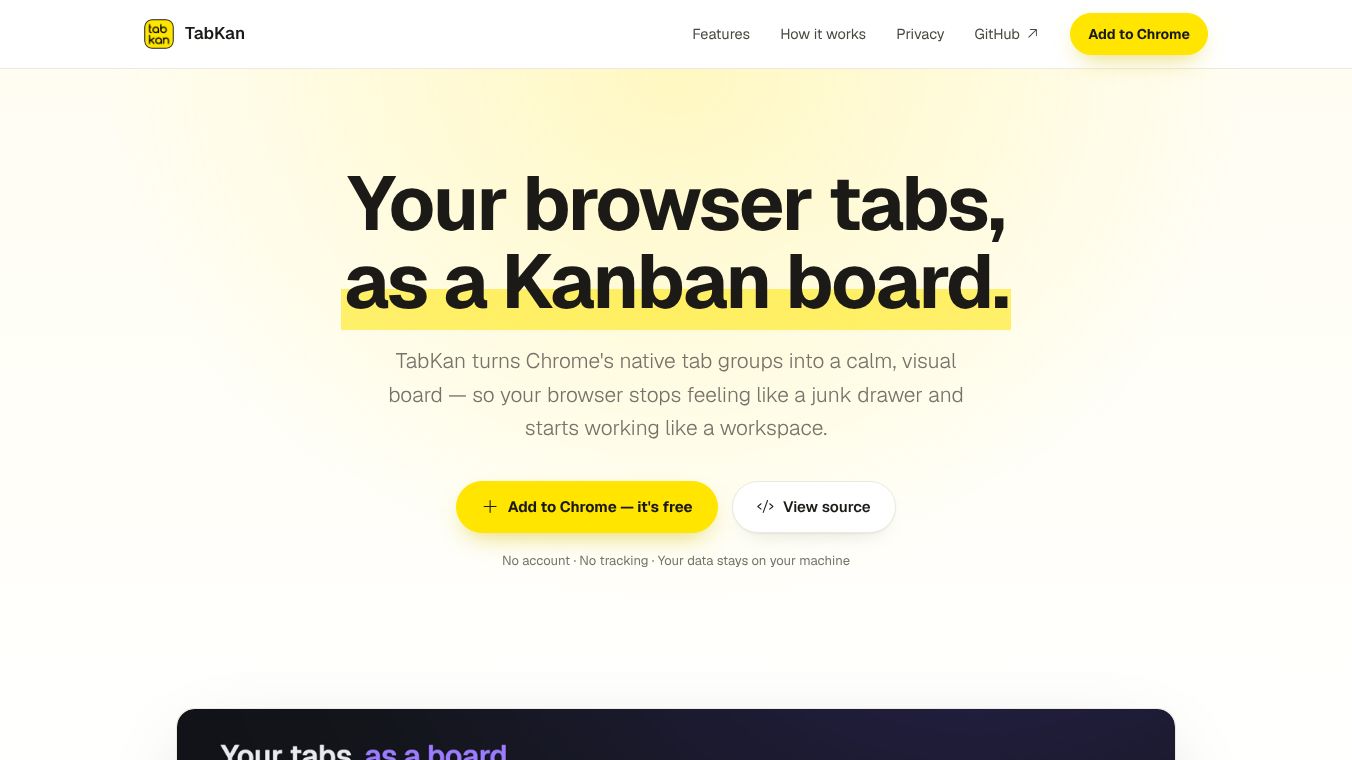





TabKan is a tool that helps you manage your web browser tabs. When you have many open tabs, the usual bar at the top of your browser can become a confusing mess of small icons. TabKan changes this by turning your browser into a visual workspace where you can see all your tabs as cards on a board. It works with Google Chrome and uses the browser's built-in tab groups to keep your organization real and active.
Benefits
TabKan offers several clear advantages for anyone who uses many tabs. First, it lets you see every tab group as a column and every tab as a card on a full page. This gives you a complete view of your browsing context without scrolling. Second, you can organize your tabs by dragging them between groups or into an unfiled area. These changes happen instantly in your actual browser. Third, you can attach notes, tags, and to-do lists to specific tabs. This information stays with the tab even if you close and reopen it later. Fourth, the tool includes a powerful search feature that looks at titles, URLs, notes, and tasks to help you find what you need quickly. Fifth, you can save your entire board layout as a named session. This lets you restore your exact arrangement later or share it with others. Finally, a task roll-up feature collects all your to-do items from different tabs into one list so you never lose track of unfinished work.
Use Cases
TabKan is designed for people who browse the web for long periods and manage many projects at once. It is useful for students who need to keep track of research notes from multiple websites. Writers can use it to organize drafts and reference materials without losing their place. Developers often use it to manage code documentation and live project links. Marketers can use it to track social media posts and campaign pages in one place. The tool works best when you want to keep your workspace organized while reading content on the side. It also helps when you need to switch between different projects without losing your notes or task lists.
Pricing
TabKan is free to use. It is also open source, which means the code is available for anyone to review or modify. There are no hidden fees or subscription costs.
Vibes
Users appreciate that TabKan is private and does not require an account. Many people like that it runs entirely on their computer without sending data to servers. The open-source nature of the tool builds trust because users can check the code themselves. The interface is praised for being clean and easy to understand. People find the ability to drag and drop tabs satisfying because it feels like a physical board. The fact that notes and tasks persist after closing tabs is a major plus for those who work in multiple contexts.
Additional Information
TabKan is built with privacy in mind. It does not collect any analytics or track user behavior. All data stays on your specific device in Chrome's storage. The software is open source and released under the MIT license. This allows developers to audit the code for security. The tool integrates directly with Chrome's tab group system, ensuring that your visual organization matches your browser settings perfectly.
This content is either user submitted or generated using AI technology (including, but not limited to, Google Gemini API, Llama, Grok, and Mistral), based on automated research and analysis of public data sources from search engines like DuckDuckGo, Google Search, and SearXNG, and directly from the tool's own website and with minimal to no human editing/review. THEJO AI is not affiliated with or endorsed by the AI tools or services mentioned. This is provided for informational and reference purposes only, is not an endorsement or official advice, and may contain inaccuracies or biases. Please verify details with original sources.
 No Info

Comments
Please log in to post a comment.