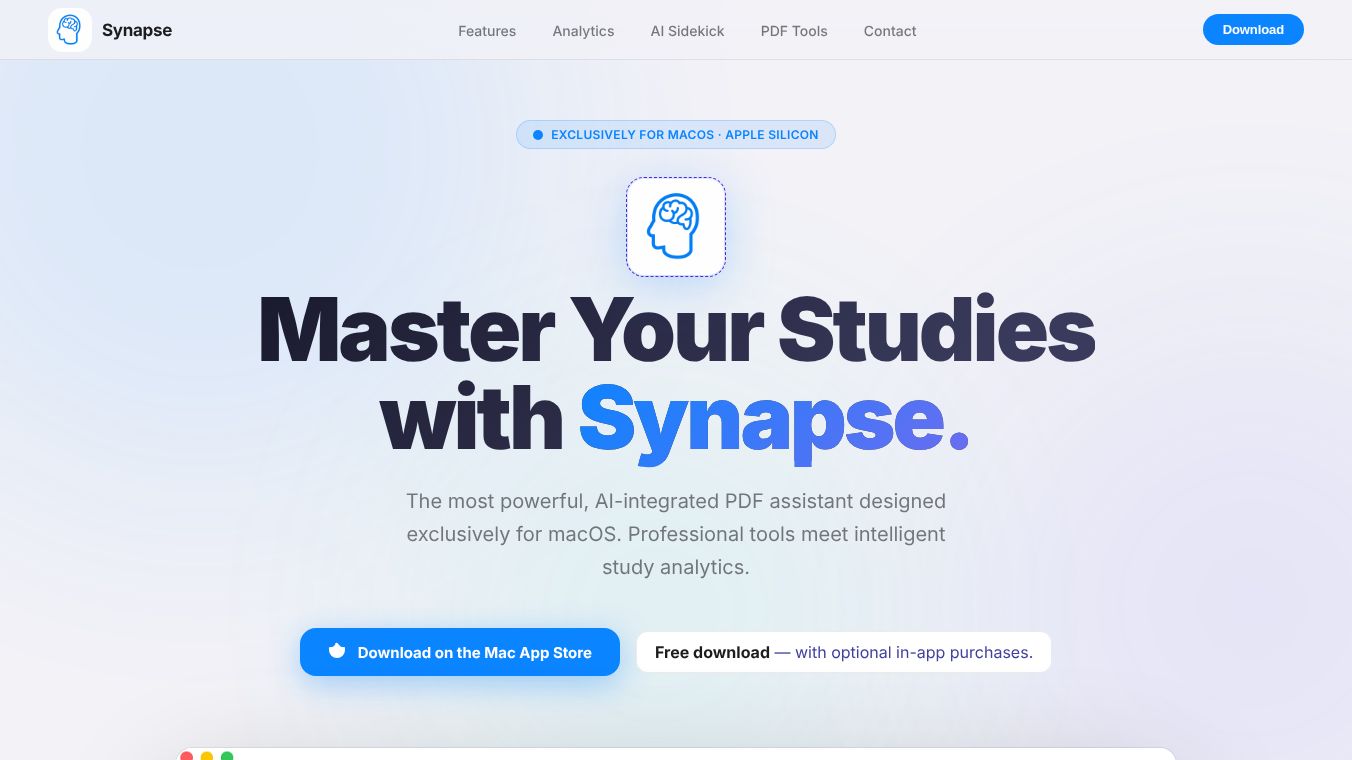





Synapse: Master Your Studies with Intelligent PDF Analytics
Overview
Synapse is a powerful, AI-integrated PDF assistant designed exclusively for macOS, built to help serious students study smarter, not harder. It combines professional PDF viewing tools with intelligent study analytics and an embedded AI assistant, all within a single, beautifully crafted application. The app is free to download via the Apple Mac App Store, with optional in-app purchases to unlock additional features.
Benefits
Synapse offers several key advantages for anyone looking to improve their study routine. First, it provides a high-speed engine for viewing PDF and PowerPoint files, equipped with advanced annotation tools like pens, highlighters, and laser pointers. Users can also insert textboxes, shapes, and images directly into their documents.
The app tracks study time at the page level, providing a "living heatmap" of academic focus. Key analytics include per-page study time tracking, total study time, and average time per lecture. Session history and consistency calendars spanning the entire semester help users visualize their progress. Visual heatmaps allow students to identify topics requiring further attention.
An embedded NotebookLM-style AI assistant resides in the left sidebar, offering deep document understanding without leaving the PDF. Capabilities include generating audio overviews, slide decks, and video summaries. Users can create mind maps, infographics, quizzes, and data tables. The assistant also allows chatting with documents for instant, grounded answers and generating flashcards instantly from any text.
Synapse consolidates all highlights in one place, allowing users to edit, copy, or export them directly. Features include a Highlight Aggregator that collects highlights by page or color for seamless workflow integration. Users can export highlights to Anki-compatible CSV or Markdown files. The Link-It feature groups sub-topics from multiple lectures under a master topic, creating a personal knowledge map with connections between concepts.
Voice notes and dictation features allow users to record voice pins directly on any PDF page. Speech-to-text dictation enables hands-free note-taking while reading. The app also includes study templates and a PDF Toolbox with 19+ tools, including PDF merge, split, rotate, reorder, compress, OCR, watermark, lock/unlock, and signature addition.
Privacy and security are top priorities for Synapse. The app uses a strict "local-first" approach, meaning no server storage. Synapse does not collect, transmit, or store any personal data on its servers. All documents, notes, highlights, and study data remain exclusively on the user's device. Application data is stored locally using standard macOS sandboxed application containers. When using AI features, content may be sent to a third-party provider only to generate the requested response. This transmission occurs only upon active user invocation. Synapse does not retain, log, or re-use any content sent to AI APIs. The app is compliant with COPPA and similar regulations as it collects no personal information.
Use Cases
Synapse is ideal for students and professionals who need a comprehensive tool for managing their documents and study materials. It is particularly useful for those who want to track their study habits and improve their efficiency. The app is perfect for creating detailed notes, organizing highlights, and generating summaries from complex documents.
The AI assistant is especially beneficial for students who need quick insights from their lecture notes or research papers. It can generate audio overviews and video summaries, making it easier to review material on the go. The ability to create mind maps and quizzes helps reinforce learning and prepare for exams.
The Highlight Aggregator and Link-It features are great for researchers and students who need to organize information from multiple sources. By grouping sub-topics and creating a personal knowledge map, users can better understand the connections between different concepts.
Voice notes and dictation are useful for students who prefer speaking over typing. This feature allows for quick capture of ideas while reading, ensuring no important points are missed.
The PDF Toolbox is a versatile tool for anyone who needs to manipulate PDF files. Whether merging documents, compressing files, or adding signatures, Synapse provides a suite of tools to handle various PDF tasks efficiently.
Pricing
Synapse is free to download via the Apple Mac App Store. Optional in-app purchases are available to unlock additional features. Specific pricing details for these in-app purchases are not provided in the available information.
Vibes
While specific reviews and testimonials are not included in the provided article, the app has been designed with user privacy and ease of use in mind. The emphasis on local data storage and compliance with regulations like COPPA suggests a strong commitment to user trust and security. The comprehensive feature set and user-friendly interface aim to enhance the study experience for macOS users.
Additional Information
Synapse is optimized for Apple Silicon (M1 and later) but also runs on Intel Macs. It requires macOS 13 (Ventura) or later and approximately 50 MB of storage space. Internet access is required only for AI features. Users can contact support via email for bug reports or feature requests. Refunds are handled through Apple's standard policy. The app is provided "as is" without warranties, and liability is limited to the amount paid for the app. Users receive a limited, non-exclusive, non-transferable license for personal, non-commercial study purposes on Apple-branded devices they own.
This content is either user submitted or generated using AI technology (including, but not limited to, Google Gemini API, Llama, Grok, and Mistral), based on automated research and analysis of public data sources from search engines like DuckDuckGo, Google Search, and SearXNG, and directly from the tool's own website and with minimal to no human editing/review. THEJO AI is not affiliated with or endorsed by the AI tools or services mentioned. This is provided for informational and reference purposes only, is not an endorsement or official advice, and may contain inaccuracies or biases. Please verify details with original sources.



Comments
Please log in to post a comment.