Swipeer AI
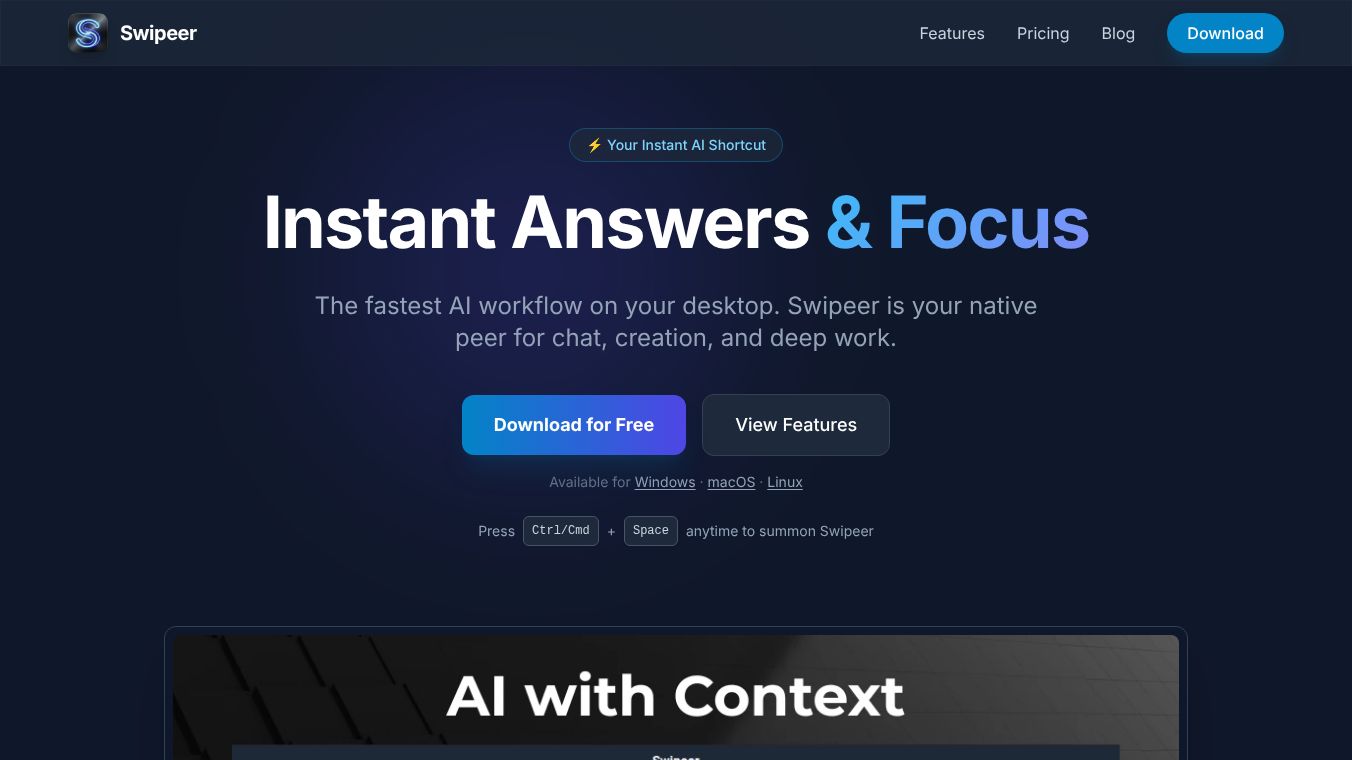





Swipeer AI: Your Instant AI Shortcut for Desktop Productivity
Swipeer is a desktop application designed to help users work faster with artificial intelligence. Instead of switching between many different apps or websites to get answers, Swipeer brings powerful AI tools directly to your computer screen. It allows you to chat with AI, create content, and automate tasks without losing your focus on the work you are currently doing.
Benefits
Swipeer offers several key advantages for people who want to use AI efficiently. First, it provides instant access. Users can open the app by pressing a simple keyboard shortcut while they are working in any other program. This means you never have to leave your current task to ask a question or get help. Second, it saves money and time by combining many popular AI models into one place. You do not need separate subscriptions for different services like ChatGPT or Claude. Third, it works offline for local tasks. You can run models on your own computer without needing an internet connection. Finally, it helps you organize your work. You can save your own prompts and create private memory banks for specific projects so your AI knows your unique needs.
Use Cases
Swipeer is useful for many different types of work. Writers and designers can use it to generate images and draft text quickly. Students and researchers can let the AI browse the web to find real-time data or fill out forms automatically. Developers can drag and drop code files to get instant analysis or explanations. Business professionals can run multiple chats side by side to compare different results or handle several tasks at once. The app also connects to other tools like n8n or Make.com to automate complex workflows across your entire digital ecosystem. It is perfect for anyone who wants to manage their own AI brain without copying and pasting data everywhere.
Pricing
Swipeer offers different plans to fit various needs. The free version costs nothing and includes 200 messages and 200 images per day. It works on one device and allows you to use your own local models. The Starter plan costs 7.99 euros per month and gives you 150,000 credits for 7,500 messages or 50 images. The Pro plan is 17.99 euros per month and provides 500,000 credits for 25,000 messages or 165 images across two devices. The Business plan costs 49.99 euros per month and offers 2,000,000 credits for 100,000 messages or 660 images on three devices. Enterprise customers can contact the company for custom pricing and unlimited access. Credits are calculated based on the model you choose and the size of your files. Unused credits roll over to the next month for up to three months.
Additional Information
Swipeer is built with privacy in mind because it stores your chats and notes on your local device rather than on their servers. You can use the Ollama tool to run models entirely offline. The company supports bringing your own keys for private models. All plans except the Enterprise tier include priority support. You can manage your subscription, pause it, or cancel it at any time through the email link sent after purchase. Credits do not expire immediately but can be carried forward for a short period. The application is available as a native desktop app for different operating systems.
This content is either user submitted or generated using AI technology (including, but not limited to, Google Gemini API, Llama, Grok, and Mistral), based on automated research and analysis of public data sources from search engines like DuckDuckGo, Google Search, and SearXNG, and directly from the tool's own website and with minimal to no human editing/review. THEJO AI is not affiliated with or endorsed by the AI tools or services mentioned. This is provided for informational and reference purposes only, is not an endorsement or official advice, and may contain inaccuracies or biases. Please verify details with original sources.




Comments
Please log in to post a comment.