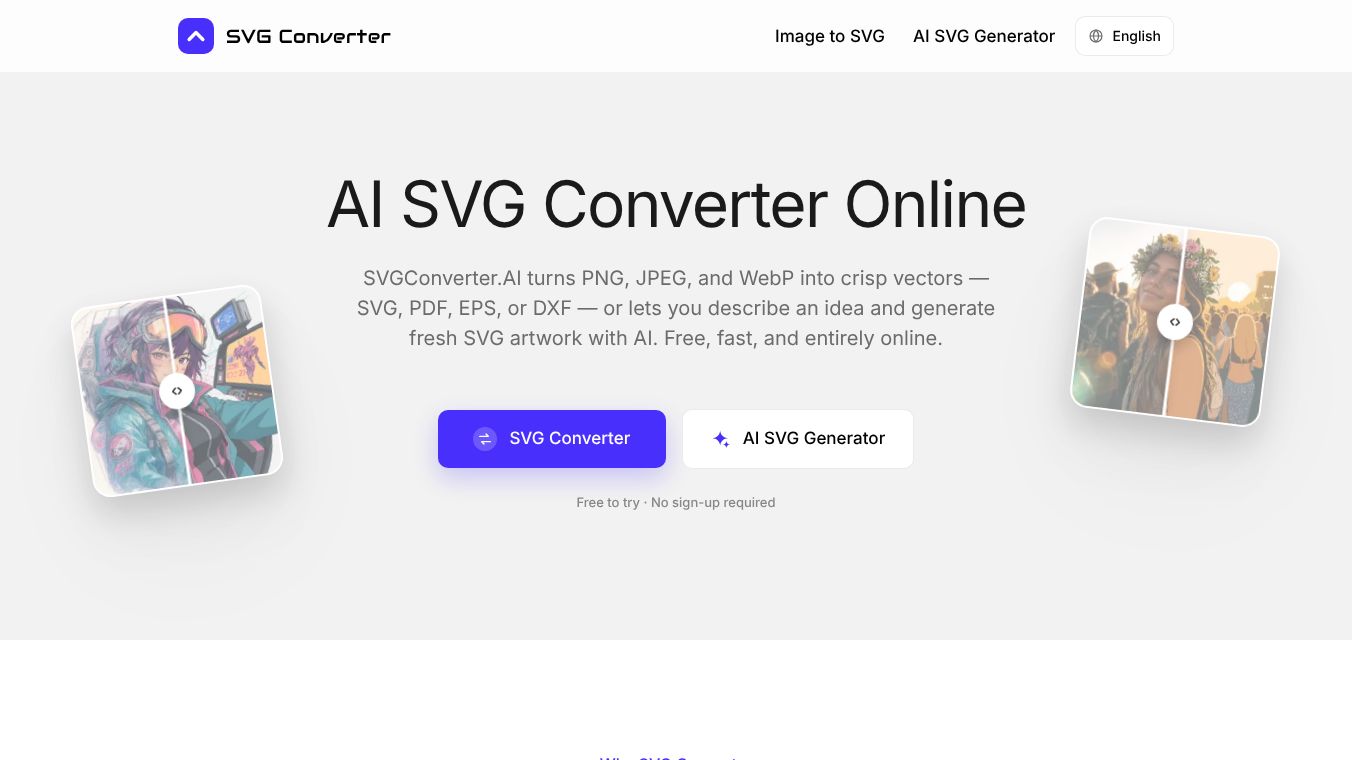





What is SVG Converter
SVGConverter.AI is a free online tool that helps users change image files into different formats. It works directly in your web browser, so you do not need to install any software. The tool can turn regular images like PNG or JPEG into editable vector files such as SVG or PDF. It can also do the reverse, turning vector files back into standard images. A special feature allows users to create new vector artwork simply by typing a description of what they want to see.
Benefits
The main advantage of this tool is that it handles both directions of file conversion. Many other programs can only turn images into vectors or vectors into images. This one does both. This means a user can take a scanned logo in the morning and prepare it for a product listing in the afternoon without switching tools.
The output quality is very high. The tool follows edges with precision and keeps brand colors exact. It removes noise from scanned documents so the final image looks clean. Even when zoomed in very close, the lines remain sharp and smooth. The generated vector files are fully editable in popular design programs like Adobe Illustrator or Figma.
Another key benefit is that it is completely free. There are no hidden costs, no subscription fees, and no watermarks on the downloaded files. Users can use it for personal projects or commercial work without restrictions.
Use Cases
This tool is useful for many different types of work. Designers use it to clean up scanned logos and prepare them for print. Web developers use it to quickly create icons and graphics for websites. Print shops use it to reduce the number of files they need to send back and forth with clients.
The AI generation feature is great for people who need icons or illustrations but do not have a source file. A user can type a prompt like "a minimal mountain badge" and get a ready-to-use vector image. This helps fill gaps in presentations or landing pages without needing to install expensive design software.
Because it runs in a browser, it works on many devices. Users can access it from a desktop computer, a tablet, or a phone. It supports Windows, Mac, Linux, and ChromeOS.
Pricing
The service is free to use. There is no need to create an account or pay a subscription fee. Users can convert as many files as they need for their projects. All features, including the AI artwork generator, are available at no cost.
Vibes
Users appreciate having all their conversion needs in one place. They like that the tool replaces the need for multiple specialized programs. Reviews highlight that the vector paths are tidy and easy to edit in professional software. People value the privacy of the tool because files are deleted automatically after use and are not used to train AI models.
Additional Information
The tool does not require any sign-up process. Files are sent over an encrypted connection to protect user data. The service does not sell or publish any information about the files uploaded by users. It supports a wide range of formats including SVG, PDF, EPS, DXF, PNG, JPG, WebP, AVIF, and GIF.
This content is either user submitted or generated using AI technology (including, but not limited to, Google Gemini API, Llama, Grok, and Mistral), based on automated research and analysis of public data sources from search engines like DuckDuckGo, Google Search, and SearXNG, and directly from the tool's own website and with minimal to no human editing/review. THEJO AI is not affiliated with or endorsed by the AI tools or services mentioned. This is provided for informational and reference purposes only, is not an endorsement or official advice, and may contain inaccuracies or biases. Please verify details with original sources.




Comments
Please log in to post a comment.