Supertest
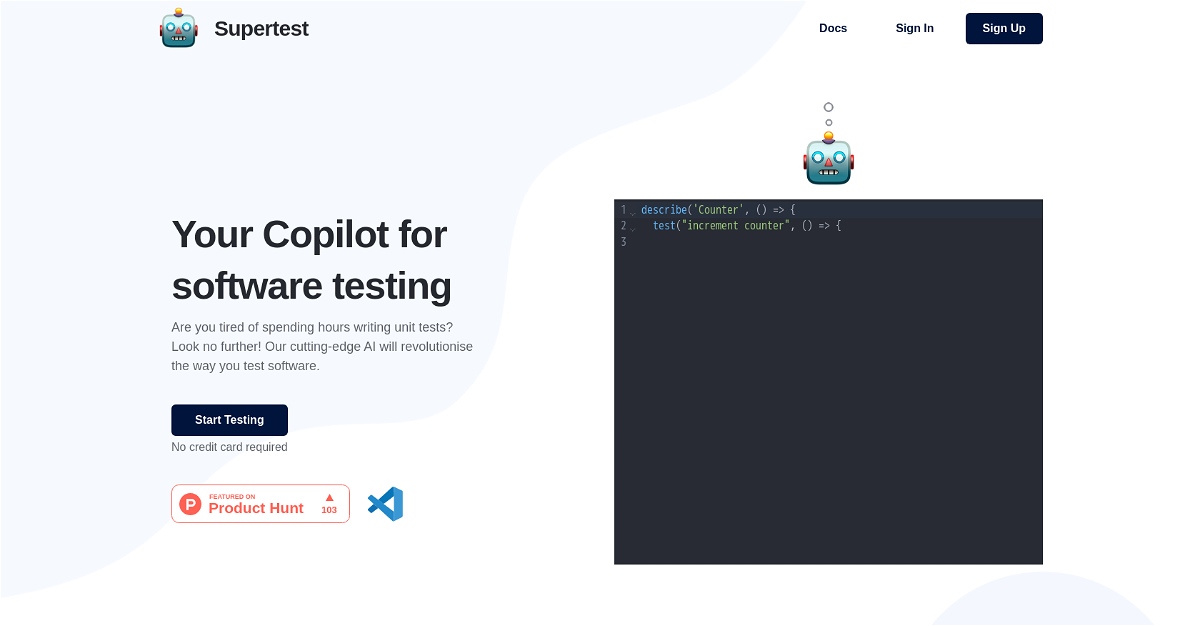





Supertest is an AI-powered tool designed to simplify and accelerate software testing for QA engineers. It utilizes cutting-edge AI technology to automatically generate React unit tests in seconds, eliminating the tedious and time-consuming process of manual test writing. Seamlessly integrated with Visual Studio Code, Supertest offers a user-friendly experience with its intuitive extension. With just a single click or a simple keybinding, you can effortlessly create unit tests and automatically add test IDs, streamlining your testing workflow.
Highlights:
- Generates React unit tests in seconds: Save time and effort by letting AI do the heavy lifting.
- Easy integration with Visual Studio Code: Seamlessly integrate Supertest into your existing development environment.
- Automated test ID generation: Eliminate manual assignment and maintain consistent test identification.
- Streamlined testing workflow: Simplify your testing process with intuitive commands and quick test generation.
Key Features:
- Generate unit tests: Quickly create new unit tests with a single click or keybinding.
- Add test IDs: Automatically add unique identifiers to your tests for easy management.
- VS Code extension: Enjoy a seamless integration with your preferred code editor.
- Free trial: Evaluate Supertest's capabilities and see how it can enhance your development workflow.
This content is either user submitted or generated using AI technology (including, but not limited to, Google Gemini API, Llama, Grok, and Mistral), based on automated research and analysis of public data sources from search engines like DuckDuckGo, Google Search, and SearXNG, and directly from the tool's own website and with minimal to no human editing/review. THEJO AI is not affiliated with or endorsed by the AI tools or services mentioned. This is provided for informational and reference purposes only, is not an endorsement or official advice, and may contain inaccuracies or biases. Please verify details with original sources.




Comments
Please log in to post a comment.