SuperTerminal
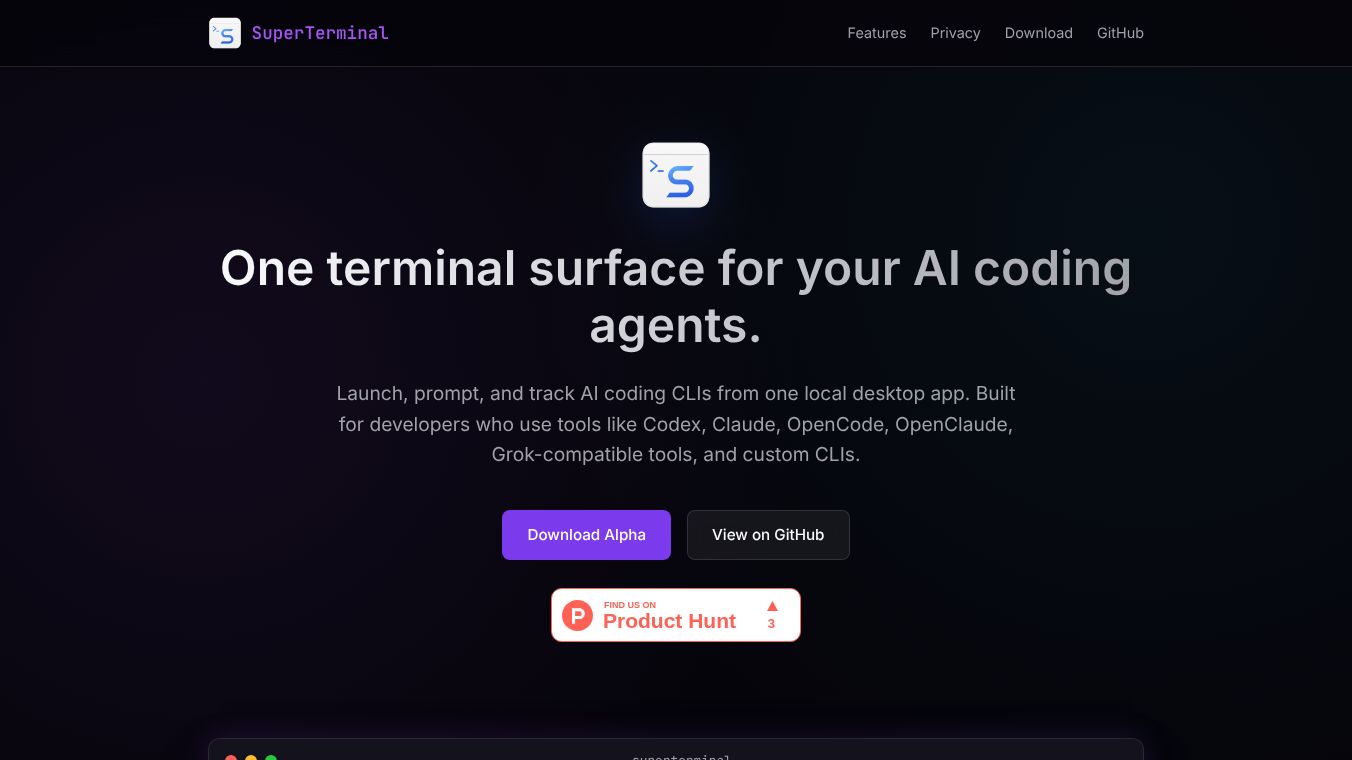





SuperTerminal is a web-based terminal emulator designed to bring the power of a desktop command line into a browser. It allows users to run Linux commands directly from their web browser without needing to install any software. This tool is built by a developer named ZemuLax and is hosted on GitHub. It aims to provide a fast and lightweight way to interact with the Linux operating system using standard text commands.
Benefits
SuperTerminal offers several key advantages for users who need to run Linux commands quickly. First, it eliminates the need to install heavy desktop software like GNOME Terminal or Xterm. Users can access the terminal simply by opening a web page. Second, it supports a wide range of common Linux commands, making it useful for testing scripts or running one-off tasks. Third, it runs entirely in the browser, which means it works on any device with a modern web browser, including phones and tablets. This makes it very portable and easy to use from anywhere.
Use Cases
This tool is ideal for developers who want to test code snippets or run small scripts without setting up a full development environment. It is also useful for system administrators who need to check server status or run quick diagnostic commands from a remote location. Students learning Linux can use it to practice typing commands safely without risking their main operating system. Additionally, anyone curious about how Linux commands work can use SuperTerminal to explore the basics of the command line interface in a safe, browser-based environment.
Pricing
SuperTerminal is free to use. It is an open-source project hosted on GitHub, meaning anyone can download and use it without paying any fees.
Vibes
There are no public reviews or testimonials available for SuperTerminal at this time. The project is relatively new and primarily exists on its GitHub repository.
Additional Information
SuperTerminal was created by ZemuLax and is maintained on GitHub. It is an open-source project, which means the source code is available for anyone to view or modify. The project focuses on being lightweight and fast, avoiding the heavy resources often required by traditional terminal emulators. It serves as a simple alternative for running Linux commands in a web environment.
This content is either user submitted or generated using AI technology (including, but not limited to, Google Gemini API, Llama, Grok, and Mistral), based on automated research and analysis of public data sources from search engines like DuckDuckGo, Google Search, and SearXNG, and directly from the tool's own website and with minimal to no human editing/review. THEJO AI is not affiliated with or endorsed by the AI tools or services mentioned. This is provided for informational and reference purposes only, is not an endorsement or official advice, and may contain inaccuracies or biases. Please verify details with original sources.



Comments
Please log in to post a comment.