Sumi
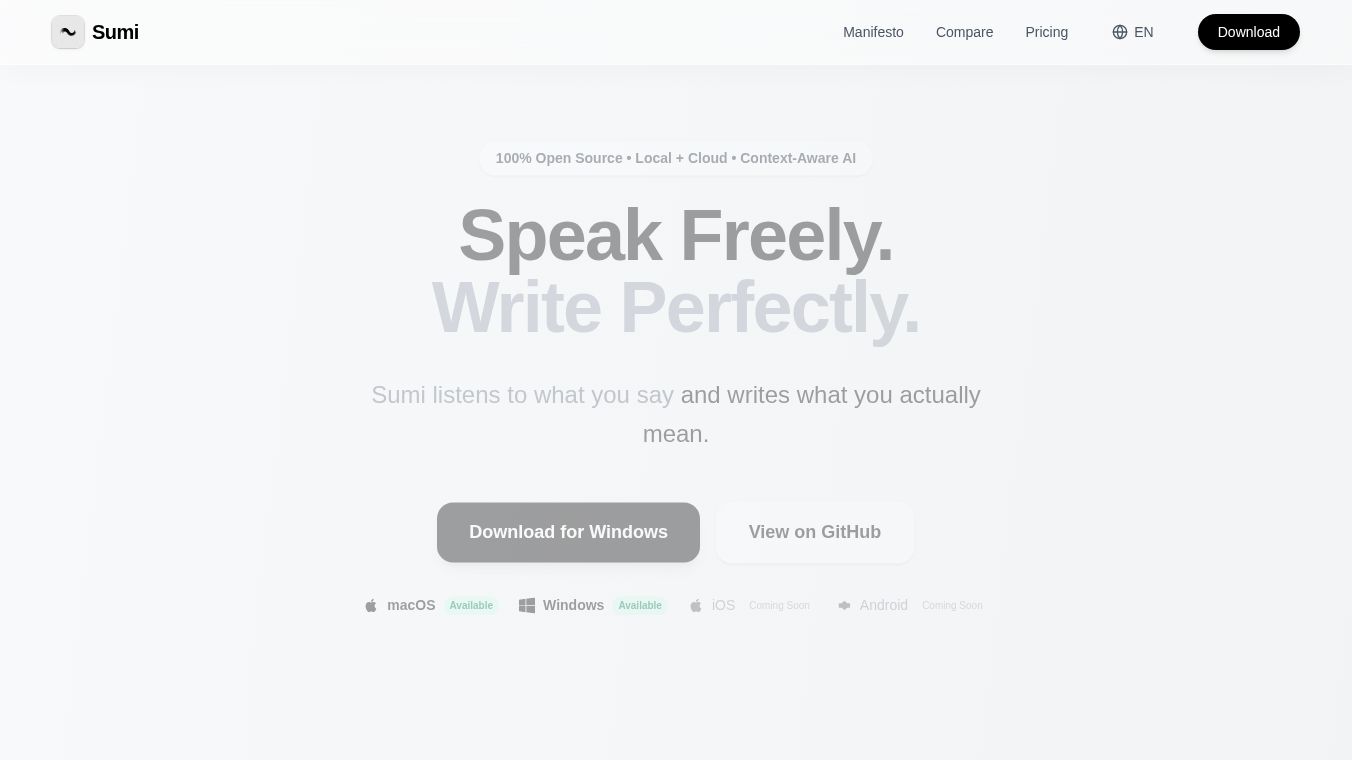





Sumi is an open-source tool that helps you write faster by turning your voice into text. It works on your computer, whether you use macOS or Windows. Instead of typing, you can speak, and Sumi will write it out for you. This is much quicker than typing, as people usually speak at about 150 to 200 words per minute, while typing is closer to 40 to 60 words per minute.
Benefits
Sumi makes writing much easier and faster. It has a simple hotkey that starts recording and writing your words. The tool is smart and understands the context of where you are writing. This means it can adjust the tone and style of your writing to fit different apps, like making an email sound professional or a Slack message more casual. It can even help you write emails by just speaking naturally. Sumi can also record meetings and save the notes automatically. It helps you talk to AI agents directly in your terminal, saving you from switching between different programs. You can also edit text using your voice, like asking it to translate something or change how formal it sounds. Sumi supports over 100 languages and can switch between them easily. You can choose to process your voice and text on your computer for privacy, or use cloud services for faster results. Some AI features can even run on your device using local models for better privacy.
Use Cases
Sumi can be used in almost any application where you can type text. This includes popular apps like Slack, Gmail, VS Code, Notion, Chrome, Safari, Discord, Figma, and Microsoft Teams. It's useful for professionals who need to write emails or messages quickly, developers who want to comment on code, or anyone who wants to take notes during meetings or lectures. It can also help you interact with AI tools more easily.
Pricing
Sumi is available for free. Its main features, like unlimited voice recognition, support for over 100 languages, local and cloud AI writing help, tone adjustment, and offline use, are all free. The software is open-source, meaning the community can help improve it.
Vibes
People who have used Sumi like how much time it saves. They appreciate its focus on privacy, especially when using the local AI features. Many find it significantly reduces the time they spend typing and drafting content for work or school.
Additional Information
Sumi requires macOS 13 or newer with Apple Silicon (or an Intel Mac with 8GB RAM) or Windows 10 (64-bit) with a compatible CPU or NVIDIA graphics card for faster processing. The software is open-source under the GPLv3 license.
This content is either user submitted or generated using AI technology (including, but not limited to, Google Gemini API, Llama, Grok, and Mistral), based on automated research and analysis of public data sources from search engines like DuckDuckGo, Google Search, and SearXNG, and directly from the tool's own website and with minimal to no human editing/review. THEJO AI is not affiliated with or endorsed by the AI tools or services mentioned. This is provided for informational and reference purposes only, is not an endorsement or official advice, and may contain inaccuracies or biases. Please verify details with original sources.



 No Info


Comments
Please log in to post a comment.