SubAnimate
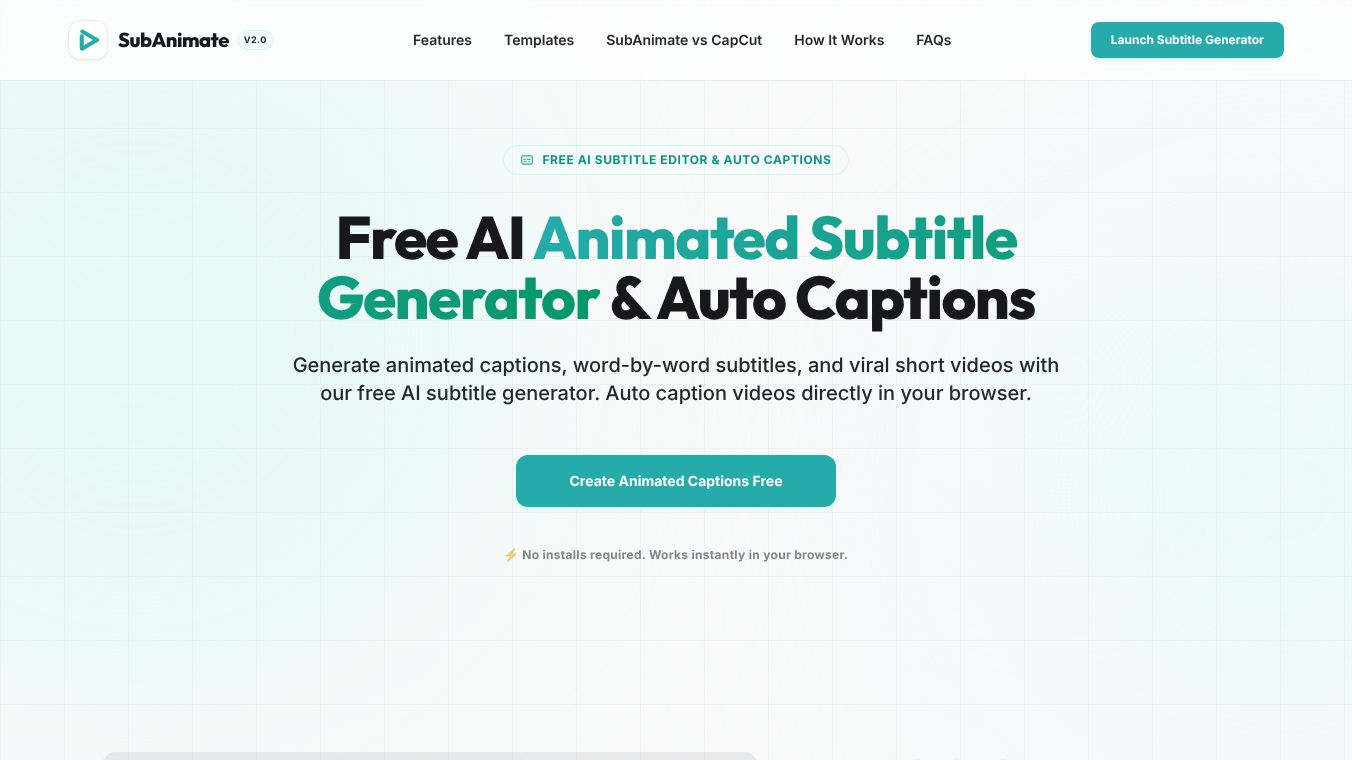





SubAnimate: The Free AI Animated Subtitle Generator for Short-Form Creators
In the fast-paced world of social media, grabbing attention in the first few seconds is crucial. Platforms like TikTok, Instagram Reels, and YouTube Shorts favor content that keeps viewers watching. SubAnimate is a free tool built with artificial intelligence that helps creators make dynamic, animated subtitles directly in their web browser. It is designed to help users create viral short videos without needing to install any special software.
Benefits
SubAnimate offers several key advantages that set it apart from other video editing tools. First, it runs entirely on your local computer using advanced browser technology. This means your video files never leave your device, ensuring complete privacy. You can also work offline without needing an internet connection. Second, the tool is incredibly fast. A typical 15-second video can be rendered in under five seconds on a standard laptop. Third, it provides a wide variety of animation styles. Users can choose from presets like the popular Hormozi style, MrBeast style, or Cyberpunk themes to make their captions stand out. Finally, it is completely free to use for basic needs. The free plan includes 800 subtitle line credits every single day, which is enough for many creators to make multiple videos without paying a cent.
Use Cases
SubAnimate is perfect for anyone creating short-form content for social media. It is ideal for TikTok creators who want to use bold, neon-style subtitles to go viral. YouTubers making Shorts can use high-retention captions to stop people from scrolling past their videos. Instagram Reels creators can use the tool to generate captions that fit safely within the screen boundaries. Podcasters can use it to add word-by-word highlights to their clips for better clarity. It also works well for interviews, educational videos, gaming clips, and motivational content. The tool supports various video formats like MP4, WebM, and MOV, making it easy to upload raw footage and turn it into a polished final product ready for posting.
Pricing
SubAnimate has a generous free plan that costs nothing. Users get 800 subtitle line credits refreshed daily. One credit is used for every line of text added to a video. This allows casual creators to produce many short videos every day without any cost. For users who need more advanced features, there is a Creator Pro plan. This paid tier allows users to upload custom font files in TTF, OTF, and WOFF formats. This option is for creators who want a unique brand look with specific typography that is not available in the standard presets.
Vibes
The community response to SubAnimate has been very positive, especially among creators looking for privacy and cost savings. Users appreciate that their data stays on their own machines and is not uploaded to a cloud server. Many creators compare it favorably to popular apps like CapCut, noting that SubAnimate offers unlimited word-by-word animation styles for free while those apps often lock such features behind a paywall. The ability to work offline and avoid watermarks on the free plan has made it a favorite for those who value control over their content. Reviews highlight the speed of the rendering engine and the ease of use for beginners who want professional-looking results quickly.
Additional Information
SubAnimate was developed to address the growing need for privacy-focused editing tools in the age of cloud-based services. It leverages WebGPU and WebAssembly technologies to run complex rendering tasks directly in the browser. This technical approach allows it to compete with larger platforms that rely on server processing. The tool is compatible with major browsers including Google Chrome, Mozilla Firefox, Microsoft Edge, and Apple Safari. It works on both desktop computers and mobile devices running iOS and Android. By focusing on local rendering, the developers have created a solution that prioritizes user data security while delivering high-performance video editing capabilities.
This content is either user submitted or generated using AI technology (including, but not limited to, Google Gemini API, Llama, Grok, and Mistral), based on automated research and analysis of public data sources from search engines like DuckDuckGo, Google Search, and SearXNG, and directly from the tool's own website and with minimal to no human editing/review. THEJO AI is not affiliated with or endorsed by the AI tools or services mentioned. This is provided for informational and reference purposes only, is not an endorsement or official advice, and may contain inaccuracies or biases. Please verify details with original sources.



 No Info
Comments
Please log in to post a comment.