StepShot
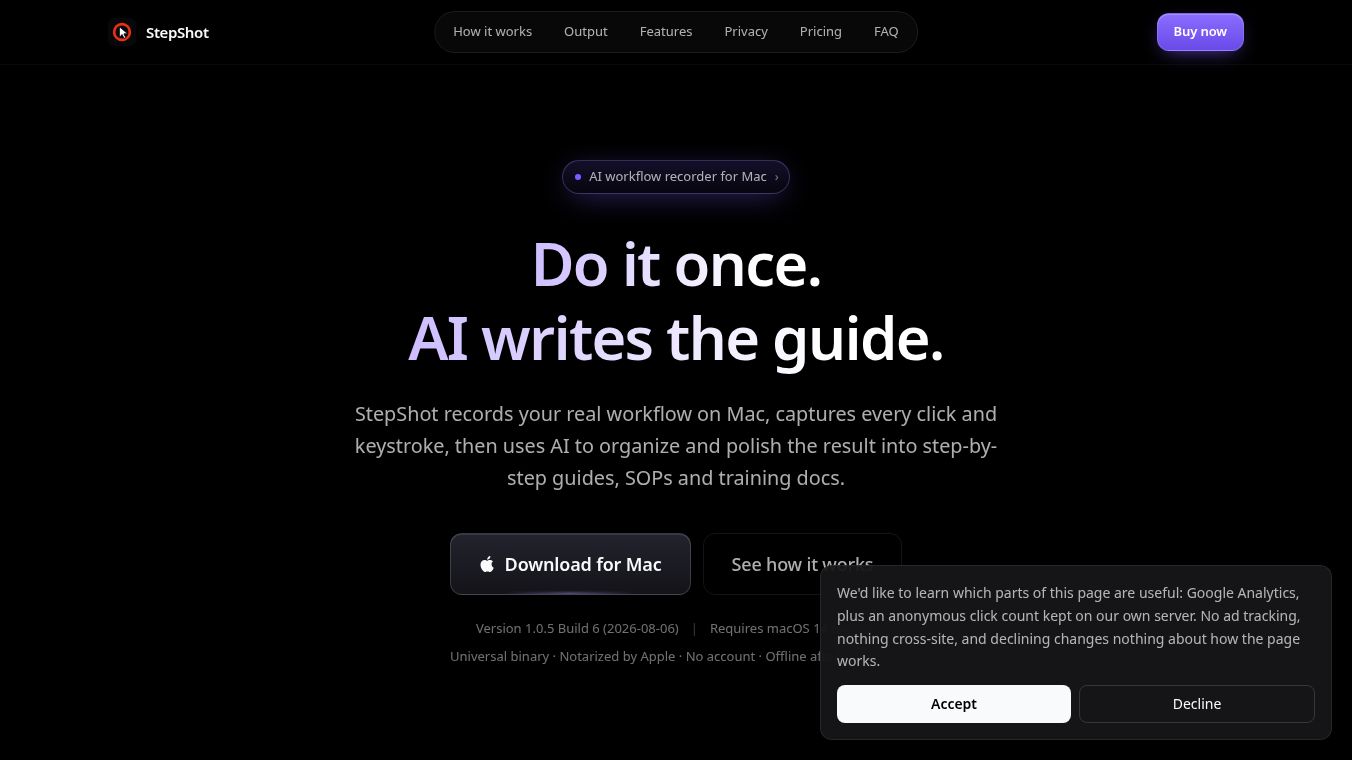





StepShot: One-Click Professional Guides and SOPs
Introduction
StepShot is a screen recording and document creation tool designed specifically for macOS users. It helps people turn their real computer actions into clear, professional step-by-step guides or Standard Operating Procedures (SOPs). Instead of manually taking screenshots and writing descriptions, users simply perform the task they want to document. StepShot uses smart technology to watch the screen, identify clicks and inputs, and organize the steps automatically. The result is a polished guide ready for export in just a few minutes.
Benefits
StepShot saves a lot of time and effort. Creating a manual guide usually takes about 42 minutes because of the work needed for screenshots, editing, and formatting. With StepShot, the same task takes only about 4 minutes. The tool captures real user actions on a Mac and automatically identifies every click and input. It also ensures privacy because all processing happens locally on the user's computer. No data is uploaded to the cloud, and passwords are protected with special safeguards that prevent them from being saved or seen by the software.
The tool supports multiple output formats, including PDF, Markdown, and HTML. Users can add their own logo and brand colors to make the documents look professional. It also features smart cropping to keep the focus on the important parts of the screen and typing animations to make instructions easier to follow.
Use Cases
StepShot is perfect for anyone who needs to teach others how to do something on a computer. It is ideal for creating internal company procedures like reporting or approval workflows. Customer support teams can use it to build a knowledge base with clear, image-rich answers that save time. Project managers can deliver client documents that include the company logo and theme colors directly from the tool. It is also great for training new employees, as they can record the necessary steps once and update only the changed parts later.
Pricing
StepShot offers two main versions. The free version allows users to record and edit steps without limit but restricts exports to the first 10 steps. It does not include PDF export or branding features. The professional version removes the step limit and adds support for PDF export and branding options like logos and theme colors. The trial period for the professional version does not have a countdown timer, meaning users can keep using the features even after the trial ends.
Vibes
Users appreciate the speed and ease of use. The tool is praised for turning a complex process into a simple one-click action. Many users value the privacy features, especially the ability to record sensitive tasks without uploading data. The local processing ensures that no screen content leaves the user's device. The smart cropping and typing animations are also highlighted as features that make the final guides look polished and professional.
Additional Information
StepShot is currently available for macOS 14 and later, supporting both Apple Silicon and Intel chips. A Windows version is in development. The project has a focus on quality, with a team that tests every release to ensure high accuracy in step recognition. If a recording crashes mid-way, the tool automatically saves the draft so users can continue editing later without losing their work.
This content is either user submitted or generated using AI technology (including, but not limited to, Google Gemini API, Llama, Grok, and Mistral), based on automated research and analysis of public data sources from search engines like DuckDuckGo, Google Search, and SearXNG, and directly from the tool's own website and with minimal to no human editing/review. THEJO AI is not affiliated with or endorsed by the AI tools or services mentioned. This is provided for informational and reference purposes only, is not an endorsement or official advice, and may contain inaccuracies or biases. Please verify details with original sources.





Comments
Please log in to post a comment.