SoloScan





SoloScan: Private AI Document Analysis Running Locally
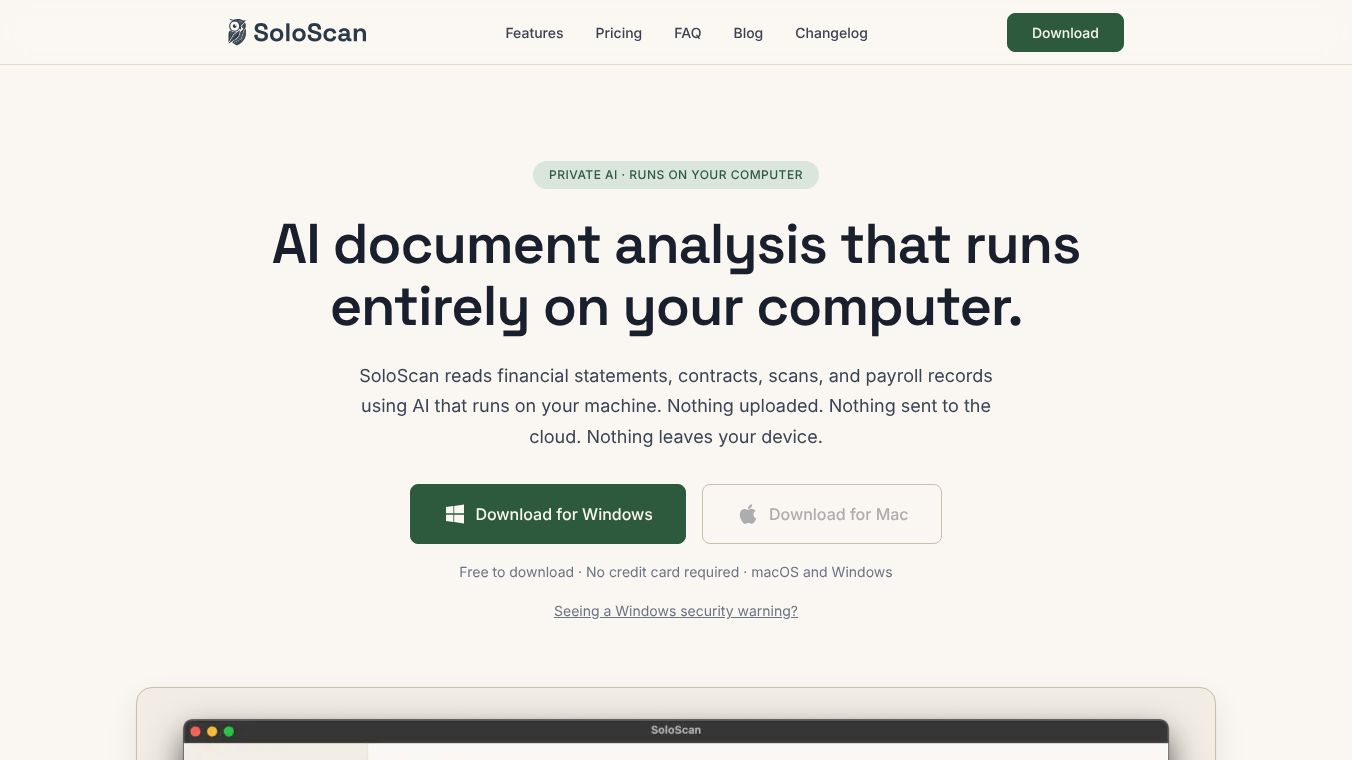
SoloScan is a specialized software tool designed for professionals who need to analyze documents without worrying about data privacy. Unlike many other AI tools that send files to the cloud, SoloScan runs entirely on your computer. This means your financial statements, contracts, and other sensitive files never leave your device. It was built by Impavia AB, a Swedish software company, with a strong focus on keeping client information safe and following legal rules.
Benefits
SoloScan offers several important advantages for users who handle confidential information.
- Complete Data Privacy:The tool follows a strict no-cloud rule. All processing happens on your machine, so there is no risk of your data being uploaded to the internet or stored on remote servers.
- No Accounts Needed:You do not need to create an email account or sign in. Authentication is handled simply with a license key.
- No Tracking:The software does not collect any information about which documents you analyze or what questions you ask. This ensures your usage remains completely private.
- Legal Protection:Because the vendor never sees your data, legal requests like subpoenas cannot be used to access your files. This protects client confidentiality.
- Smart Document Handling:The tool automatically converts scanned images into text using OCR technology. It then extracts key details like dates, names, and obligations into clean lists instead of showing you a wall of text.
- Multi-Language Support:SoloScan understands English, Swedish, German, French, Spanish, and Arabic. It can also handle documents that mix different scripts or numbers.
- Offline Capability:Once installed, the software works fully without an internet connection. It only needs online access occasionally to check the license validity and can stay functional for up to three days without a connection.
Use Cases
SoloScan is built for professionals who cannot risk uploading confidential data to third-party servers.
- Accountants:They can match invoices against quarterly reports and cross-check confidential client data without exposing files to the cloud.
- Auditors:Auditors can review annual reports, payroll ledgers, and bank statements for unusual transactions while keeping their files secure.
- Lawyers:Lawyers can flag important clauses like termination terms or rent increases in long leases before meeting with clients.
- Psychologists:They can summarize handwritten case notes into clean intake documents while maintaining strict privacy standards.
- Consultants:Consultants can extract key proposals and risks from confidential strategy decks to help their teams make better decisions.
- Researchers:Researchers can analyze interview transcripts under strict protocols that prohibit cloud processing to ensure data safety.
Pricing (ONLY include if available)
SoloScan offers a tiered pricing structure with no credit card required for the initial trial.
Free Plan:This plan costs $0 forever. It allows you to analyze the first 1,000 characters of any document. You can upload an unlimited number of documents, and it runs entirely on your computer. This version includes the text model only and comes with email support.
Solo Plan:This plan costs $39 per month or $349 per year. It provides full document analysis with no character limits. You get unlimited document analyses and access to the Vision model for scans and photos. This plan includes free updates, new features, and priority email support. The license is tied to one computer at a time.
Team Plan:This plan costs $29 per seat per month or $290 per seat per year. It is designed for firms with three or more people. Each person gets one license key that activates on one computer. Billing is centralized through Stripe with one invoice for the whole firm. Self-service seat management is available, and a minimum of three seats is required.
Vibes (ONLY include if available)
Additional Information (ONLY include if available)
SoloScan is code-signed by Impavia AB, which means the software has been verified by Apple and Microsoft for security. Users on Windows might see a SmartScreen warning for newly released apps. To install the software, they can click More info and then Run anyway. The software is available for download on both macOS and Windows. Subscriptions can be managed anytime via the Stripe Customer Portal, allowing users to cancel, update payments, or adjust seat counts for Team plans. The tool supports macOS 10.15 and later, Windows 10 and later, and requires 16 GB of RAM for best performance on Apple Silicon or modern 64-bit machines.
This content is either user submitted or generated using AI technology (including, but not limited to, Google Gemini API, Llama, Grok, and Mistral), based on automated research and analysis of public data sources from search engines like DuckDuckGo, Google Search, and SearXNG, and directly from the tool's own website and with minimal to no human editing/review. THEJO AI is not affiliated with or endorsed by the AI tools or services mentioned. This is provided for informational and reference purposes only, is not an endorsement or official advice, and may contain inaccuracies or biases. Please verify details with original sources.




Comments
Please log in to post a comment.