Snapcapture AI — AI Debugging Copilot
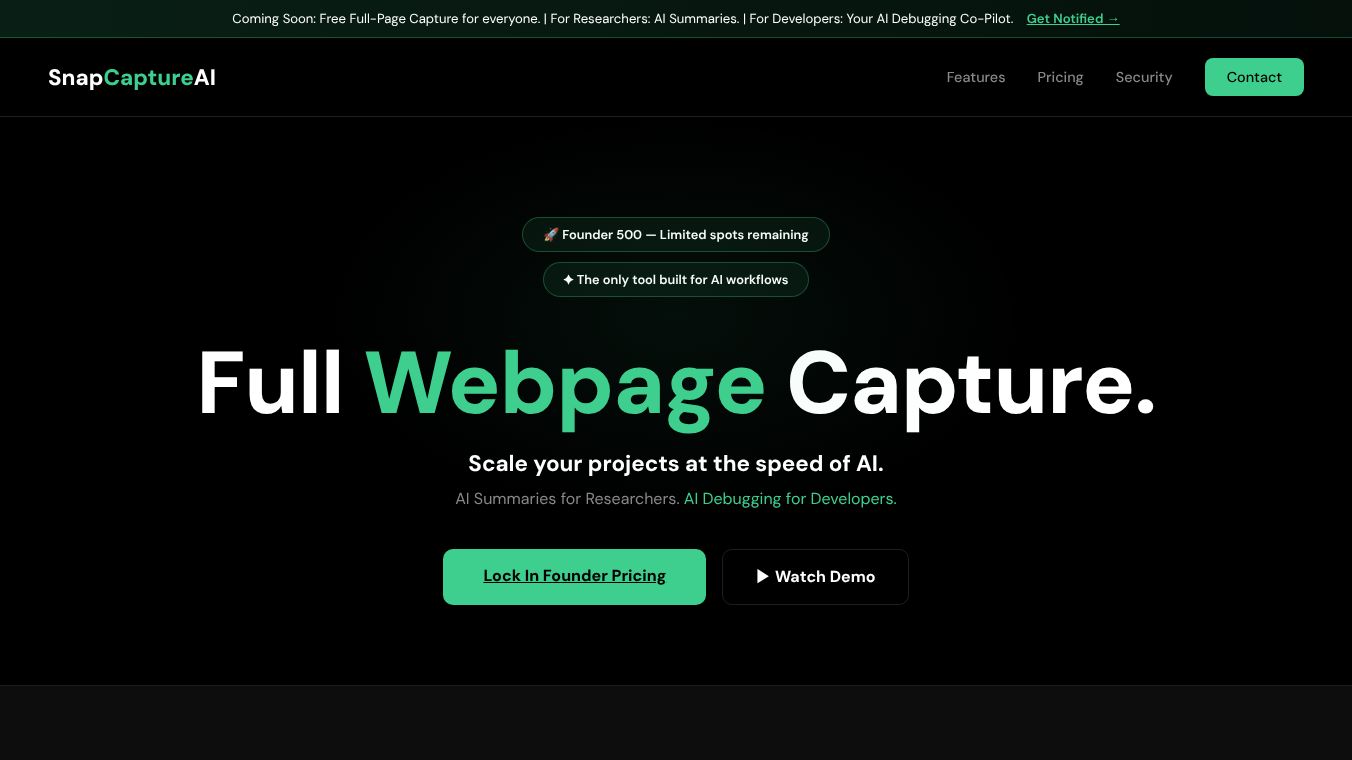





Snapcapture AI: AI Debugging Copilot
Snapcapture AI is a smart tool that helps people find and fix problems on websites. Instead of spending hours looking at code or using complex tools, this software uses artificial intelligence to spot errors quickly. It works on both computers and mobile devices to show exactly what is wrong with a webpage and how to make it work again.
Benefits
- Fast Problem Solving:It finds broken websites in seconds instead of hours. This saves a lot of time for anyone trying to fix a site.
- Easy to Use:You do not need to use special tools like Inspect Element. The software does the work for you automatically.
- Clear Explanations:It gives over 1,000 characters of detailed text that explains exactly what is broken and how to fix it.
- Works Offline:The tool runs completely on your computer. It does not send your data to the cloud, which keeps your privacy safe.
- No Setup Needed:You can start using it right away without needing to create an account or enter an API key.
- Two Ways to Use It:Developers can get code fixes ready for their software editors. Regular users can get a picture of the page with a simple summary of the problem.
Use Cases
- Website Maintenance:Site owners can use this to check if their pages are loading correctly after updates or changes.
- Mobile App Testing:Developers can test how their apps look on different phones and get instant reports on visual errors.
- Quick Diagnostics:Anyone with a broken link or a weird looking webpage can use this to understand the issue without deep technical knowledge.
- Design Verification:Designers can capture a full page and get an AI summary to ensure the layout matches their expectations.
Pricing
Snapcapture AI offers different plans to fit different needs.
- Free Plan:Developers can use this for free with unlimited summaries.
- Consumer Plan:Costs $3.99 per month and allows up to 100 summaries each month.
- Developer Plan:Costs $2.99 per month and provides unlimited summaries.
Vibes
Users appreciate how quickly the tool finds errors without needing complex setup. The ability to get detailed explanations without using an API key makes it very accessible. Many people like that it works locally on their device, which means they do not have to worry about their data being sent to the internet.
Additional Information
The project has raised $2 in investment to support its development and growth.
This content is either user submitted or generated using AI technology (including, but not limited to, Google Gemini API, Llama, Grok, and Mistral), based on automated research and analysis of public data sources from search engines like DuckDuckGo, Google Search, and SearXNG, and directly from the tool's own website and with minimal to no human editing/review. THEJO AI is not affiliated with or endorsed by the AI tools or services mentioned. This is provided for informational and reference purposes only, is not an endorsement or official advice, and may contain inaccuracies or biases. Please verify details with original sources.

 No Info


Comments
Please log in to post a comment.