SlidesCockpit
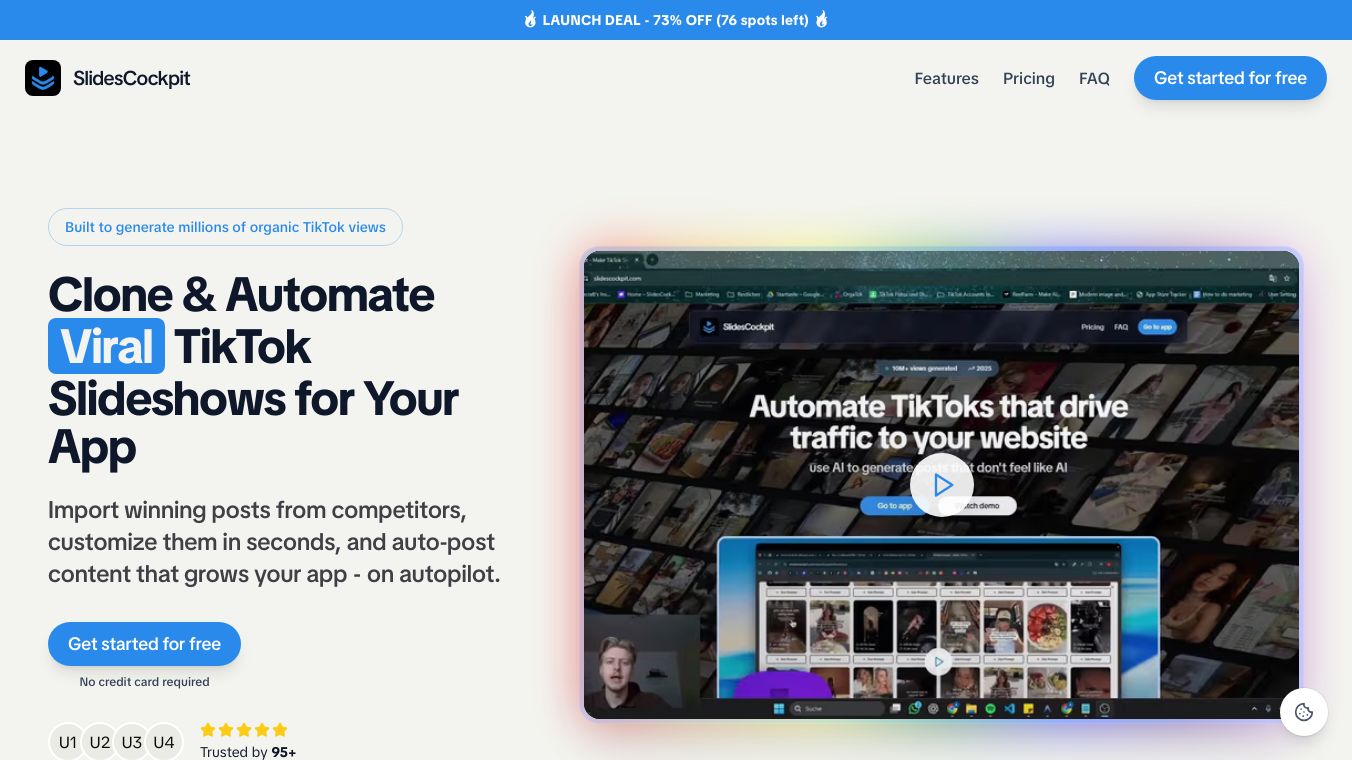





SlidesCockpit is a tool that helps you create and manage presentations. It is designed to make your slideshows more impactful and easier to handle. SlidesCockpit offers features that allow you to organize your content, add multimedia elements, and customize your slides. It is available as a Chrome extension, which means you can use it right from your web browser.
Benefits
SlidesCockpit makes it easy to create professional presentations. You can organize your content, add videos, images, and other multimedia elements, and customize your slides to fit your needs. The tool is reliable and efficient, trusted by many users for its performance. Since it is a Chrome extension, you can use it conveniently alongside your preferred web browser.
Use Cases
SlidesCockpit is useful for anyone who needs to create presentations. This includes students, teachers, business professionals, and anyone else who wants to make their slideshows more engaging. You can use it for school projects, business meetings, training sessions, and more. The tool helps you deliver your message effectively, whether you are presenting to a small group or a large audience.
Additional Information
SlidesCockpit is available as a Chrome extension, making it easy to access and use. For more information, you can visit the official website or check out the Chrome Web Store listing. The tool is trusted by many users for its reliability and efficiency in creating professional presentations.
This content is either user submitted or generated using AI technology (including, but not limited to, Google Gemini API, Llama, Grok, and Mistral), based on automated research and analysis of public data sources from search engines like DuckDuckGo, Google Search, and SearXNG, and directly from the tool's own website and with minimal to no human editing/review. THEJO AI is not affiliated with or endorsed by the AI tools or services mentioned. This is provided for informational and reference purposes only, is not an endorsement or official advice, and may contain inaccuracies or biases. Please verify details with original sources.
 No Info

Comments
Please log in to post a comment.