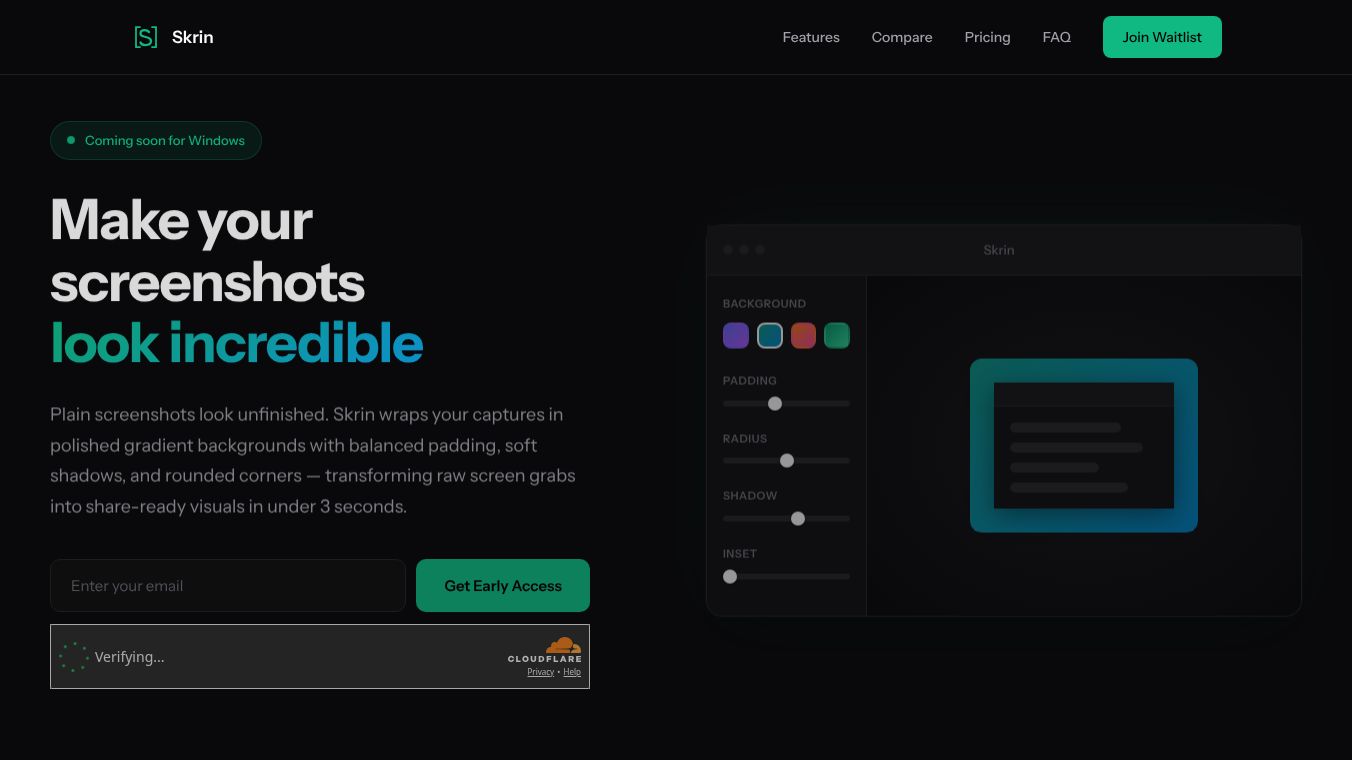





Skrin is a specialized tool for Windows computers that turns simple screenshots into professional images. It adds nice touches like gradient backgrounds, soft shadows, and rounded corners to make your screen captures look polished and ready to share. The program works as a single file that does not need installation or an internet connection. It is built to help users create high-quality visuals quickly without complex settings.
Benefits
Skrin offers several advantages for anyone who takes screenshots. It captures images with pixel-perfect accuracy using a magnifier that shows a grid and live coordinates. The tool automatically detects windows and removes unwanted shadows or artifacts. An AI feature called Smart Auto-Balance analyzes the image to choose the best padding, corner radius, and shadow depth instantly. Users can also create custom gradients with unlimited colors and save them for later use. The software includes one-click presets for over fifteen social media platforms to ensure the right size and style for each site. Finally, it allows users to copy images to the clipboard immediately or save them as PNG, JPEG, or WebP files.
Use Cases
This tool is perfect for professionals who share screenshots daily. Developers use it to create clear visuals for documentation and pull requests. Marketers and social media managers apply it to make posts for threads and ads look attractive. Product managers use it for app store listings and presentations to stakeholders. Designers rely on it to create portfolio mockups for sites like Dribbble. Writers and bloggers use it to illustrate tutorials and newsletters. Quality assurance teams and support staff use it to document bugs and create easy-to-follow guides for users.
Pricing
Skrin uses a one-time payment model with no monthly subscriptions. Early bird users who join the waitlist first can purchase a lifetime license for ten dollars. The standard launch price is twenty-three dollars for a lifetime license. Both options include all features, future updates, and support.
Vibes
Users appreciate Skrin for its simplicity and speed. It is praised for transforming raw images into professional assets in under three seconds. The tool is favored because it runs silently in the system tray and allows capture from any application without switching windows. Many users like the ability to customize gradients and the inclusion of specific social media presets that handle dimensions automatically. It is seen as a streamlined alternative to more complex tools that focus on capture workflows rather than aesthetics.
Additional Information
Skrin is built using WPF and .NET 8 technology. It functions as a standalone executable file that requires no additional runtime installation or administrator rights. It supports Windows 10 and Windows 11 on 64-bit systems. The software is designed to be a direct alternative to macOS tools like CleanShot X but is specifically optimized for the Windows ecosystem. It distinguishes itself by focusing solely on aesthetic enhancement rather than complex capture workflows.
This content is either user submitted or generated using AI technology (including, but not limited to, Google Gemini API, Llama, Grok, and Mistral), based on automated research and analysis of public data sources from search engines like DuckDuckGo, Google Search, and SearXNG, and directly from the tool's own website and with minimal to no human editing/review. THEJO AI is not affiliated with or endorsed by the AI tools or services mentioned. This is provided for informational and reference purposes only, is not an endorsement or official advice, and may contain inaccuracies or biases. Please verify details with original sources.




Comments
Please log in to post a comment.