Skill Viewer
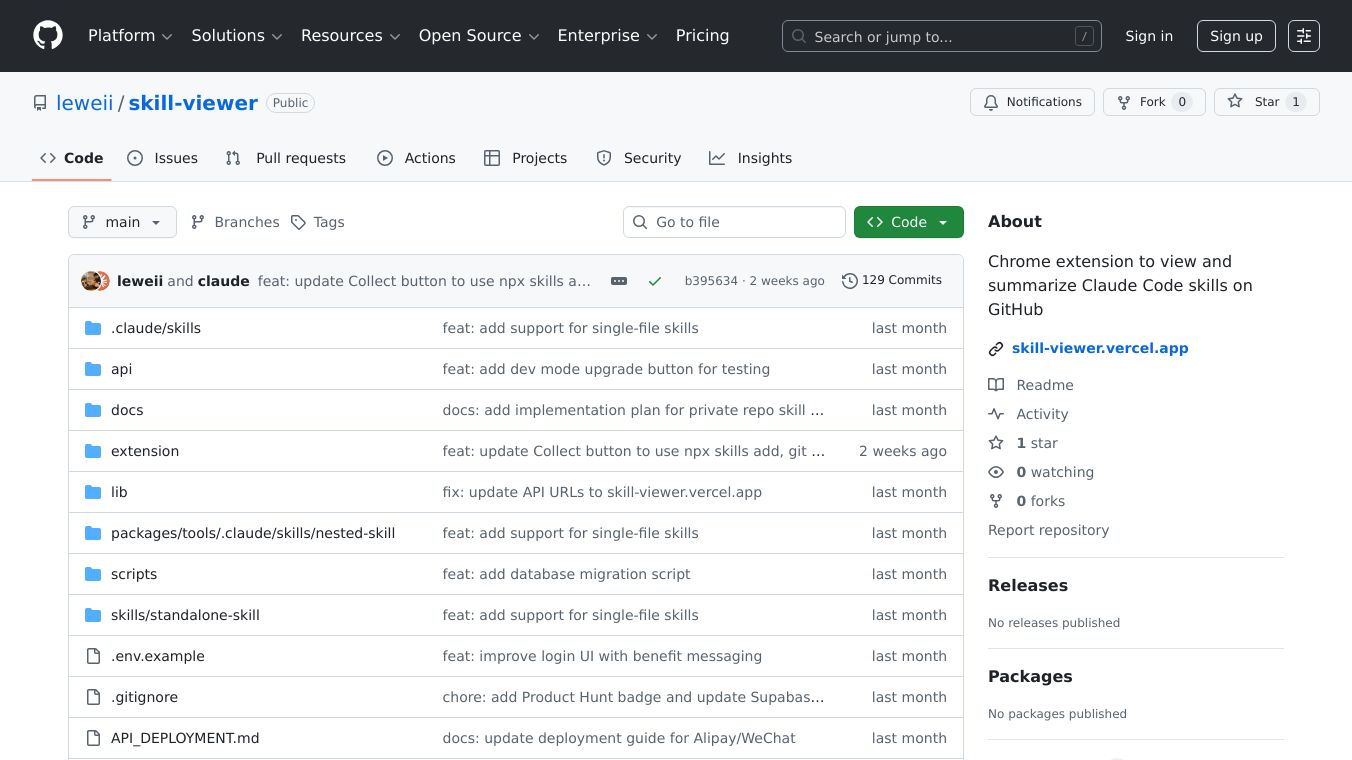





Skill Viewer is a helpful tool that works as a Chrome extension. It automatically finds and summarizes special code skills within GitHub projects. These skills are usually found in specific folders within a project. Skill Viewer reads these skills and gives you a short summary, about two or three sentences long, created by AI.
Benefits
Skill Viewer makes it easier to understand code skills quickly. It supports different AI services like Gemini, OpenAI, and Claude. It also has its own service that provides summaries without needing you to set up your own AI account. If you prefer, you can use your own AI account details. The summaries and the tool itself can be used in eight different languages. It has a handy sidebar that you can move and resize, and it works well with GitHub's website, even in dark mode. You can even set it to automatically show the summaries when it finds them.
Use Cases
This extension is useful for anyone working with GitHub repositories that use Claude Code skills. Developers can use it to quickly get an idea of what different code skills do without having to read through all the code themselves. It helps in understanding projects faster and deciding which parts are most relevant.
Pricing
Skill Viewer offers a free plan that allows for 5 summaries each day. There is also a Pro plan available for a one-time payment of $9.99, which gives you 50 summaries per day. Summaries are saved for 7 days, and using a saved summary does not use up your daily limit.
Vibes
Users can log in using their GitHub or Google accounts to use the cloud service. While the extension aims to protect privacy by storing settings locally and not tracking browsing, it does send skill content to its servers for summarization when its cloud service is used. It also tracks anonymous usage data for popular skills.
Additional Information
The project is available under the MIT license, meaning it is open for others to use and build upon. It is planned to be released on the Chrome Web Store soon. Users can currently install it manually by enabling developer mode in Chrome and loading the extension files.
This content is either user submitted or generated using AI technology (including, but not limited to, Google Gemini API, Llama, Grok, and Mistral), based on automated research and analysis of public data sources from search engines like DuckDuckGo, Google Search, and SearXNG, and directly from the tool's own website and with minimal to no human editing/review. THEJO AI is not affiliated with or endorsed by the AI tools or services mentioned. This is provided for informational and reference purposes only, is not an endorsement or official advice, and may contain inaccuracies or biases. Please verify details with original sources.
Comments
Please log in to post a comment.