Septum
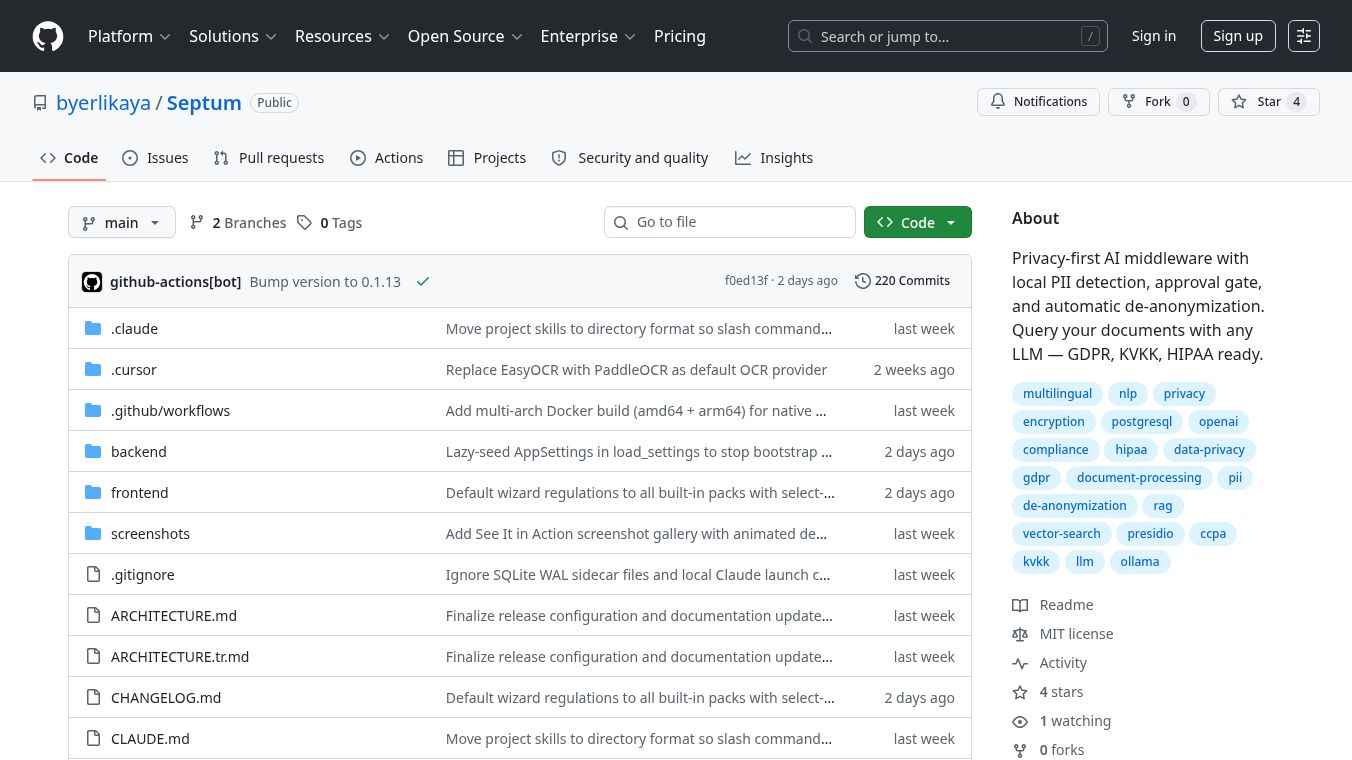





Septum is a tool designed to keep your company's private information safe when you use powerful AI programs like ChatGPT or Claude. It acts like a security guard for your data. When you use Septum, it checks your documents and questions for personal details. It then hides this information locally on your computer before sending anything to the cloud. This means your sensitive company data stays protected even when you ask questions about important files.
To use Septum, you can upload documents such as PDFs, Word files, Excel spreadsheets, pictures, or audio recordings. You can then type your questions in a chat window. Septum will find and hide all personal data in both the files and your questions. It replaces this data with temporary labels. Only this hidden information is sent to the AI. When the AI answers, Septum puts the original information back locally. This gives you a clear answer without sending your private details to the internet.
Septum is helpful for developers who create AI applications using customer data. It's also for teams that need to follow privacy rules like GDPR or HIPAA. Companies that want to use AI with their own internal documents can also benefit. Plus, those who want to host their systems themselves for full control can use Septum.
Septum helps solve several problems. It lets you safely ask questions about sensitive company documents like contracts or employee files. It helps you follow privacy laws by hiding data before it goes online. It can also act as a smart assistant for your company's information, making it easy to search and find answers within your documents.
Key features of Septum include:
- Local Personal Data Protection:It finds and hides personal information in documents and chats right on your device before sending anything. Your documents are stored securely with encryption. An 'Approval Gate' lets you check what data will be sent to the AI before it goes.
- Support for Many Rules:It comes with 17 sets of rules for different privacy laws like GDPR and CCPA, helping you meet requirements in various regions.
- Approval Gate:This feature shows you exactly what hidden information will be sent to the AI. You can then approve or deny it.
- Custom Rules:You can create your own rules to find specific information using patterns or keywords.
- Works with Many File Types:It can handle PDFs, Office files, spreadsheets, images (by reading text from them), and audio (by converting it to text).
- Smart Search:It uses different methods to find information quickly, combining keyword searches with meaning-based searches.
- Extracts Structured Data:It can automatically find tables and important details in PDFs.
- Audit Trail:It keeps a secure log of all actions, showing what data was found but not the raw personal details.
- Works with Different AI Providers:Septum can connect with various AI services like Anthropic, OpenAI, OpenRouter, and local AI models.
- User and Access Control:It includes features for managing users and controlling who can see or edit what.
Septum uses a detailed process to find personal data locally. This process includes checking for patterns, understanding language, and using AI to find information based on context. This helps make sure it finds most personal data without hiding too much normal information. Tests show that this method is very accurate.
While no system can find every single piece of personal data perfectly, Septum's 'Approval Gate' is a vital safety feature. It allows you to review and approve all information before it is sent to the AI. The system can identify many types of personal data, and tests show it works well in different languages and tricky situations. The system's tests show that unusual formats can sometimes make it harder to detect data, which is why the Approval Gate is so important.
Setting up Septum is quick and easy, often taking less than two minutes using a setup wizard. You can configure it to work with your preferred database, AI provider, and privacy rules. The 'Approval Gate' interface clearly shows you the masked information, the documents found, and the final message before it's sent to the AI. You can see highlighted information in document previews and a list of detected items. Septum provides a complete system from finding data to hiding it, logging it, and making sure it's compliant.
For developers, Septum offers a simple example of how to upload documents and chat. It handles all the steps of protecting personal data and communicating with the AI. The chat feature provides responses as they are generated, including important details and answer parts. The project is open-source, meaning anyone can use and contribute to it. You can help by starring the project, reporting issues, or telling others about it.
This content is either user submitted or generated using AI technology (including, but not limited to, Google Gemini API, Llama, Grok, and Mistral), based on automated research and analysis of public data sources from search engines like DuckDuckGo, Google Search, and SearXNG, and directly from the tool's own website and with minimal to no human editing/review. THEJO AI is not affiliated with or endorsed by the AI tools or services mentioned. This is provided for informational and reference purposes only, is not an endorsement or official advice, and may contain inaccuracies or biases. Please verify details with original sources.




 No Info
Comments
Please log in to post a comment.