Seedance 2 Pro
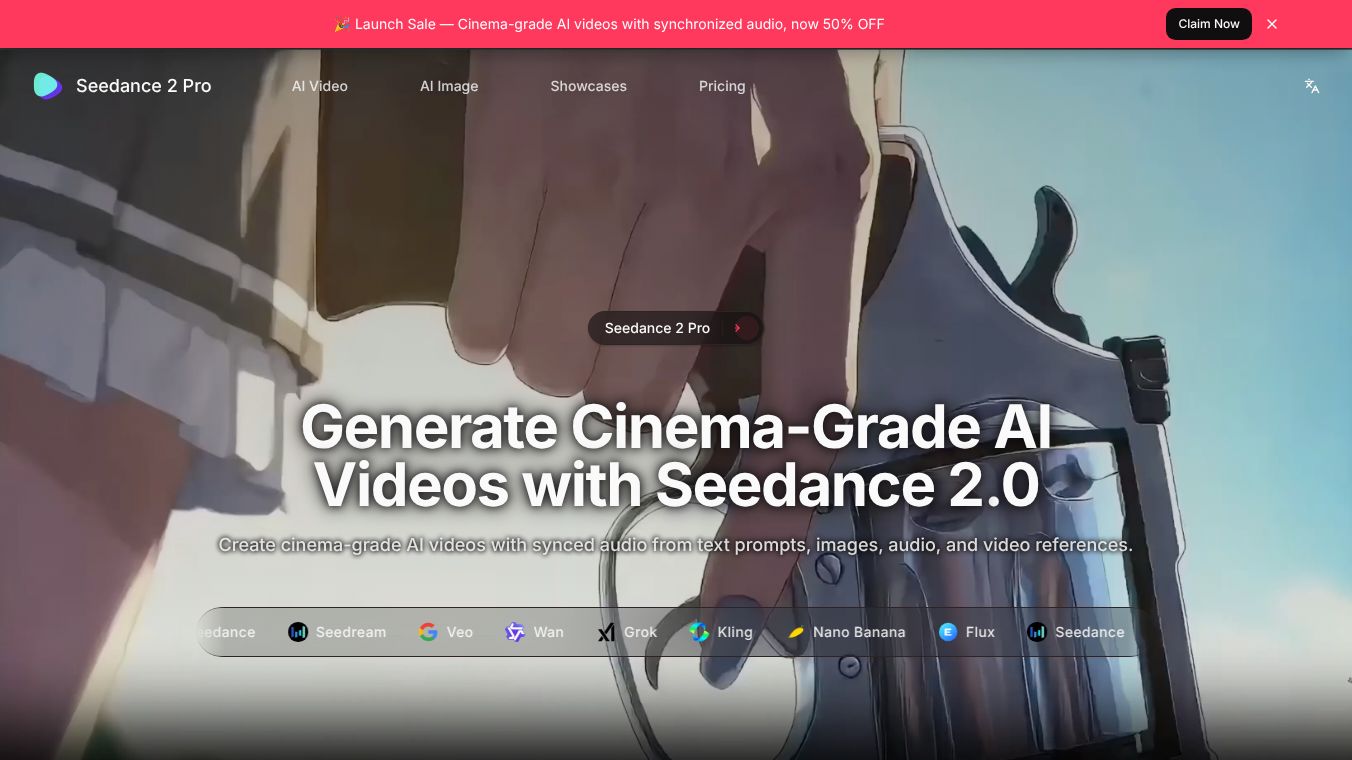





Seedance 2.0 is a powerful AI tool that helps users create professional looking videos. It works by combining different types of media like images, videos, sounds, and text to make cinematic content. Users can guide the AI with simple language to get the exact results they want.
Benefits
Seedance 2.0 gives creators a lot of control over their videos. It allows users to reference and change almost anything in the video. You can mix up to 9 images, 3 short video clips, and 3 audio files with text instructions. This tool is great at keeping faces, clothes, and the overall style consistent throughout the video, so characters don't change unexpectedly. It can also copy the exact camera movements and actions from a reference video. Plus, you can easily make videos longer or edit specific parts while keeping the original content intact. Seedance 2.0 also includes AI generated sound effects and music that fit the video, and you can sync your video to your own music.
Use Cases
This tool is useful for many people and industries. Businesses can use it to make ads, product videos, and marketing content. Educators can create engaging videos for online courses and tutorials. Artists and filmmakers can tell stories through short films and music videos. Social media users can make eye-catching content for platforms like TikTok and Instagram by using trending styles. Dancers and athletes can apply specific movements to different characters. It's also helpful for extending existing videos, merging scenes, and even for architects to create virtual tours of buildings. Music lovers can create videos that sync perfectly with beats.
Pricing (ONLY include if available)
Seedance 2.0 uses a credit system to charge for video generation. The number of credits needed depends on the AI model and video quality. Using video clips as references affects the credit cost based on how long the input and output videos are. For example, creating a 5-second video with a short video reference might cost more credits than creating one without a video reference.
Vibes (ONLY include if available)
Users can create videos by uploading their media files, describing what they want in plain language, and then generating the video. They can then make the video longer, edit it, or improve it further. The videos can be made in lengths from 4 to 15 seconds and come in various shapes and sizes, with quality up to 1080p. All videos created are free of watermarks. Your uploaded files and created videos are kept private and secure, and you own everything you make.
Additional Information (ONLY include if available)
To start creating, users need to sign up, pick a plan, upload their reference materials, and then use natural language prompts to tell the AI what to do.
This content is either user submitted or generated using AI technology (including, but not limited to, Google Gemini API, Llama, Grok, and Mistral), based on automated research and analysis of public data sources from search engines like DuckDuckGo, Google Search, and SearXNG, and directly from the tool's own website and with minimal to no human editing/review. THEJO AI is not affiliated with or endorsed by the AI tools or services mentioned. This is provided for informational and reference purposes only, is not an endorsement or official advice, and may contain inaccuracies or biases. Please verify details with original sources.

Comments
Please log in to post a comment.