SearchWizard—Spotlight For Your Computer
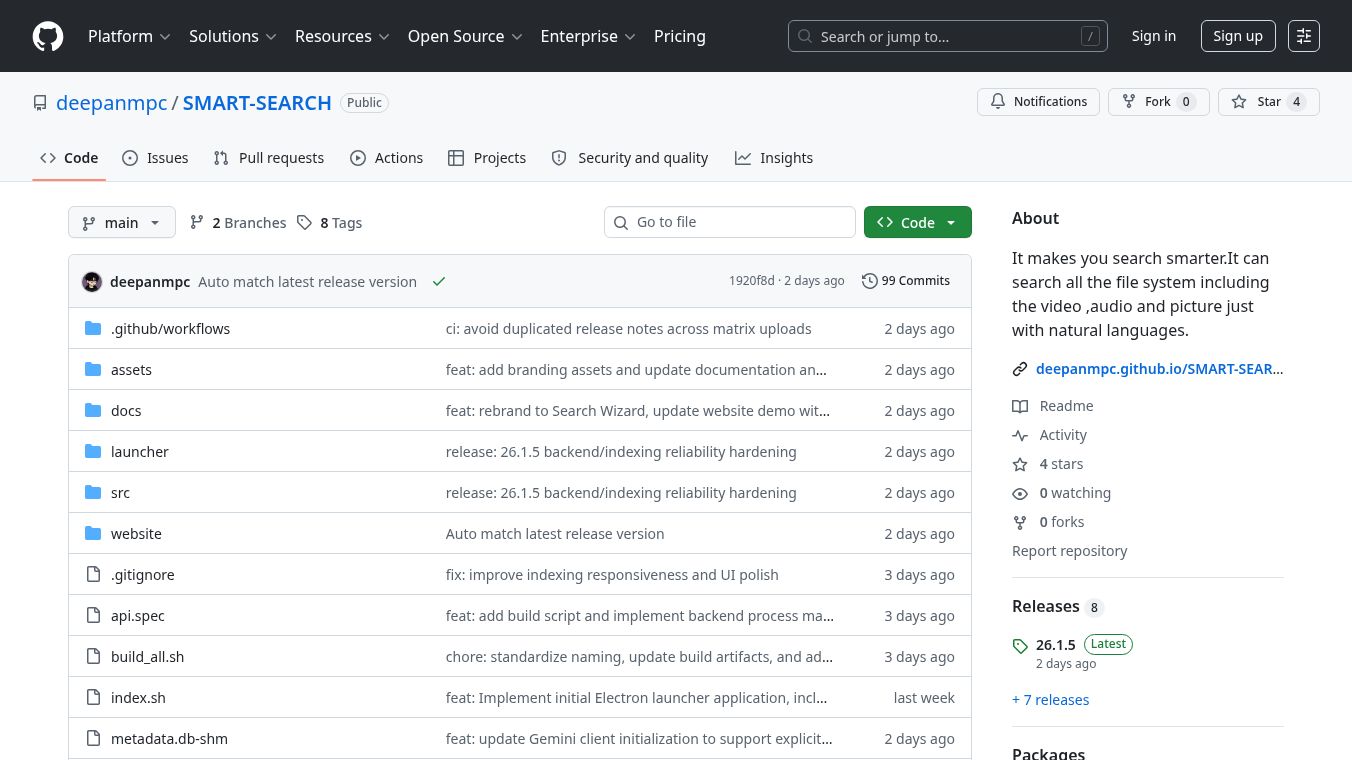





Search Wizard is a tool that acts like a smart search engine for your computer. It helps you find files like pictures, videos, audio recordings, and documents by understanding what you mean, not just by looking at file names. Think of it as giving your computer a brain that understands language.
Benefits
Search Wizard lets you search for things using everyday words. For instance, you can look for "sunset at the beach" and it can find a picture even if the file is just namedIMG_9021.jpg. It can search through different types of files all at once. It's also very fast, opening up in less than 150 milliseconds, similar to how Spotlight works on a Mac. You can see a preview of your files right away, with small images, text parts, and details. It also has a special mode where you can ask questions about your files, like finding out what your meeting notes say about a launch date. Importantly, Search Wizard is designed with privacy in mind. It works entirely on your computer, so your files never leave your machine. You can also control everything using just your keyboard.
Use Cases
This tool is useful for anyone who has many files on their computer and struggles to find them. It's great for people who want to search using natural language instead of trying to remember exact file names. It can be used to quickly locate specific images, videos, audio clips, or documents like PDFs and Word files. The assistant mode is helpful for recalling information from notes or reports. Because it works locally, it's a good option for users who are concerned about privacy and want to keep their data secure.
Pricing
The project is licensed under the MIT License and is free for everyone to use.
Vibes
Users can find a solution for a common issue where macOS users might see a message saying "SEARCH WIZARD is damaged." A specific command can be used in the Terminal to fix this Gatekeeper problem.
Additional Information
Search Wizard was created by Deepan Chandrasekaran, who is an AI Engineer. The project uses technologies like Electron, FastAPI, Google Gemini, FAISS, SQLite, BM25, and Watchdog. It works by automatically organizing your files and using Google Gemini to understand their content, storing this information in a way that allows for quick and meaningful searches.
This content is either user submitted or generated using AI technology (including, but not limited to, Google Gemini API, Llama, Grok, and Mistral), based on automated research and analysis of public data sources from search engines like DuckDuckGo, Google Search, and SearXNG, and directly from the tool's own website and with minimal to no human editing/review. THEJO AI is not affiliated with or endorsed by the AI tools or services mentioned. This is provided for informational and reference purposes only, is not an endorsement or official advice, and may contain inaccuracies or biases. Please verify details with original sources.

 No Info


Comments
Please log in to post a comment.