Screenshot to Code





Screenshot to Code
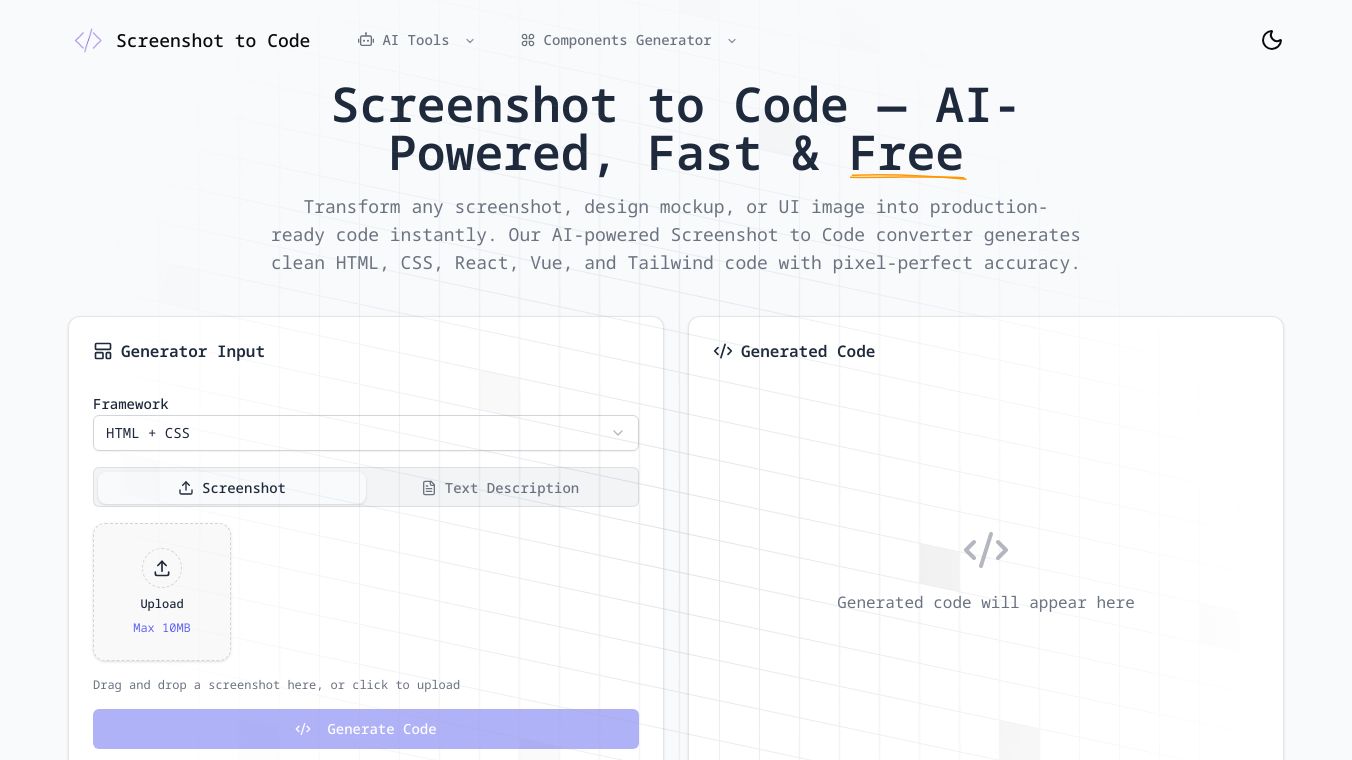
Screenshot to Code is a tool that helps turn screenshots into code. It allows users to upload images of designs or interfaces and generates the corresponding code snippets in various programming languages. This tool is designed to streamline the development process by bridging the gap between visual design and functional code.
Benefits
Screenshot to Code offers several key advantages:
- Efficiency: Quickly convert visual designs into code, saving time and effort.
- Accuracy: Generate precise code snippets that match the design specifications.
- Versatility: Supports multiple programming languages, making it useful for a wide range of projects.
- User-Friendly: Easy to use, even for those with limited coding experience.
Use Cases
This tool is particularly useful for:
- Developers: Speed up the coding process by directly converting design mockups into functional code.
- Designers: Ensure that their designs are accurately translated into code without manual coding.
- Educators: Teach coding concepts by demonstrating how designs can be converted into code.
- Students: Learn coding by seeing how visual designs translate into code snippets.
Additional Information
For more detailed information about Screenshot to Code, users can visit the official website atscreenshottocode.net.
This content is either user submitted or generated using AI technology (including, but not limited to, Google Gemini API, Llama, Grok, and Mistral), based on automated research and analysis of public data sources from search engines like DuckDuckGo, Google Search, and SearXNG, and directly from the tool's own website and with minimal to no human editing/review. THEJO AI is not affiliated with or endorsed by the AI tools or services mentioned. This is provided for informational and reference purposes only, is not an endorsement or official advice, and may contain inaccuracies or biases. Please verify details with original sources.

 No Info


Comments
Please log in to post a comment.